User tips
19
Standby/Off
If the dishwasher has not been used for
10minutes, it can be set to standby or
switched off automatically.
In standby mode, the dishwasher remains
switched on and the Start/Stop button
flashes. The dishwasher can be reactivated
by pressing the Start/Stop button, touching
the display or opening the door.
After automatic switch-off, the dishwasher
is switched off and can be switched on
again by pressing the button.
Display screens
08:15Language
dansk
deutsch
english
(GB)
français
español
hrvatski
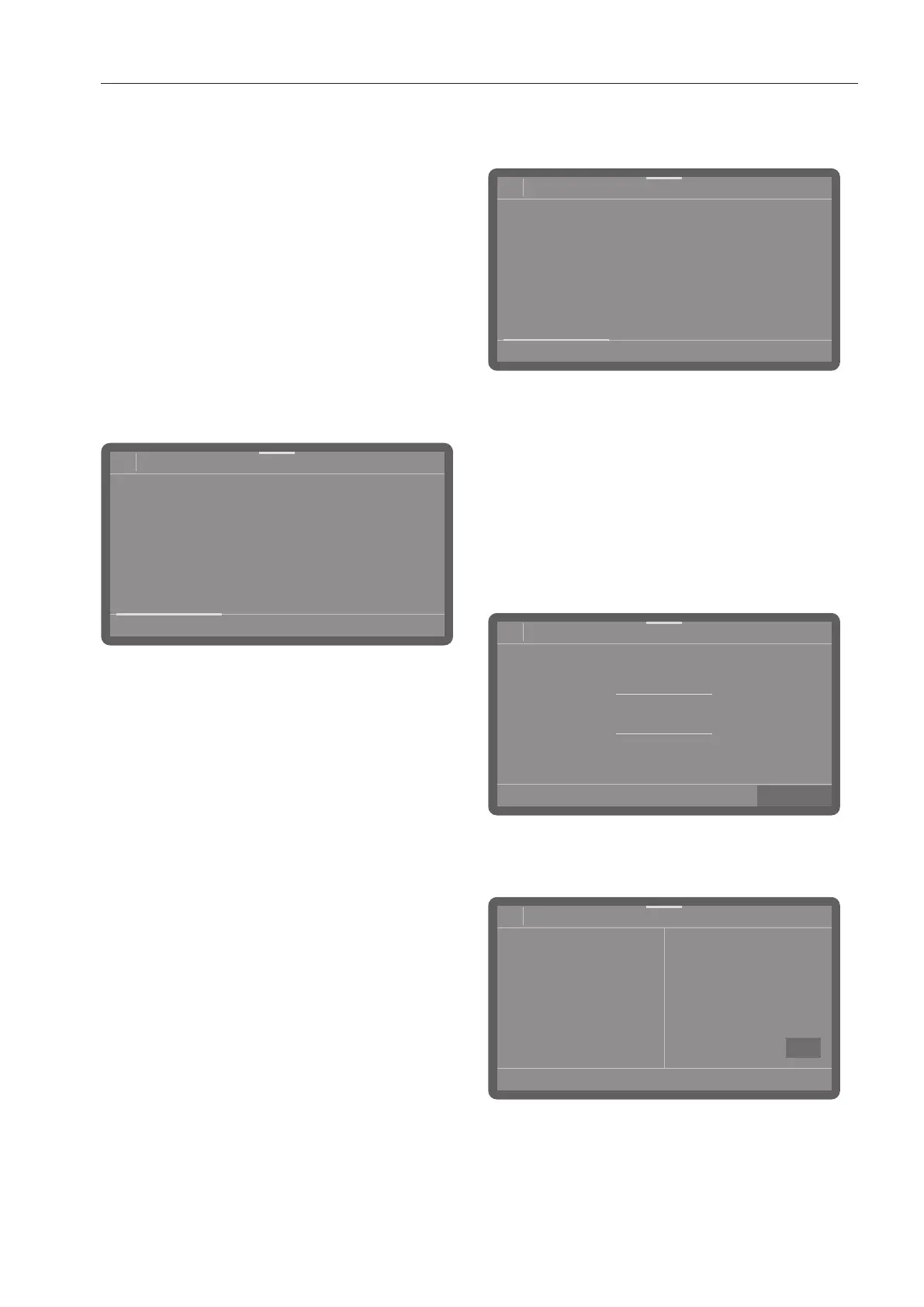
All display screens shown in these operating
instructions are examples, which can be
different from the actual display screens.
Touch display
Selection lists
08:15
Programmes
Short
66°C
0:13 h
Universal
66°C
0:19 h
Intensive
66°C
0:21 h
Super Short
55°C
0:05 h
You can scroll right or left by swiping your
finger across the screen. To do this, place
your finger on the touch display and swipe it
in the direction you want.
The coloured scroll bar shows that there are
further options to choose from.
Setting numerical values
Numerical values can be entered in 2
different ways.
08:15
32
31
30
29
28
Time
10
11
12
13
14
Firstly, you can place a finger on the
numbers highlighted in colour and change
them by swiping up or down.
Secondly, you can call up a numerical
keypad by briefly tapping the numbers
highlighted in colour and then entering the
numbers directly.



 To Next Page