Operation
44
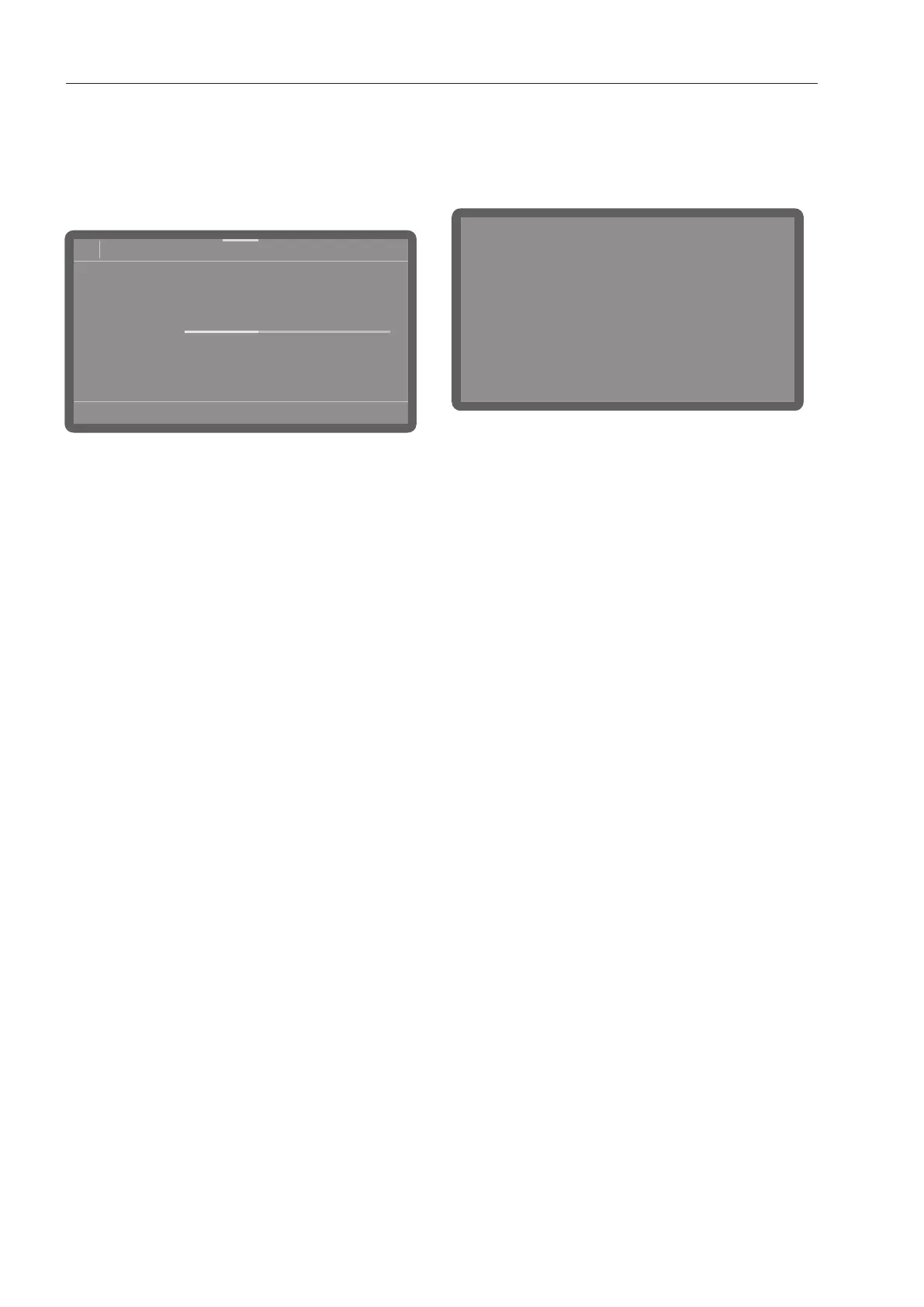
Programme sequence display
Once a programme has started, the display
shows the programme name, the name of
the current wash phase and the time left
until the programme is finished.
08:15
66°C
Universal
Time left
h0:45
Main wash 1
Status
Programme parameters such as the actual
and target temperature can be queried
during a programme sequence.
To do this, tap the coloured bar in the
middle of the upper edge of the display
and swipe downwards.
End of a programme
After a programme has ended normally, the
LED of the Start/Stopbutton will go out and
the following will appear on the display.
Programme completed successfully
In addition to this, a buzzer will sound for
approx. 3seconds (factory default setting).
The buzzer is repeated three times every
30seconds. To change buzzer settings, see
“Volume”.
Tap to acknowledge the display.
If system messages are present, they are
displayed afterwards, e.g. if the salt
container level or the level of the liquid
process chemicals containers was low
during the programme, or when the next
service is due. Every message needs to be
acknowledged individually by pressing OK.
Switching off
Press the button until the display turns
off.
Unloading the crockery
Crockery tends to break and chip more
easily when it is hot. Allow the items to cool
until they are comfortable enough to handle
before unloading them from the dishwasher.
If you open the door fully after switching off,
the crockery will cool much faster.
Unload the lower basket first, and then the
upper basket. This will prevent water drops
from the upper basket from falling onto the
crockery in the lower basket.



 To Next Page