Operation
43
Starting a programme
Press the Start/Stop button (the LED of
the Start/Stop button will light up).
Once it has been started, a programme
can no longer be changed.
You can interrupt (see “Interrupting a
programme”) or cancel (see “Cancelling a
programme”) the programme in progress.
Starting the programme using a timer
The start of a programme can be delayed,
for example, to benefit from economy rates
of electricity at night. You can set a start
time at which the programme should start
(Start at) or a finish time by which the
programme should end at the latest (Finish
at). The times are set based on the set time
of day, see “Time of day”.
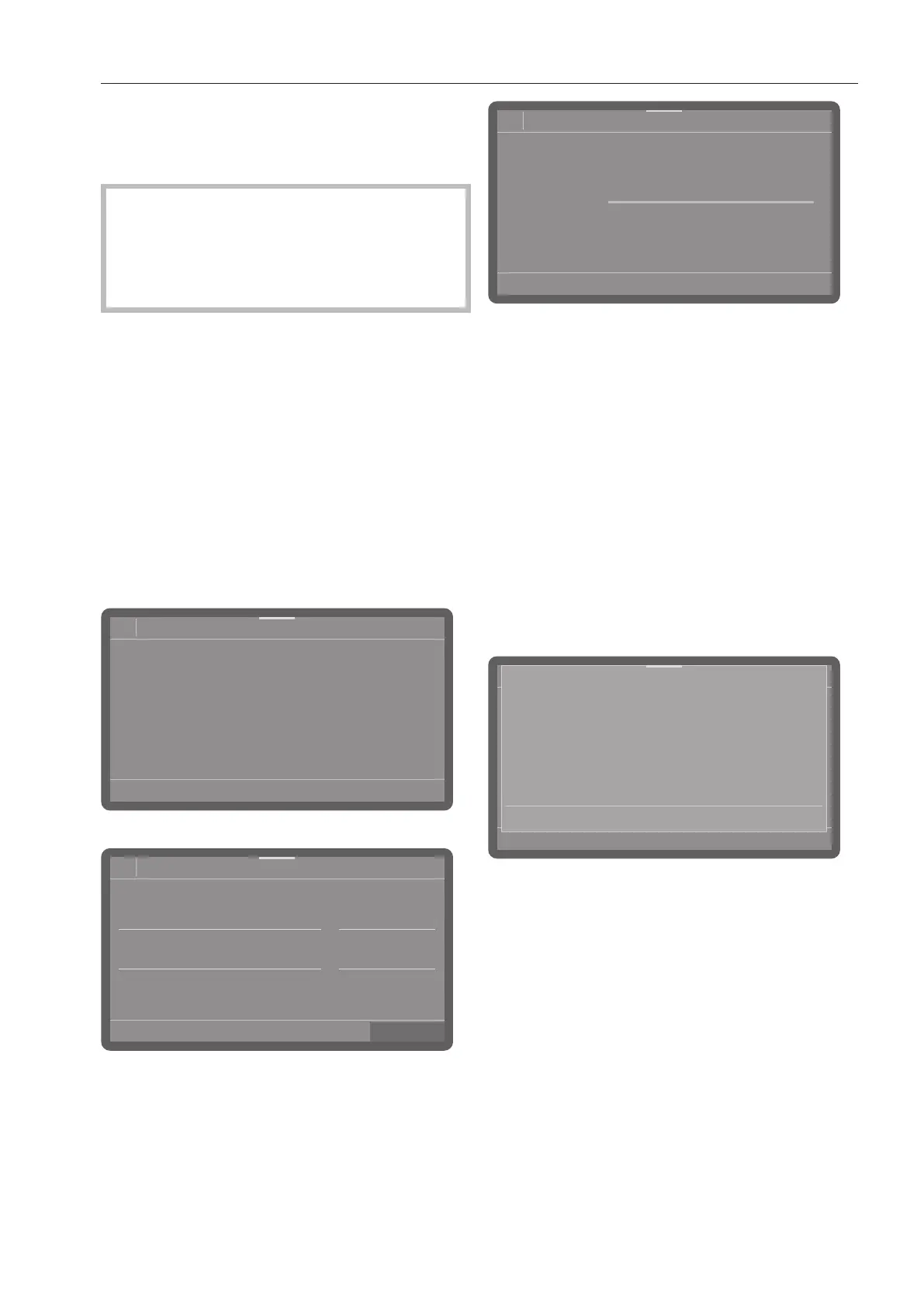
Setting the timer
Select a programme.
08:15
Programme
Universal
66°C
AutoOpen
0:19 h
Timer
Dry+
Tap on Timer to set the timer.
08:15
Finish at
Start at
Timer
14 32
13 31
12 30
11 29
10 28
12:30
Delete
Then select the start (Start at) or finish
time (Finish at).
Set the time.
Confirm your entries with the OK button.
08:15
Status
Universal
66°C
0:19 h
Start at
Timer
12:30
Extras
This activates the timer.
Selecting Delete allows you to delete the
entries and deactivate the timer.
You can add or switch off functions such as
AutoOpen or Dry+ for the next programme
via Extras (depending on the model).
Changing the timer
If you want to change the time set for the
timer, tap on Timer and enter the start
or finish time.
Deleting the timer
Press the Start/Stopbutton.
Cancel programme?
Delete Start
You will then be asked whether you want to
start the programme immediately (Start) or
whether you want to delete the timer
settings (Delete).
Alternatively, you can tap Timer again in
the programme
view and delete the timer via the settings
that follow.



 To Next Page