Further settings
70
Reactivation notification
In order to plan wash phases more
effectively, you can have the remaining
number of wash cycles before the next
reactivation displayed as a notification.
When the set number of cycles before the
next reactivation has been reached, a
notification is displayed after each
completed programme.
You can set the number of cycles from 0–20
cycles; at 0, no notification is displayed.
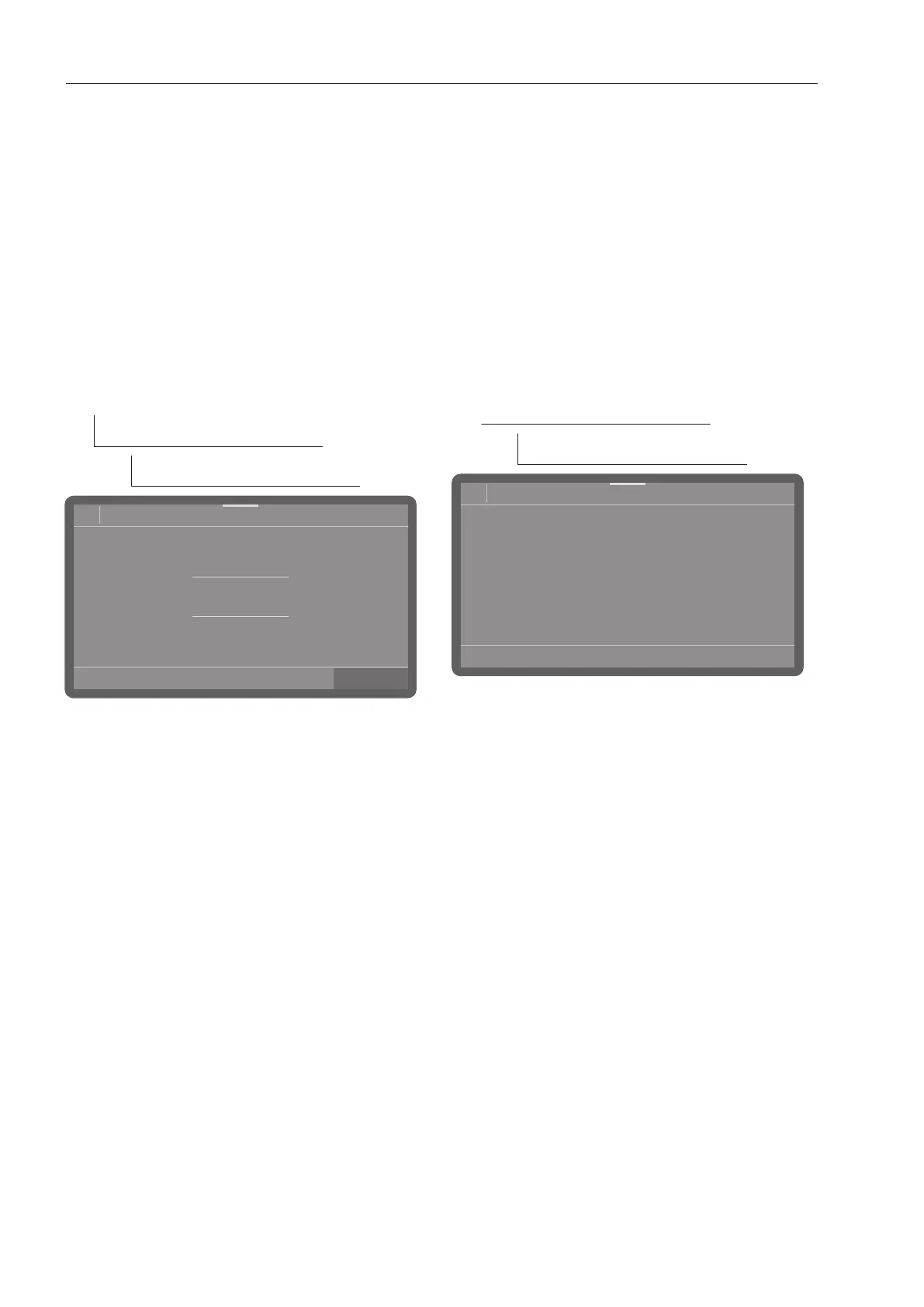
The menu is saved under the following input
path.
Extended settings
Cycles bef. reactivation
08:15
3
2
1
0
20
Cycles bef. reactivation
Set the number of cycles.
Press OK to save the setting.
Memory
If you are always using the same
programme in a continuous sequence, you
can use the memory function. This
automatically suggests the most recently
selected programme so that you can start
the programme immediately after loading.
The programme selection screen is
therefore not displayed, but it is still
available.
The menu is saved under the following input
path.
Extended settings
Memory
- On
The most recently selected programme is
pre-selected before the next programme
starts.
- Off
The programmes need to be selected via
the programme selection screen.
Select an option.



 To Next Page