Commissioning
22
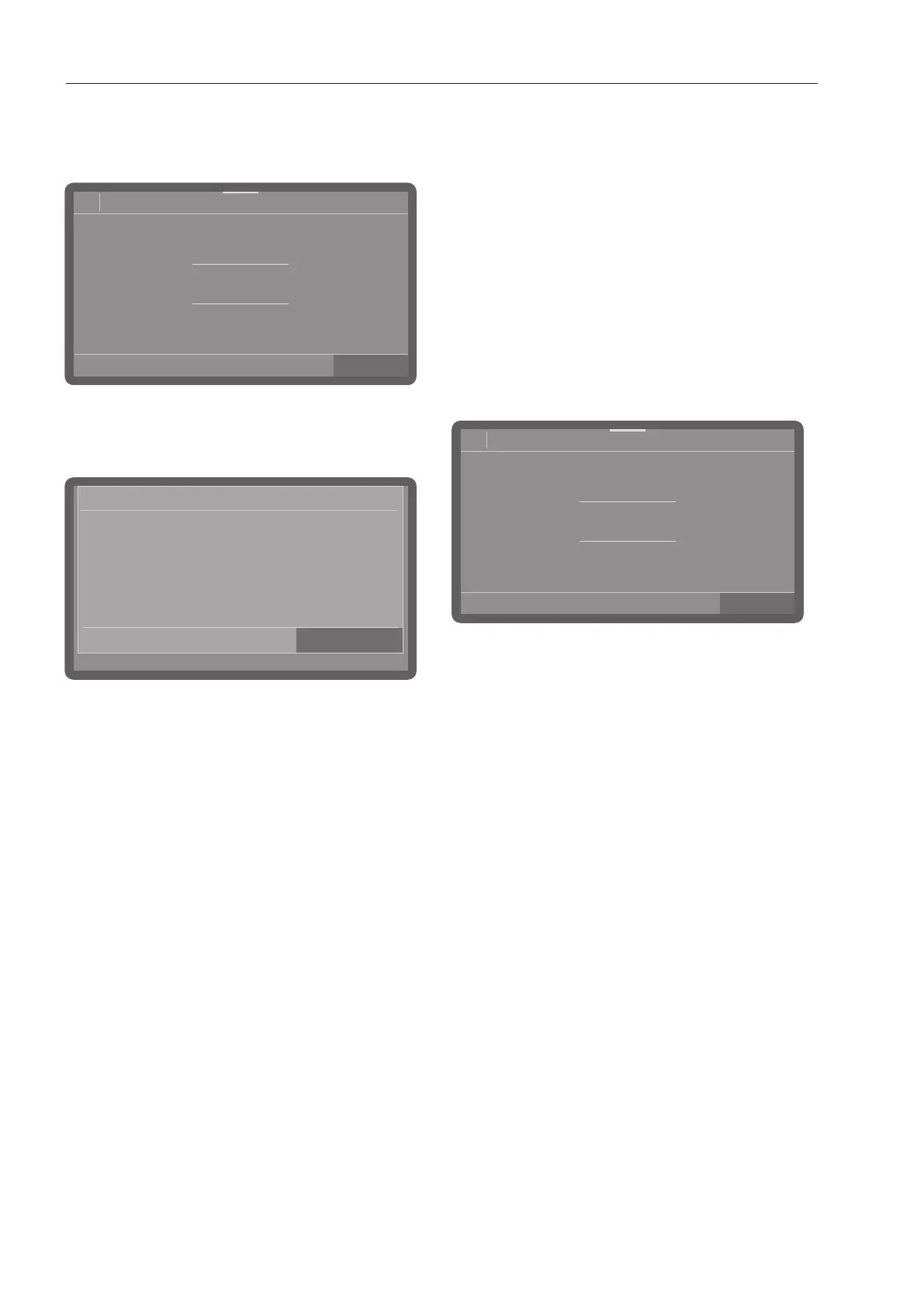
Setting the time of day
The time of day is set in the set time of day
format.
08:15
32
31
30
29
28
Time
10
11
12
13
14
Set the time of day and confirm your
selection with the OKbutton.
Setting the temperature units
08:15
Temperature unit
°C
°F
- °C
Temperature display in Celsius.
- °F
Temperature display in Fahrenheit.
Select the temperature unit you want and
confirm your selection with the OKbutton.
Setting the water hardness
Your local water authority can give you
information about the exact water hardness
in your area.
With varying water hardness, always set the
highest level. If the water hardness
fluctuates between, for instance, 1.4 and
3.1mmol/l (8 and 17°dH), the water
hardness must be set to 3.1mmol/l
(17°dH).
The water hardness setting values can be
found in the chart in “Filling the salt
container”.
08:15
16
15
14
13
12
Water hardness
°dH
Set the water hardness.
Press OK to save the setting.
In the event of a fault, it will help the service
technician if you know the hardness of your
local water supply. Document the water
hardness in “Filling the salt container”.



 To Next Page