Operation
42
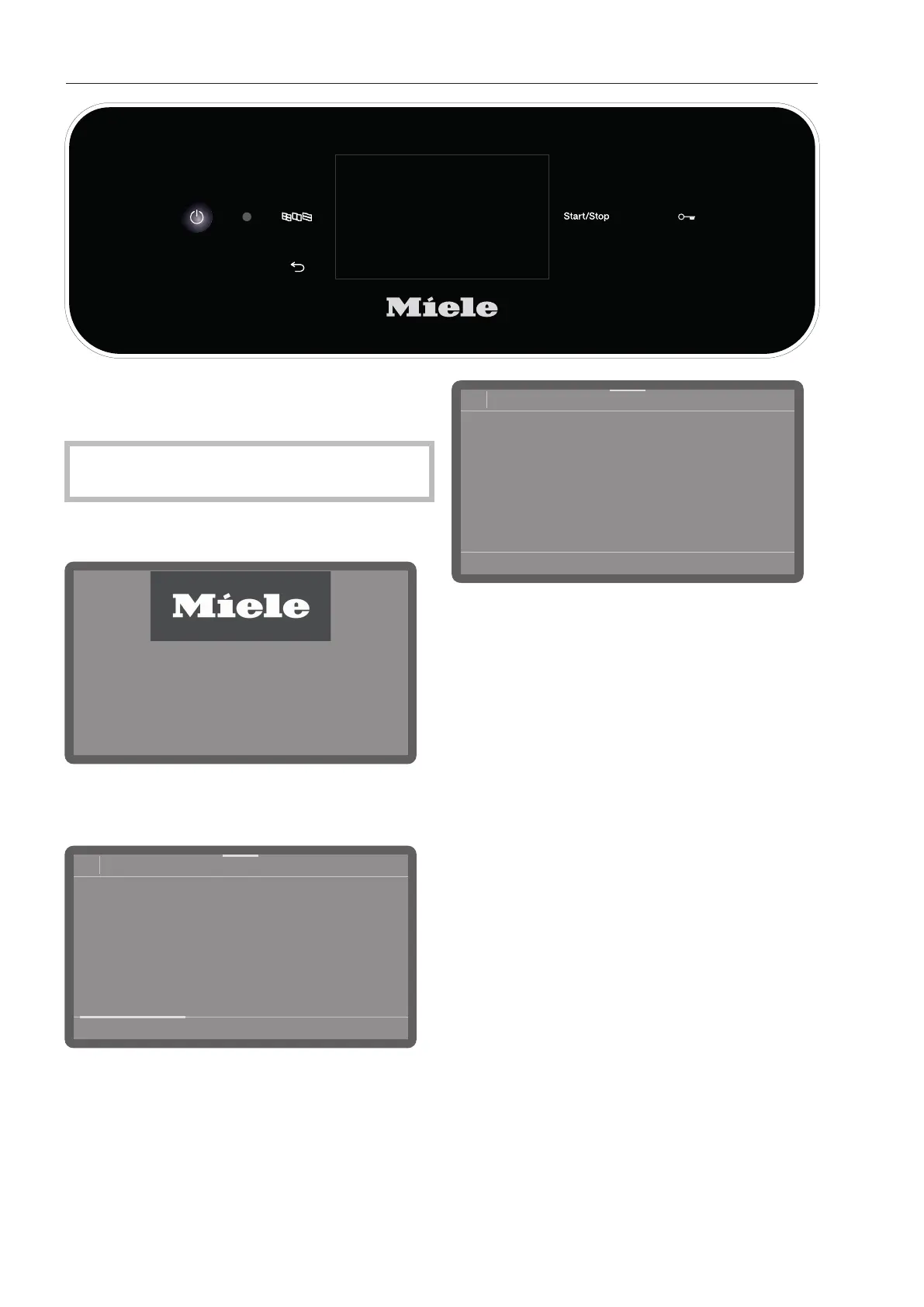
Switching on
Open the stopcock if it is closed.
The dishwasher needs to be connected to
the electricity supply.
Press and hold the button until the
following appears on the display:
As soon as the dishwasher is ready for
operation, the display message changes to
show the programme selection screen, e.g.:
08:15
Programmes
Short
66°C
0:13 h
Universal
66°C
0:19 h
Intensive
66°C
0:21 h
Super Short
55°C
0:05 h
If the Memory function is activated, the most
recently started programme is displayed,
e.g.:
08:15
Programme
Universal
66°C
AutoOpen
0:19 h
Timer
Dry+
Selecting a programme
Choose your programme according to the
type of load items and the degree of soiling.
As soon as you have selected a programme,
the LED for the Start/Stopbutton starts to
flash.
Use the button to return to the
programme selection screen before the
programme starts, e.g. to select a different
programme. This is no longer possible once
the programme has started. If necessary,
you must cancel the programme (see
“Cancelling a programme”).



 To Next Page