User tips
20
Depending on the context, numbers
entered directly may be rounded up or
down. If, for example, it is only possible to
enter values in increments of 10 (10, 20,
30, etc.), the value is rounded down to 10
when you enter 12, and rounded up to 20
when you enter 15.
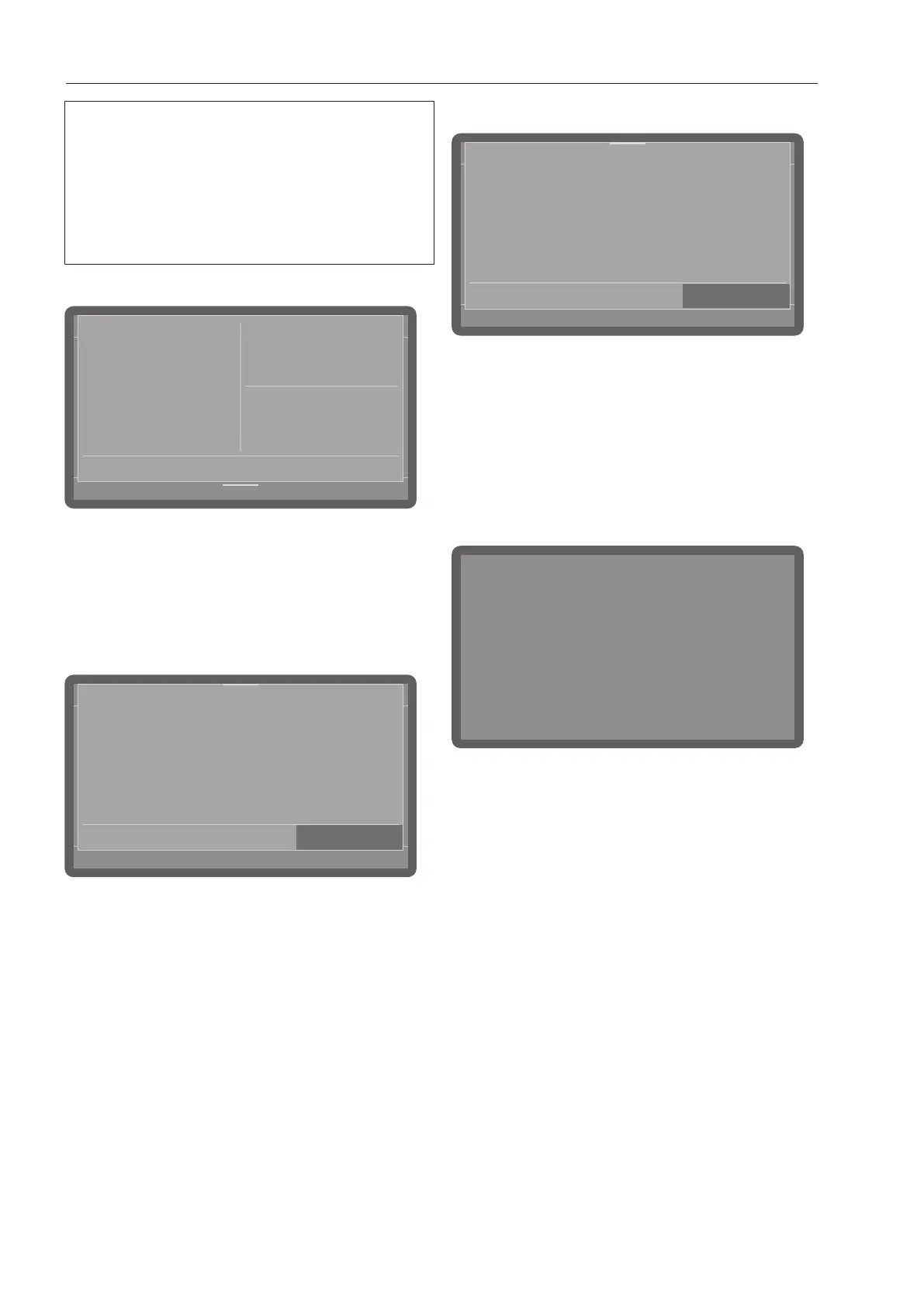
Status window
Target temperature
66°C
Actual temperature
51°C
Information
AutoOpen
A coloured bar is shown at the top of the
display. If you tap this and drag it down, a
status window opens. You can use this to
display various status messages, e.g. about
the programme in progress.
System messages
Refill salt -appliance will be disabled
shortly.
The symbol denotes system messages.
These give information about current
processes and the status of the machine.
System messages are displayed at the end
of the programme. If there is more than one
system message, they are shown one after
the other and must be acknowledged
individually by pressing OK.
Show me how
Refill dishwasher salt.
Then start the “Cold” programme.
Help
If you are notified of an fault or defect when
switching on the machine or at the end of a
programme and the Helpbutton is
presented to you, you can tap the
Helpbutton to be guided through the
individual steps to be carried out in order to
eliminate the fault or defect.
Fault messages
In the event of a fault, a warning symbol
appears on the display and the Start/Stop
button flashes red in rapid succession. If
buzzer tones are activated, a warning tone
will also sound.
Acknowledge the fault by tapping on the
warning symbol. Then follow the
instructions on the display and in the
“Problem solving guide”.



 To Next Page