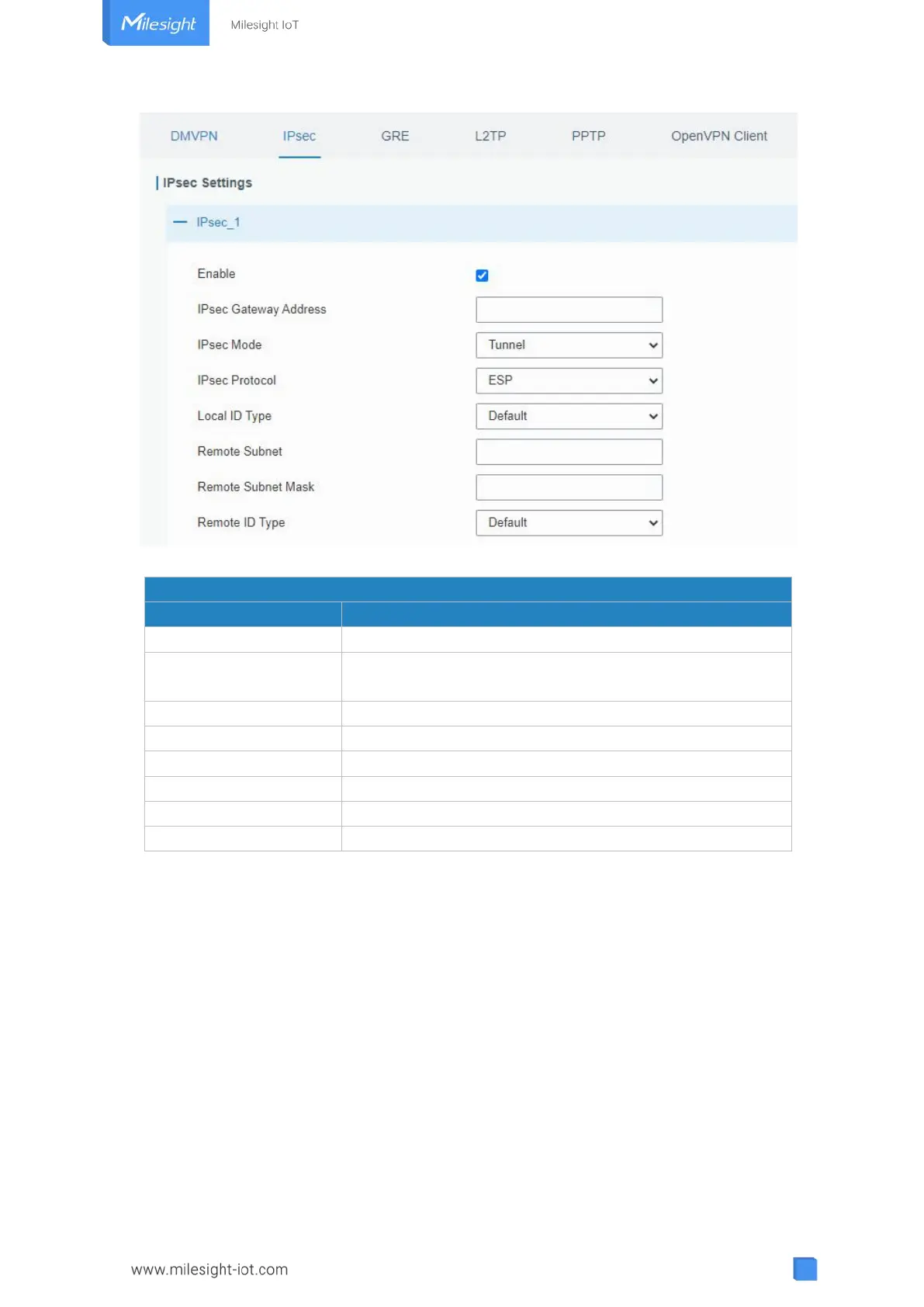
Figure 3-3-2-3
Enable IPsec tunnel. A maximum of 3 tunnels is allowed.
Enter the IP address or domain name of remote IPsec
server.
Select from "Tunnel" and "Transport".
Select from "ESP" and "AH".
Select from "Default", "ID", "FQDN", and "User FQDN".
Enter the remote subnet IP address that IPsec protects.
Enter the remote netmask that IPsec protects.
Select from "Default", "ID", "FQDN", and "User FQDN".
Table 3-3-2-2 IPsec Parameters



 To Next Page