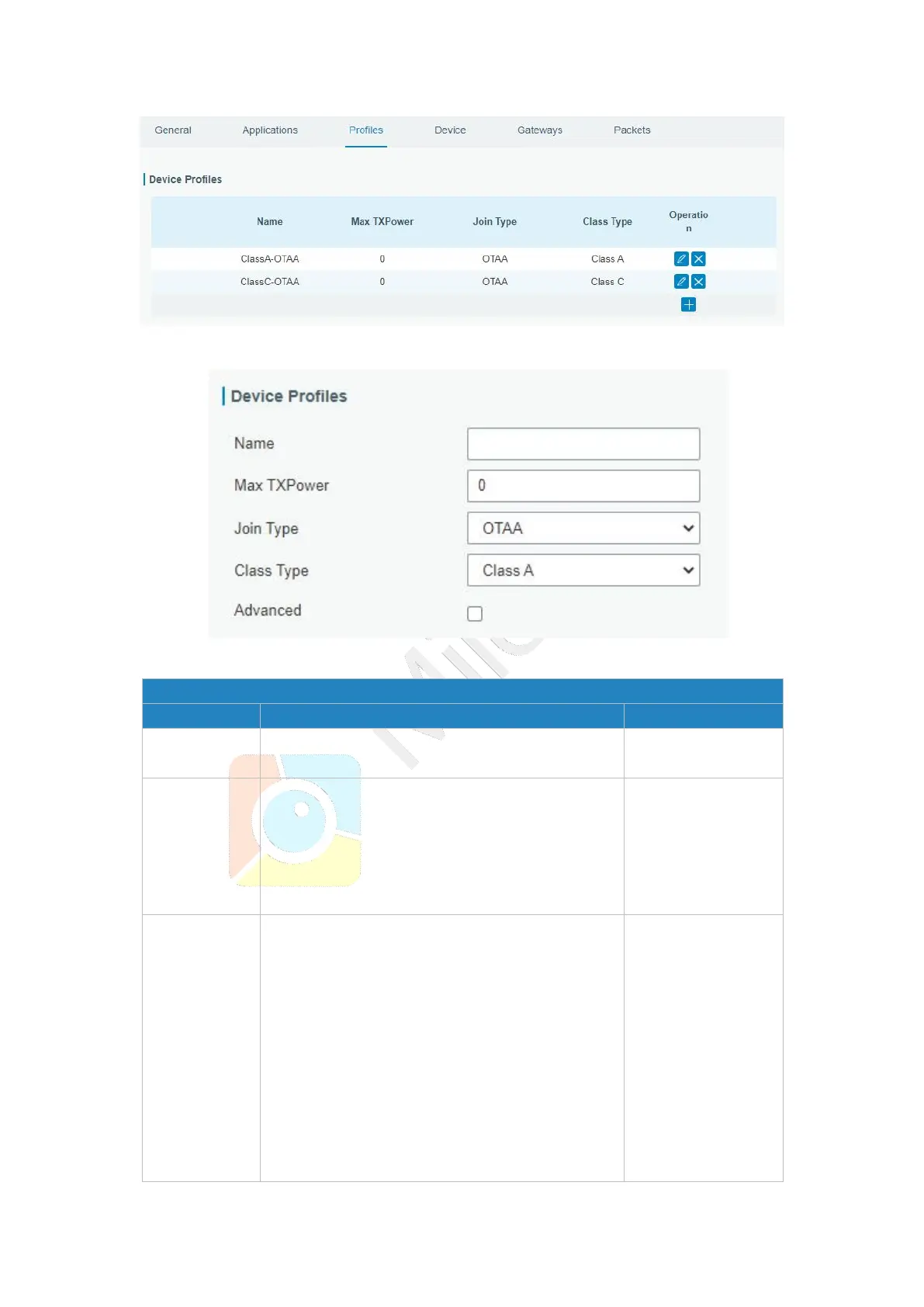
Enter the maximum transmit power.
The TXPower indicates power levels relative to
the Max EIRP level of the end-device.
0 means using the max EIRP. EIRP refers to the
Equivalent Isotropically Radiated Power.
Select from: “OTAA” and “ABP”.
OTAA:Over-the-Air Activation.
For over-the-air activation, end-devices must
follow a join procedure prior to participating in
data exchanges with the network server. An
end-device has to go through a new join
procedure every time as it has lost the session
context information.
ABP: Activation by Personalization.
Under certain circumstances, end-devices can



 To Next Page