UG65 User Guide
www.milesight-iot.com
access to the wireless network.
When AP isolation is enabled, all users which access to the AP
are isolated without communication with each other.
Select Radio type. The options are “802.11b (2.4 GHz)", “802.11g
(2.4 GHz)", “802.11n (2.4 GHz)””.
Select wireless channel. The options are "Auto", "1", "2"......"11".
Select encryption mode. The options are “No Encryption", “WEP
Open System" , “WEP Shared Key", “WPA-PSK", “WPA2-PSK" and
“WPA-PSK/WPA2-PSK".
Select cipher. The options are “Auto", “AES", “TKIP" and
“AES/TKIP".
Fill the pre-shared key of WPA encryption.
Select bandwidth. The options are "20MHz" and "40MHz".
Set the maximum number of client to access when the gateway
is configured as AP.
Set the protocol in wireless network.
Set the IP address in wireless network.
Set the netmask in wireless network.
Set the gateway in wireless network.
Table 3-3-1-5 WLAN Parameters
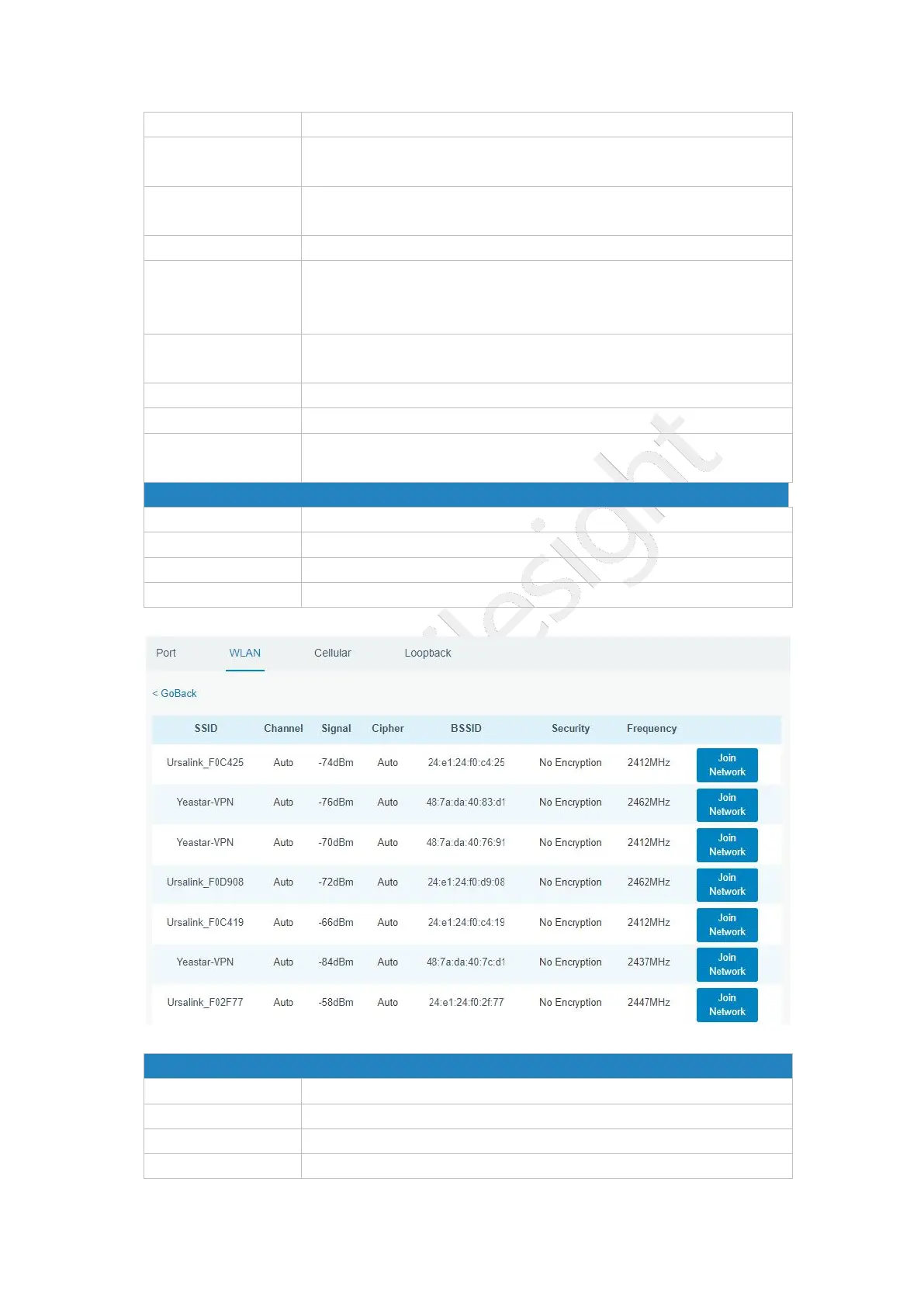
Figure 3-3-1-7
Show the MAC address of the access point.



 To Next Page