108 Milli-Q® Direct 8/16 System
Alert information, Continued
after cancelling
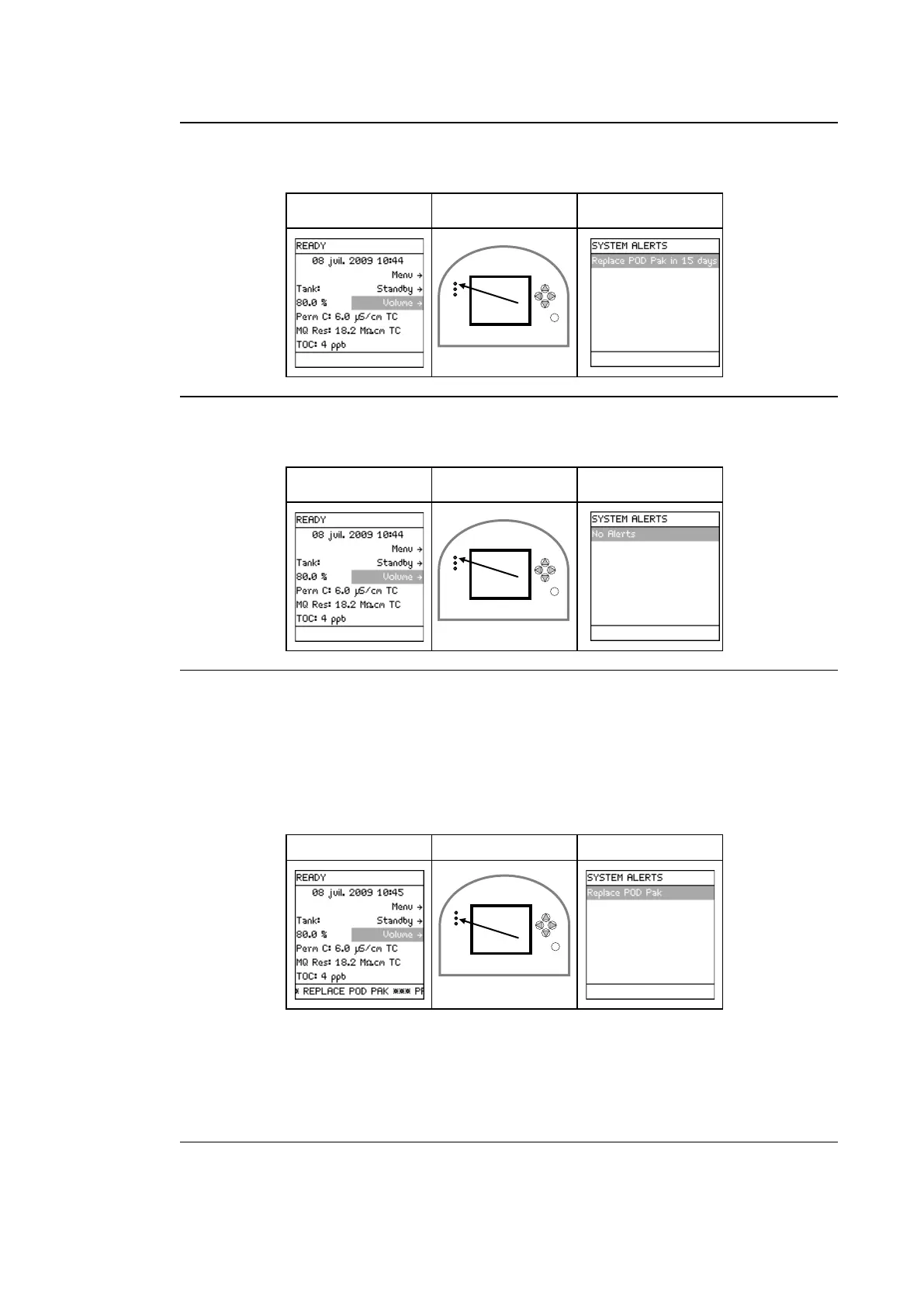
The Alert message has been cancelled but the cause of the message is still active.
Main Display LEDs Main Display
consumable
replaced
The Alert message has been cancelled when the POD Pak has been replaced.
Main Display LEDs Main Display
Major Alert
message -
procedure
A Major Alert message can be cancelled by:
• performing the maintenance action (i.e. replace consumable), or
• using the Keypad. This cancels the display of the Major Alert message for 24 hours.
Example: Before cancelling, the Major Alert message is REPLACE POD PAK.
A Major Alert message can be cancelled using the Keypad. This is done in the same way
that a Minor Alert message is cancelled.
The display of the Major Alert is cancelled for 24 hours. It appears again after 24 hours
unless the maintenance action is performed.
Continued on next page



 To Next Page