82 Milli-Q® Direct 8/16 System
Replacing a POD Pak
rate
One possible reason for a decrease in Milli-Q® Water flow rate is a clogged POD Pak.
The POD Pak should be replaced when it appears to be clogged.
For Millipak® and BioPak® final filters, make sure the POD Pak is not air-locked.
Dispense water and open the vent to see if there is any trapped air. Close the vent after
message
The POD Pak needs replacement when the following Alert message is displayed.
•
Alert message = REPLACE POD PAK
Follow the instructions delivered with the POD Pak.
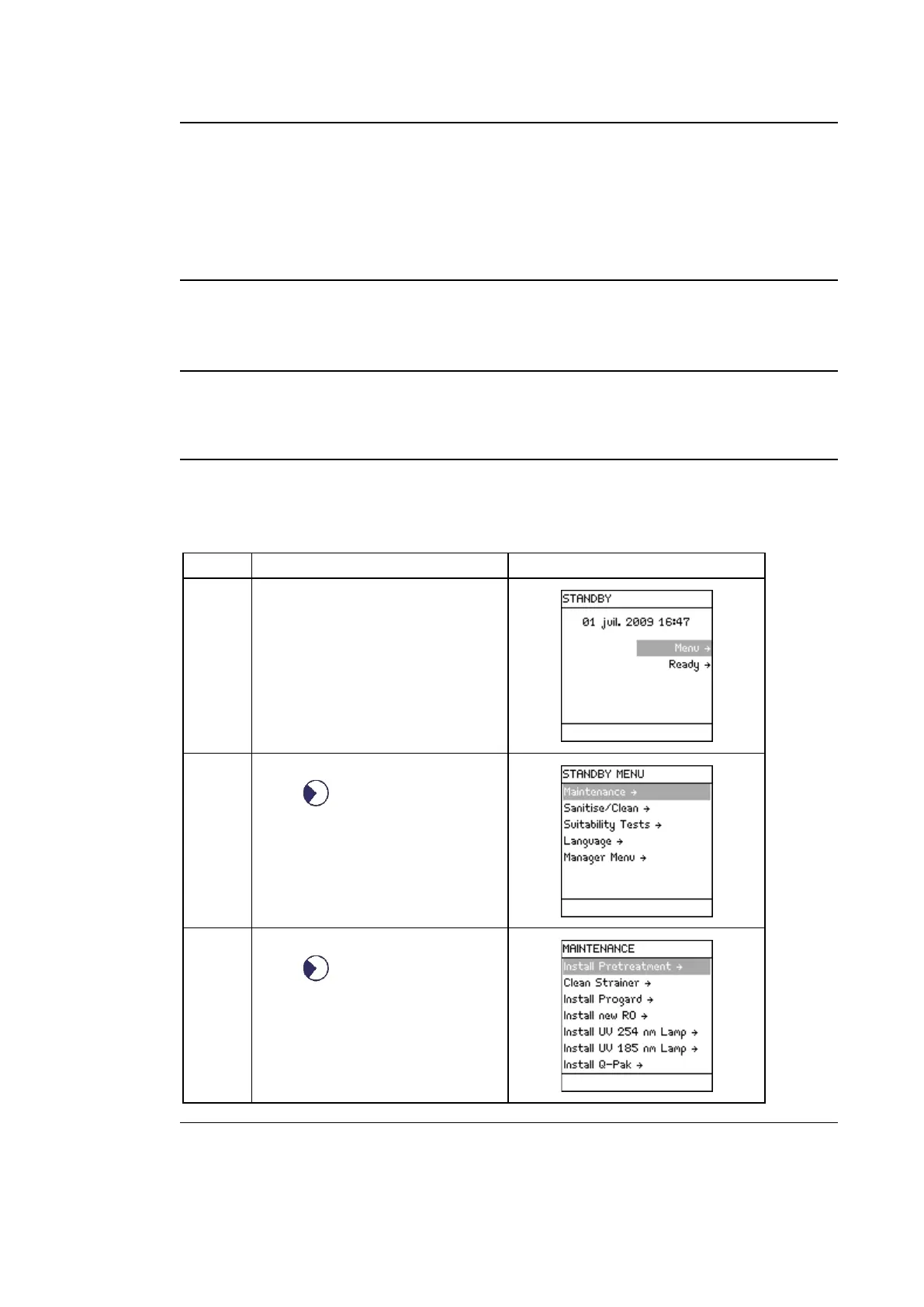
The POD Pak installation has to be registered.
Follow the steps below to register the installation of the POD Pak.
Press .
Press .
Continued on next page



 To Next Page