Milli-Q® Direct 8/16 System 81
Replacing the Q-Pak® Pack, Continued
(continued)
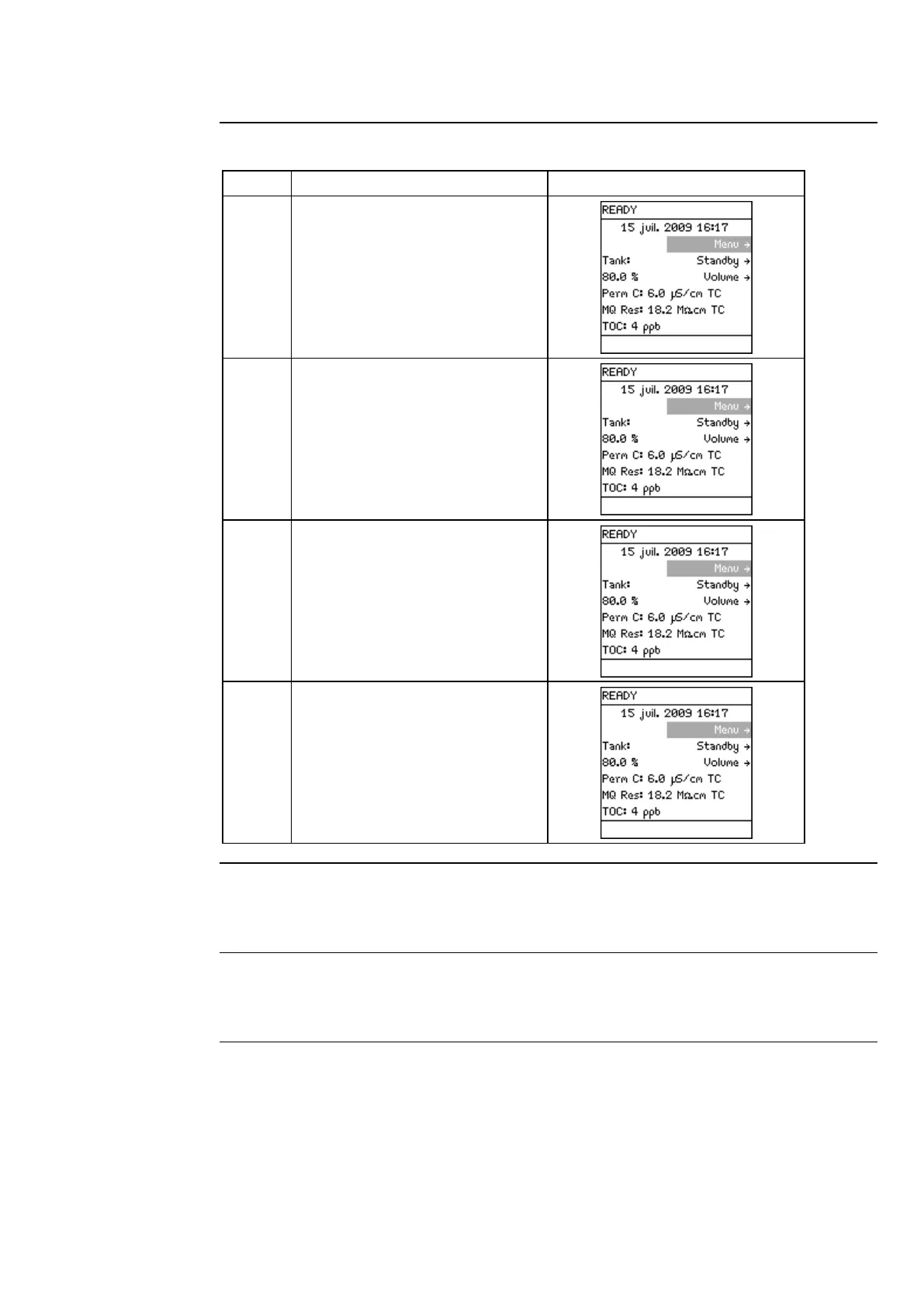
The System must be in READY
Mode.
Push the plunger down on the
POD Unit.
10 minutes.
This flushes out any trapped air
in most of the System.
This also rinses off the
purification media located in the
Q-Pak® Pack.
Leave the System in READY
Mode when finished.
Curve Check
A TOC Curve Check should be performed when the Q-Pak® Pack has been replaced.
Refer to the TOC Curve Check section for more information.
Calibration
The volumetric dispensing flow rate should be calibrated when the Q-Pak® Pack has
been replaced. Refer to the procedure in the Installation chapter.



 To Next Page