EasyManua.ls Logo

Milli-Q Direct 8 - Page 61

Milli-Q Direct 8
116 pages
Print Icon
To Next Page IconTo Next Page
To Previous Page IconTo Previous Page
Loading...
Milli-Q® Direct 8/16 System 61
Description of Ready Menu, Continued
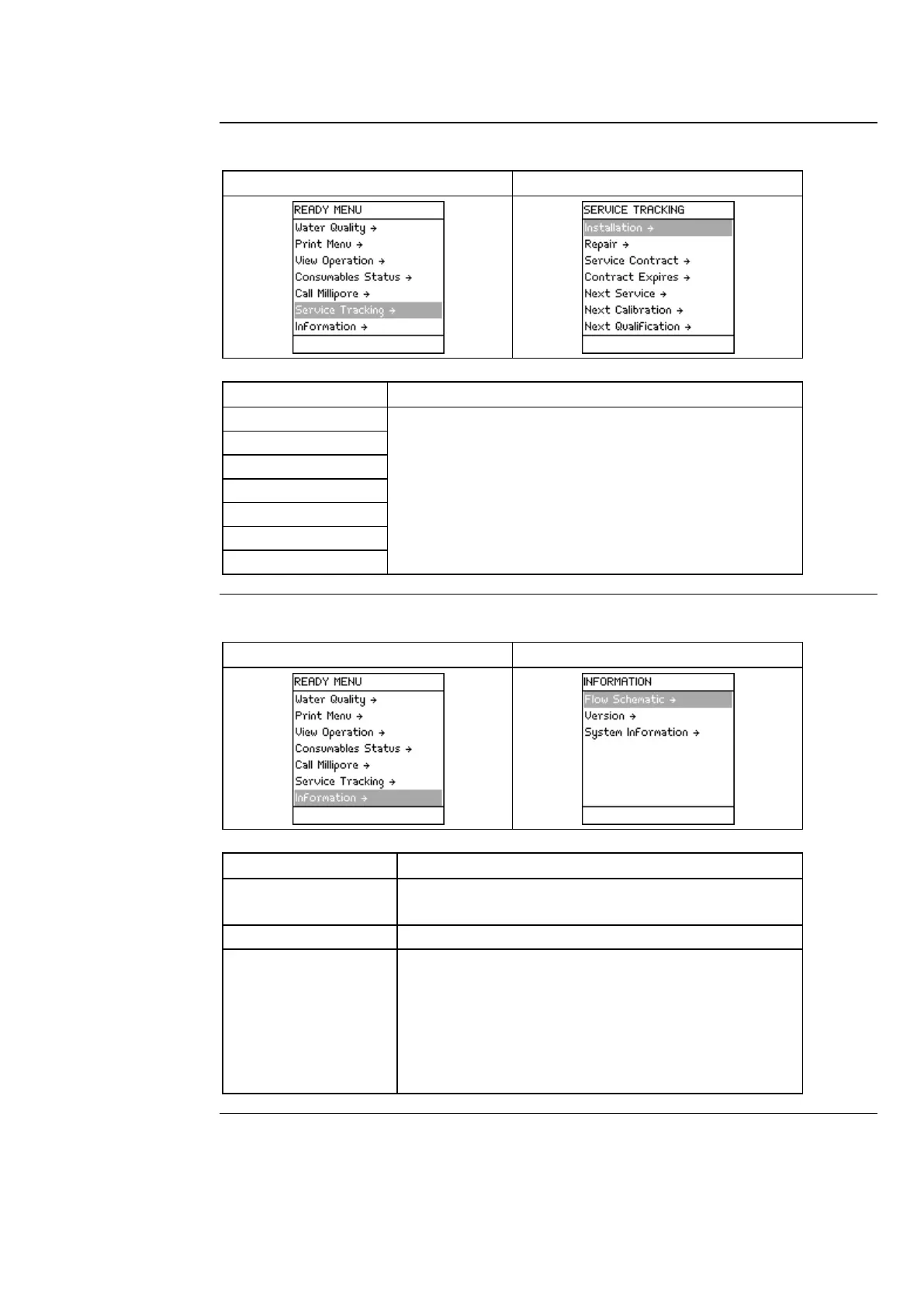
Service Tracking
Diagram 1
Diagram 2
Item
Description
Installation
View information that was inputted into the System
at time of servicing.
View information related to upcoming service.
NOTE:
This information is entered by a Millipore SAS
Representative.
Repair
Service Contract
Contract Expires
Next Service
Next Calibration
Next Qualification
Information
Diagram 1
Diagram 2
Item
Description
Flow Schematic
View information that explains the purpose of the
major components.
Version
View Software versions.
System Information
View:
System Type,
Catalogue Number,
Serial Number,
Installation Date, and
Manufacturing Date.
Continued on next page

Related product manuals