Milli-Q® Direct 8/16 System 99
Alarm Information, Continued
Alarm message
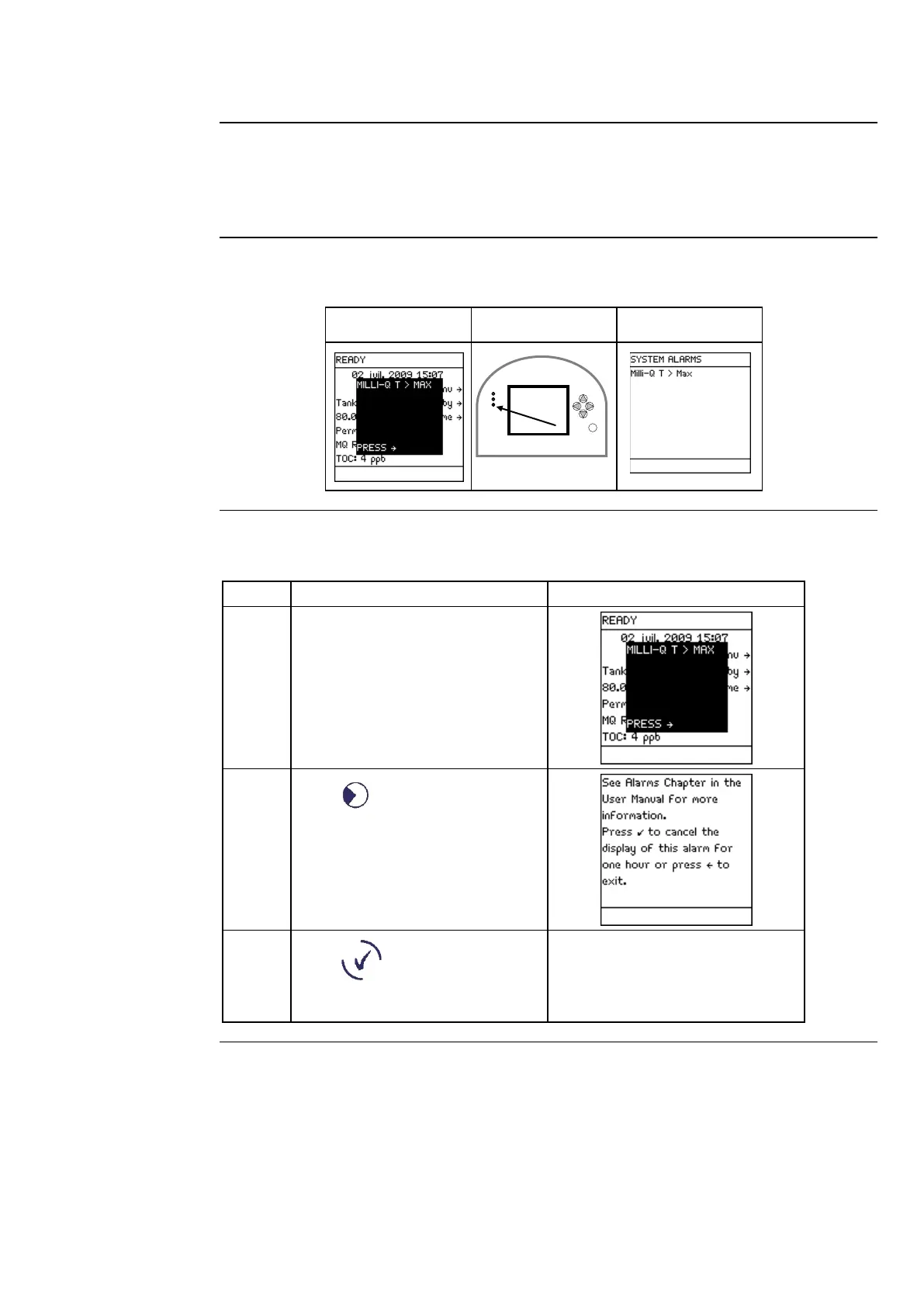
The display of an Alarm message can be cancelled by:
• fixing the cause of the Alarm, or
•
using the Keypad. This cancels the display of the Alarm message for 1 hour.
cancelling
In this example, the Alarm message is MILLI-Q T > MAX.
Main Display LEDs Main Display
Alarm message
procedure
Follow the steps below to cancel an Alarm message.
The Alarm message is shown
superimposed on the Main
Display.
Press .
Press .
The display of the Alarm is
cancelled for one hour.
It appears after one hour unless
the cause of the Alarm is fixed.
Continued on next page



 To Next Page