12. Usage
MiR250 User Guide (en) 11/2020 - v.1.3 ©Copyright 2020: Mobile Industrial Robots A/S. 175
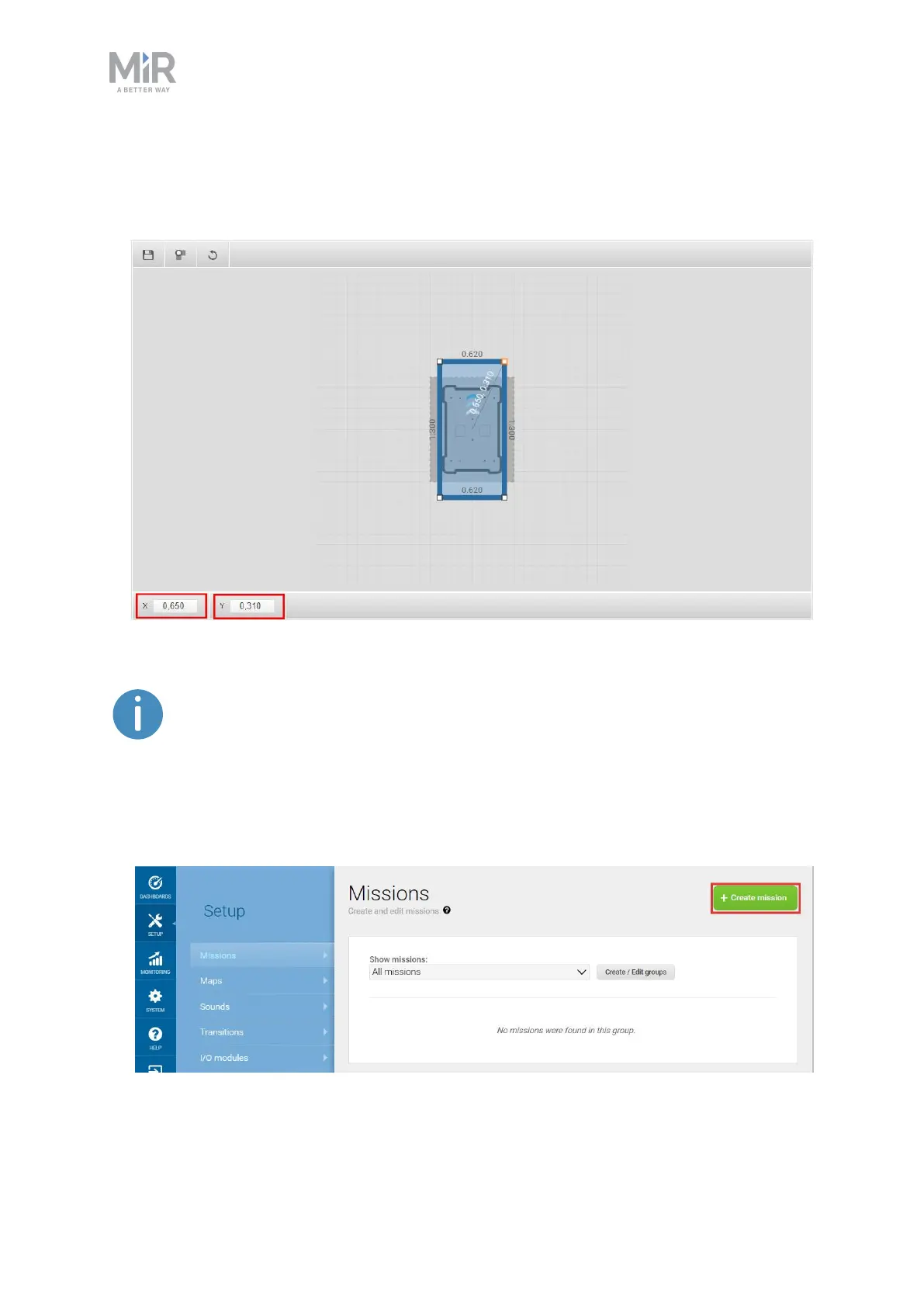
• Created a footprint named Narrow doorway that is 620 mm wide and 1300 mm long—
see Creating a footprint on page125. The robot must be centered in the middle of the
footprint.
This mission only drives the robot through the doorway in one direction. If you
want the robot to go both ways, you need to make a new set of positions
facing the opposite direction and a new mission using these positions.
To create the mission, follow the steps below:
1. Go to Setup > Missions. Select Create Mission.



 To Next Page