6. Usage
MiR500 User guide (en) 09/2019 - v.1.3 ©Copyright 2018-2020: Mobile Industrial Robots A/S. 108
Most actions have adjustable parameters, for example which position to go to. Most actions
also have adjustable variables where the user is asked a question regarding the variable
every time the mission is added to the queue. This can be practical if for example the robot
performs the same series of actions in different areas of the facility that requires different
variables in a mission action.
A typical mission action is Charging that is used to make the robot go to a charging station
for automatic battery recharge.
Actions and missions are grouped in the same menus. You can select which menu group the
new mission should belong to, or you can use the default Missions group. Missions have this
icon and actions have this icon .
The robot interface also comes with a set of default missions that you can use and/or
modify.
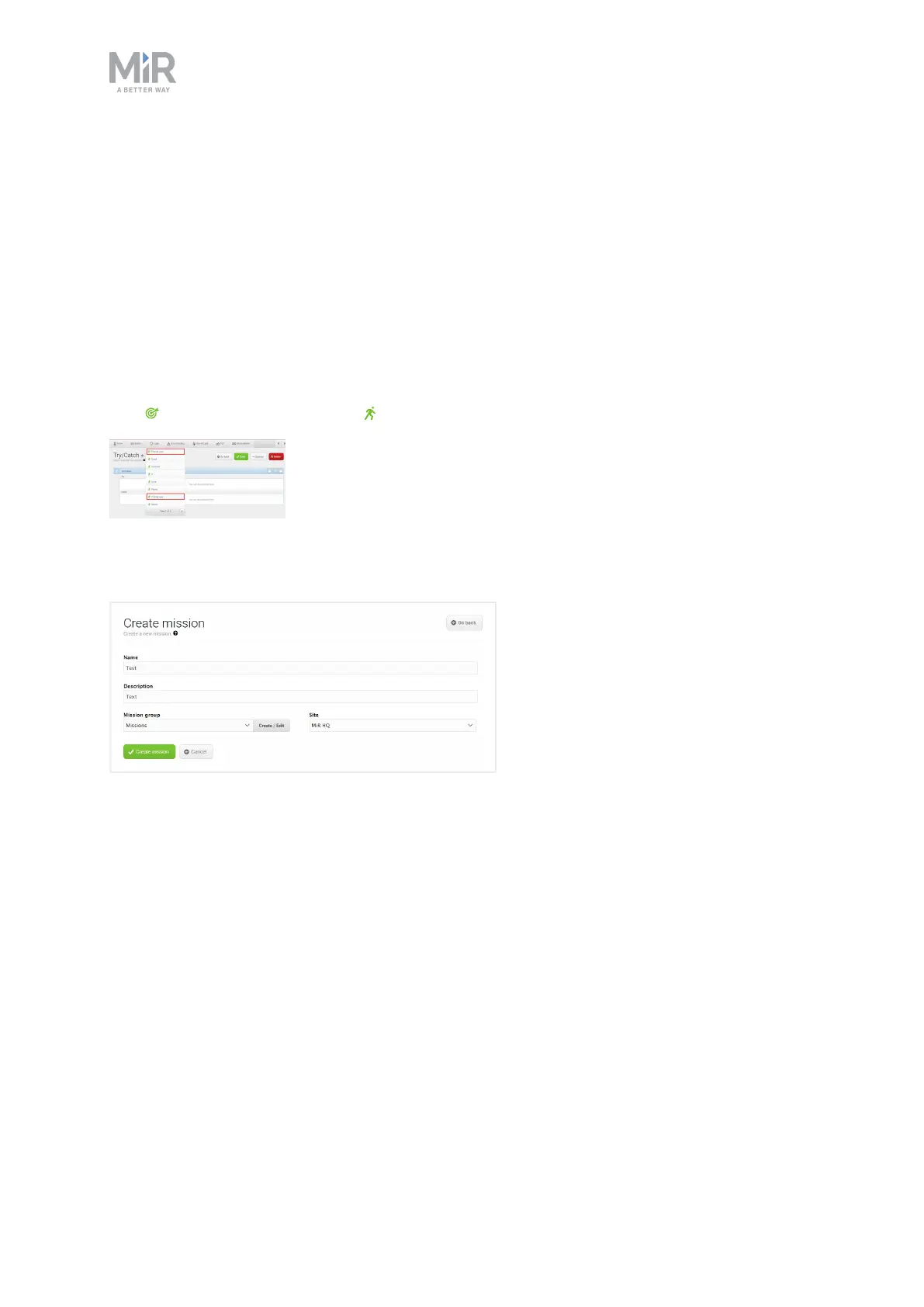
The form contains the following elements:
• NameThe name must be unique and is used to identify the mission. For example Go to
charging station, Deliver spare parts or Warehouse to production line 1.
• Mission groupSelect which group you want the mission to be placed in.
• DescriptionEnter a short description of the mission (optional).
• SiteIf you are using more than one site, select which site you want the mission to belong
to from the list.
Click Create mission to save the settings.



 To Next Page