5. Commissioning
MiR500 User guide (en) 09/2019 - v.1.3 ©Copyright 2018-2020: Mobile Industrial Robots A/S. 89
7. A blinking recording icon indicates that the recording has started.
a. Drive the robot around manually with the joystick. The mapping window will
update with new objects continuously.
b. Focus on mapping in a circular pattern around the perimeter of the working
environment.
c. When reaching long corridors whith few obstacles, let the robot stay in position for
approx. 5-6 seconds before moving down the corridor.
d. Walk behind the robot as you map.
e. End the mapping pattern in the same place you started it.
The joystick switches to medium speed when used during mapping.
This ensures better coverage of the mapped area.
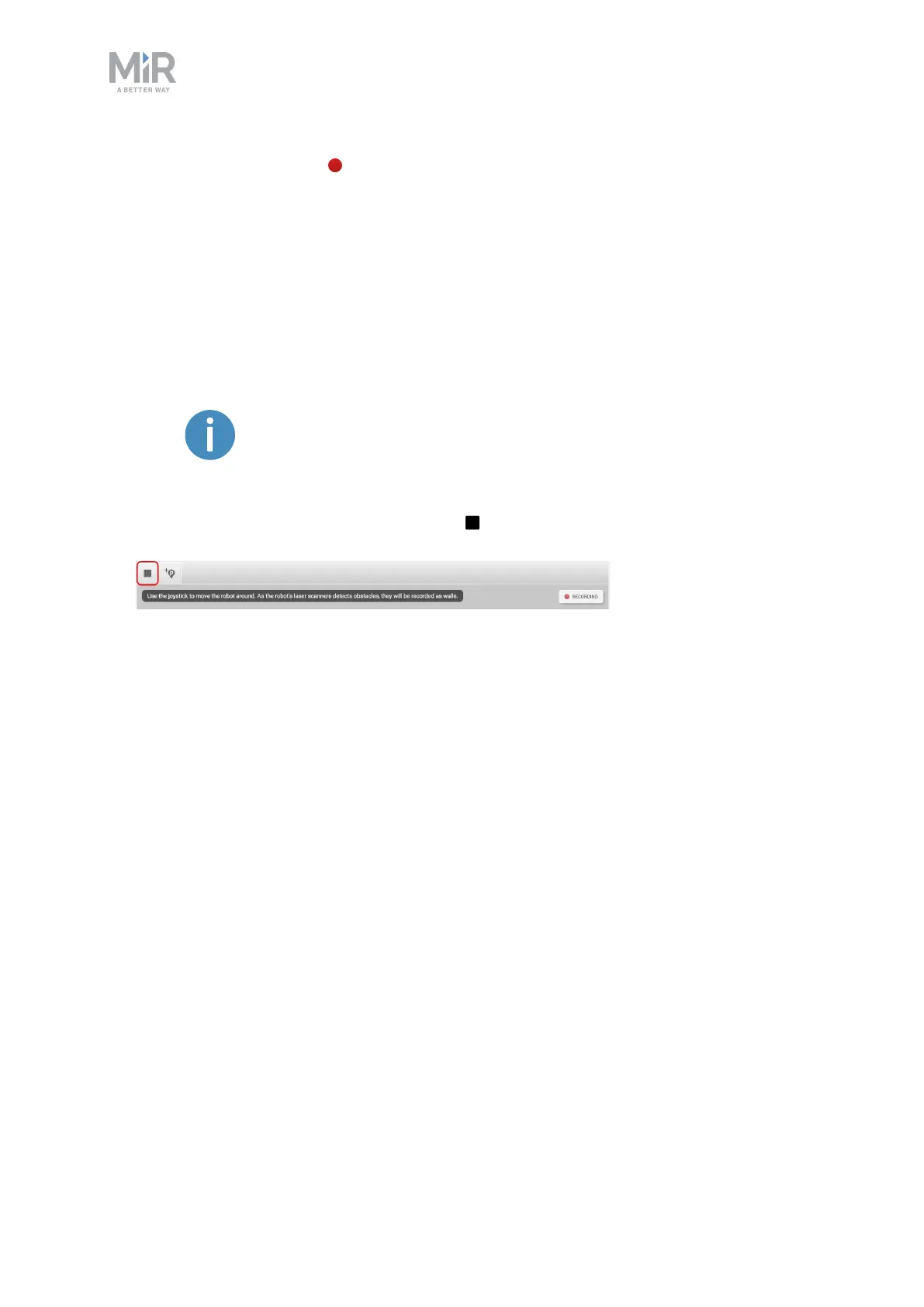
8. When the map looks complete, select Stop in the upper-left corner of the mapping
window.



 To Next Page