5. Commissioning
MiR500 User guide (en) 09/2019 - v.1.3 ©Copyright 2018-2020: Mobile Industrial Robots A/S. 90
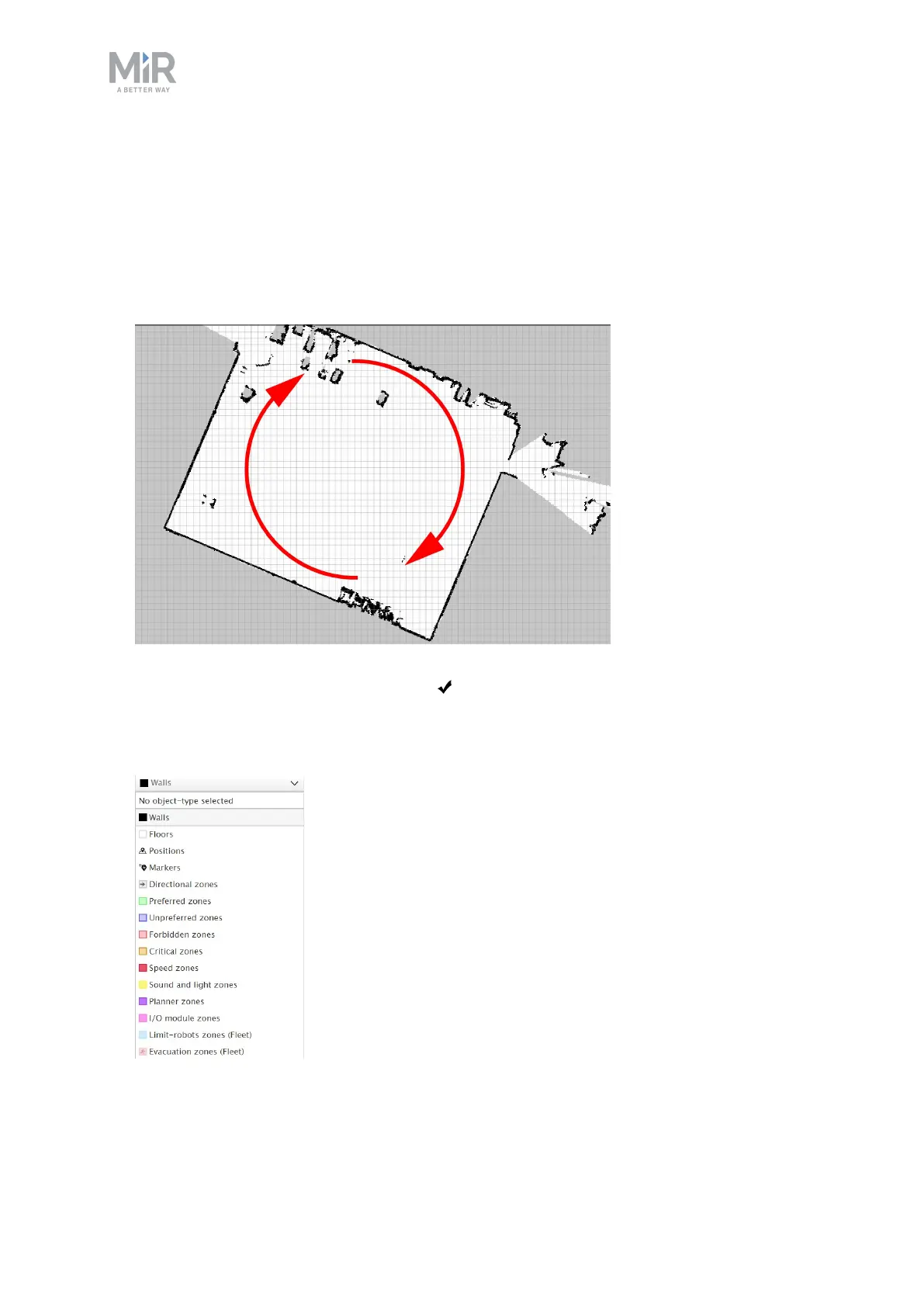
9. Once the mapping engine stops, the interface will show the newly recorded map on a
grid background. Align the map so the walls are parallel to the grid lines behind it. Maps
must be aligned along the X-Y axis because the robot uses the X-Y axis to plan its routes.
Drag the map to rotate it. On desktop computers, holding the Shift key when dragging
the map rotates the map in increments of 11.25 degrees.
When the map is aligned, select the Ok in the upper left corner of the mapping
window.
10. Clean the map by drawing walls and floors and by erasing dynamic obstacles.
In the drop down menu, go to the walls layer by selecting Walls.



 To Next Page