5. Commissioning
MiR500 User guide (en) 09/2019 - v.1.3 ©Copyright 2018-2020: Mobile Industrial Robots A/S. 91
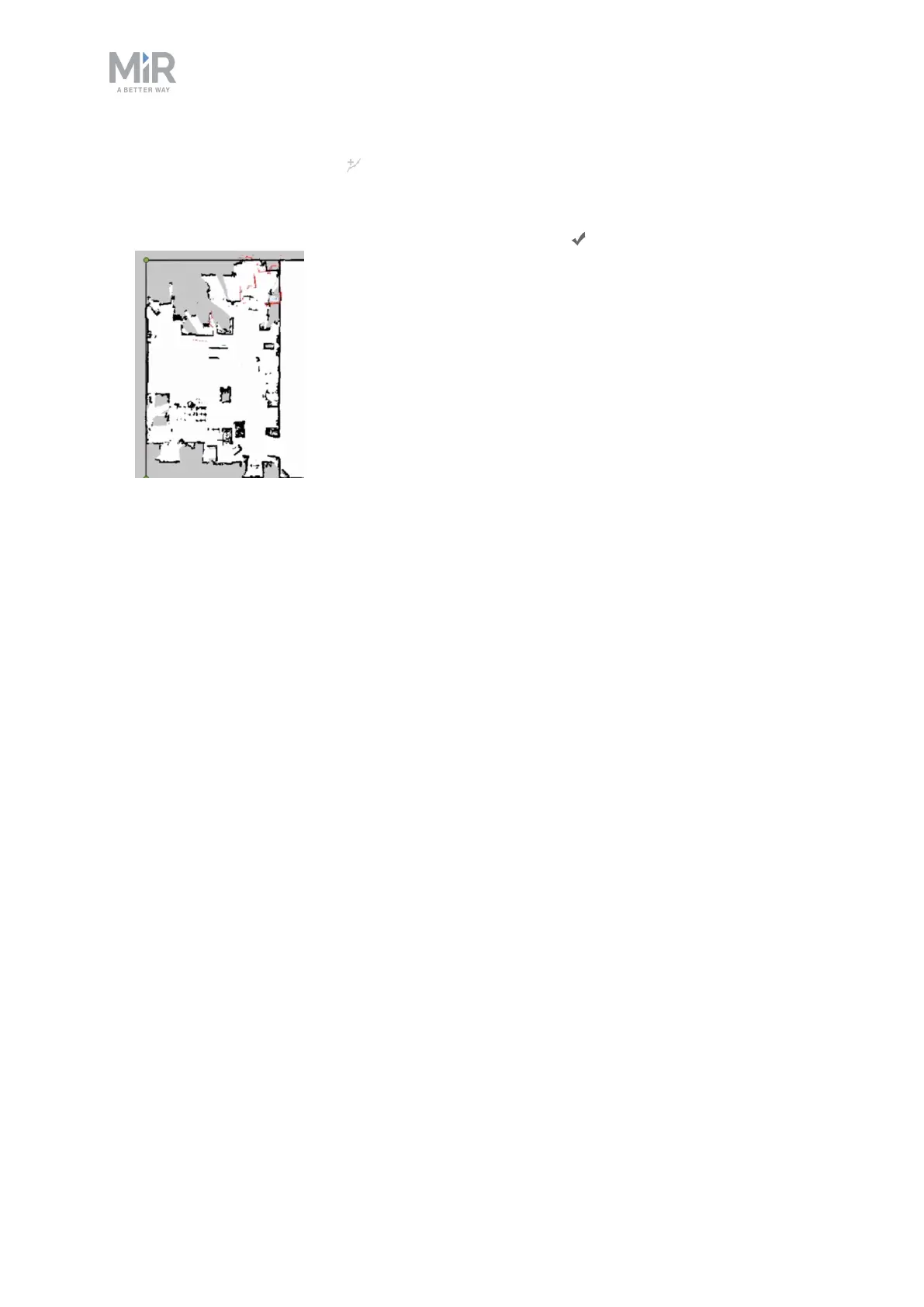
11. Select the Draw a new line and mark on the map where there are walls or other static
landmarks. It is a good idea to draw walls on top of all the walls and static objects the
robot has recorded with its laser scanners. This will help the robot's localization and
make the map more clean. Select the Finish current line when finishing a wall.



 To Next Page