5. Commissioning
MiR500 User guide (en) 09/2019 - v.1.3 ©Copyright 2018-2020: Mobile Industrial Robots A/S. 92
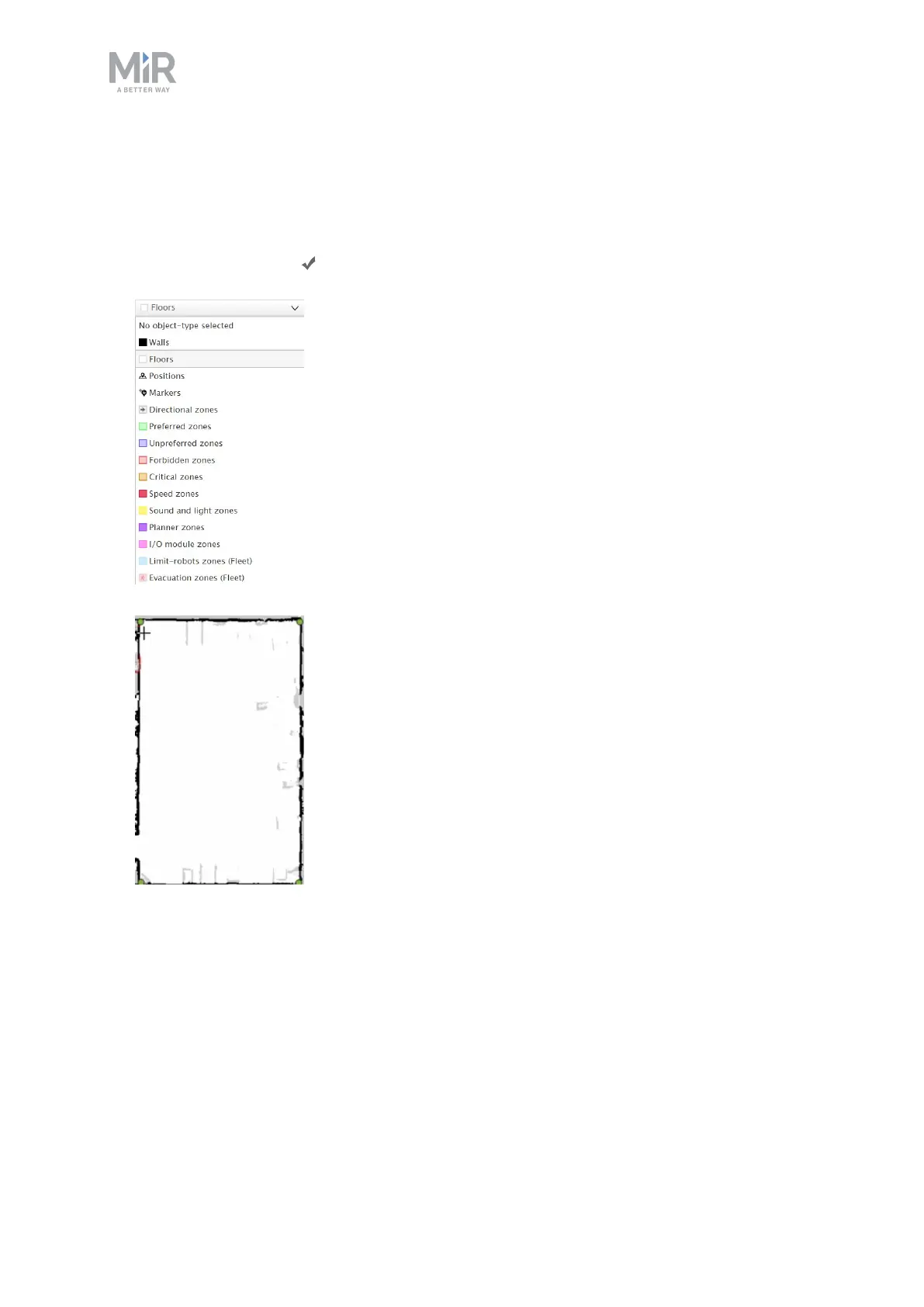
12. In the drop down menu, go to the floors layer by selecting Floors. The grey areas on the
map is where there is missing a floor, but often the easiest thing to do is to add a whole
new floor on top of the existing one. Because you are on the floors layer, the new floor
will not have an effect on objects on the walls layer. Draw the floor area on the map.
Select the check mark .



 To Next Page