5. Commissioning
MiR500 User guide (en) 09/2019 - v.1.3 ©Copyright 2018-2020: Mobile Industrial Robots A/S. 93
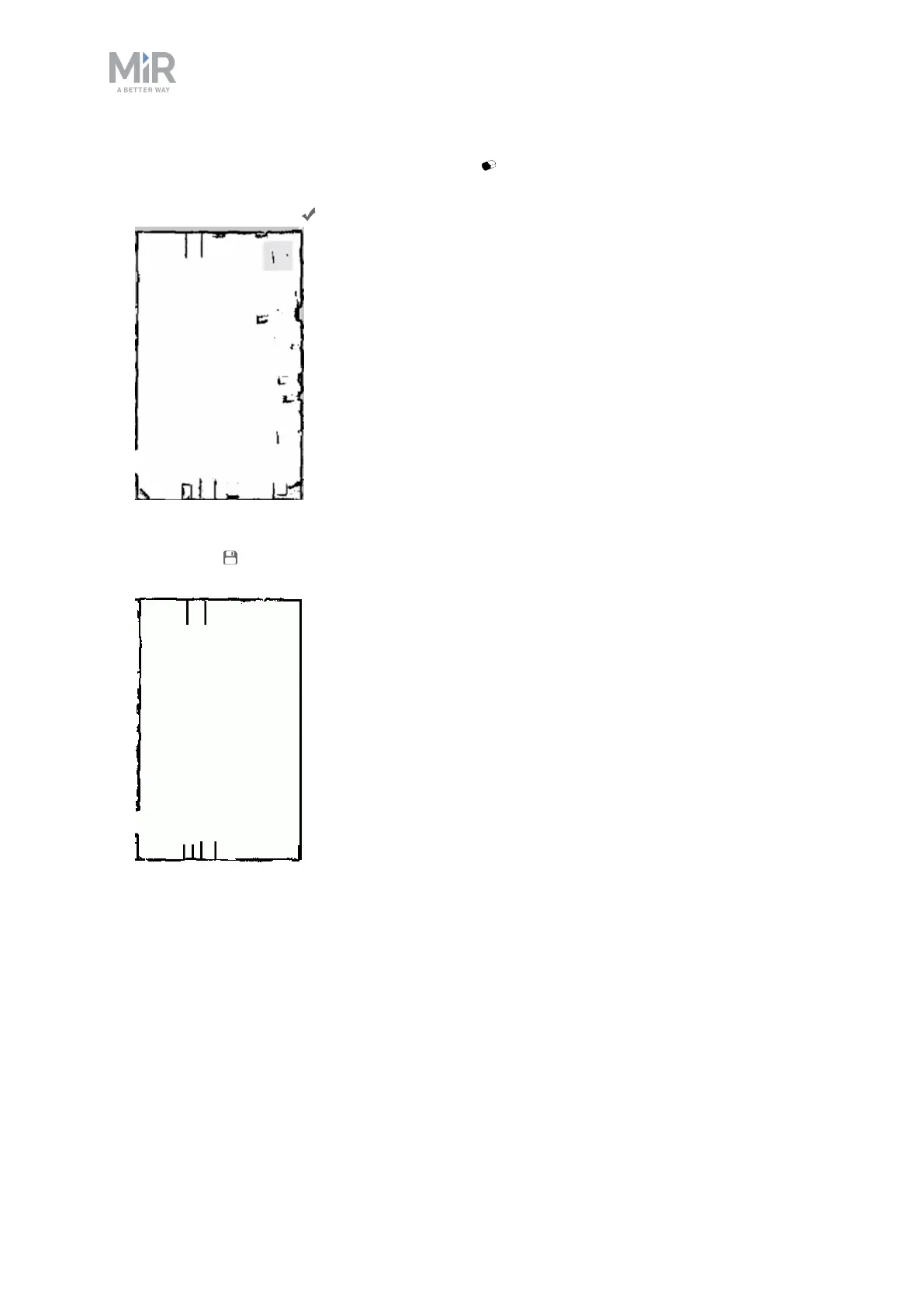
13. Go to the walls layer and select the erase tool . Use the tool to erase all unwanted
objects on the map. The erase tool will only erase walls when you are on the walls layer.
Select the check mark .
14. Once you've cleaned the map, it should look neat and only contain static landmarks.
Select save to save the map.
Use zones on the map
Adding zones to the map helps organize robot traffic. There are several different zones that
can optimize the preferred paths and driving behavior of the robot.



 To Next Page