5-8 Mx100/200 Series Operation Manual
1. Before running the Mx100/200 SMD Placement System, check the following and take
measures, where necessary.
1) Check that the power cable of the system is exactly connected to the power supply. 2)
Check the air connection and ensure that the air pressure is set to an appropriate level.
3) Check I/O (SMEMA) connection with pre-process and post-process systems.
4) Ensure that the circuit breaker on the rear side of the system is turned on.
5) Check connection of the parts feeder units (tape feeder, shuttle feeder, etc.) and
power connection with the main frame of the system.
Main Power On (PC Power)
2. Turn on the main power switch according to the following procedure and log into the
Windows OS.
1) Rotate clockwise the main power switch on the front side of the machine to turn on
the system and the PC.
2) The Windows OS starts booting.
3) After Windows system booting, a message prompting to press the <CTRL> +
<ALT> + <DEL> keys for login is displayed on the screen.
4) Press the <CTRL> + <ALT> + <DEL> keys on the keyboard.
5) The password input dialog will be displayed. Enter your password.
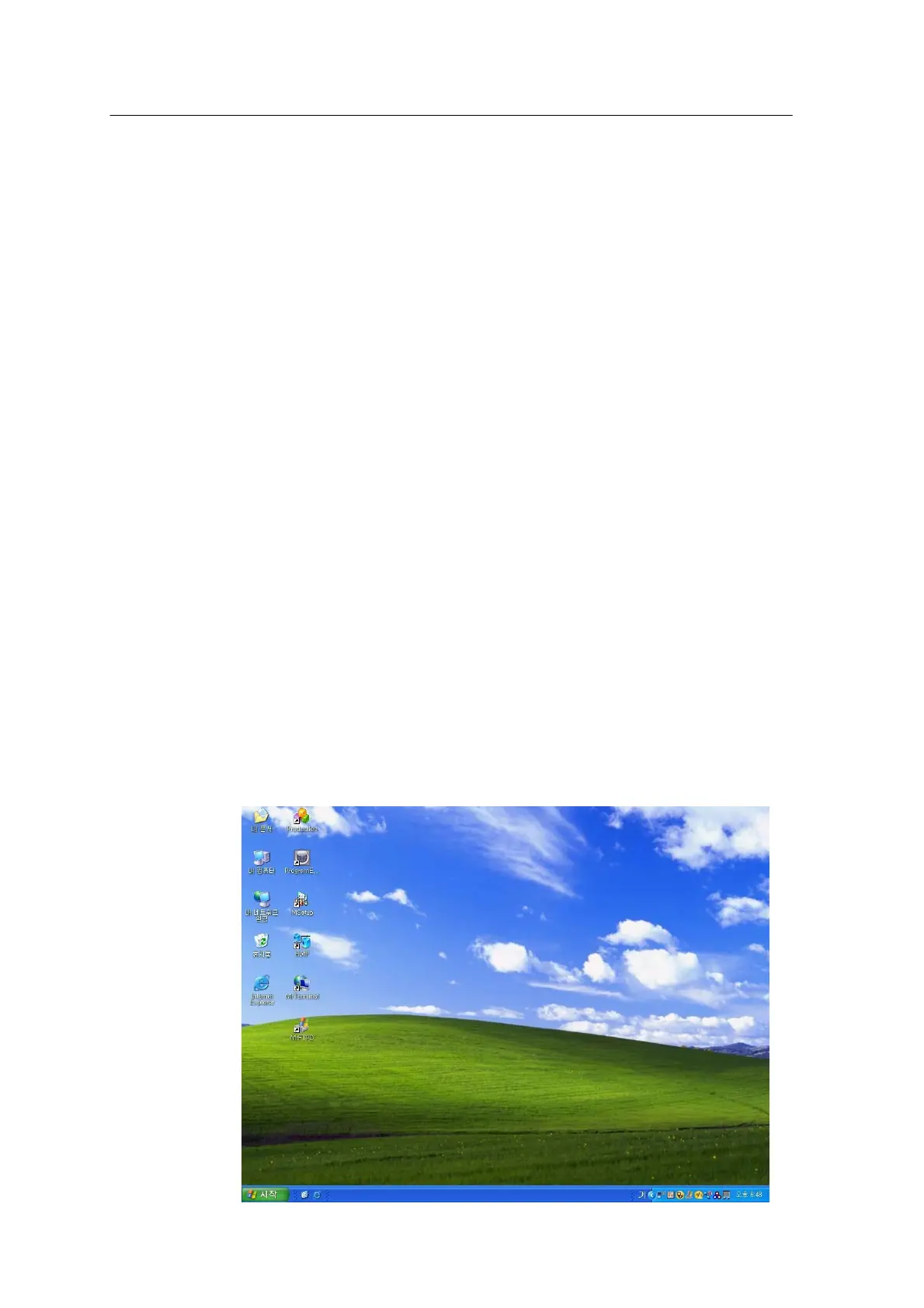
6) The Windows background screen appears as shown below.



 To Next Page