5-10 Mx100/200 Series Operation Manual
System (Main Frame) Power On (Mx100/200)
3. In case of Mx100/200, turn on the Run switch on the front panel of
the system. The following will proceed automatically:
1) The Mr (Mirae) terminal opens showing the progress of
system initialization. At the same time, a message window showing
that the HWIF (Hardware Interface) program is connecting
communication opens and then closes, and the HWIF icon is
presented in the system tree of the Windows OS.
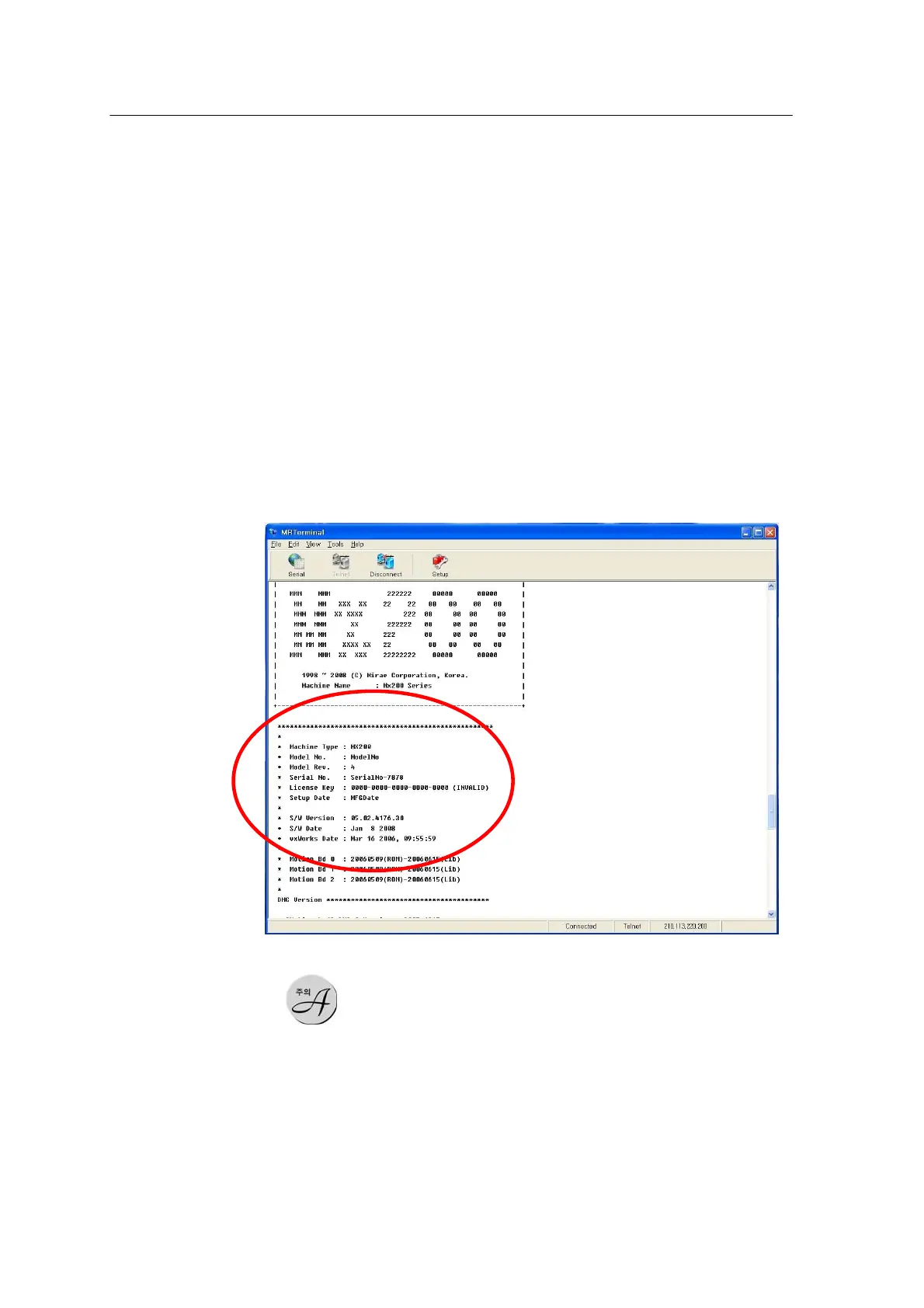
2) When the system initialization is normally completed, the
following message isdisplayed on the Mr. terminal window and the
Stop lamp on the front panel of the system blinks.
<Figure 3-4 가 Initialization complete message >
Each gantry moves to its home position only if the Door button is pressed first after
system initialization. If the DOOR button is pressed again, the gantry moves to the stand-by
position defined in the System Setup program.
Test Run
Carry out test run of the system according to the following procedure:
4. Ensure that the safety cover of the Mx100/200 system is
closed.



 To Next Page