6-8 Mx100/200 Series Operation Manual
If CAD Conversion is not used, go to the next section, PWB Information.
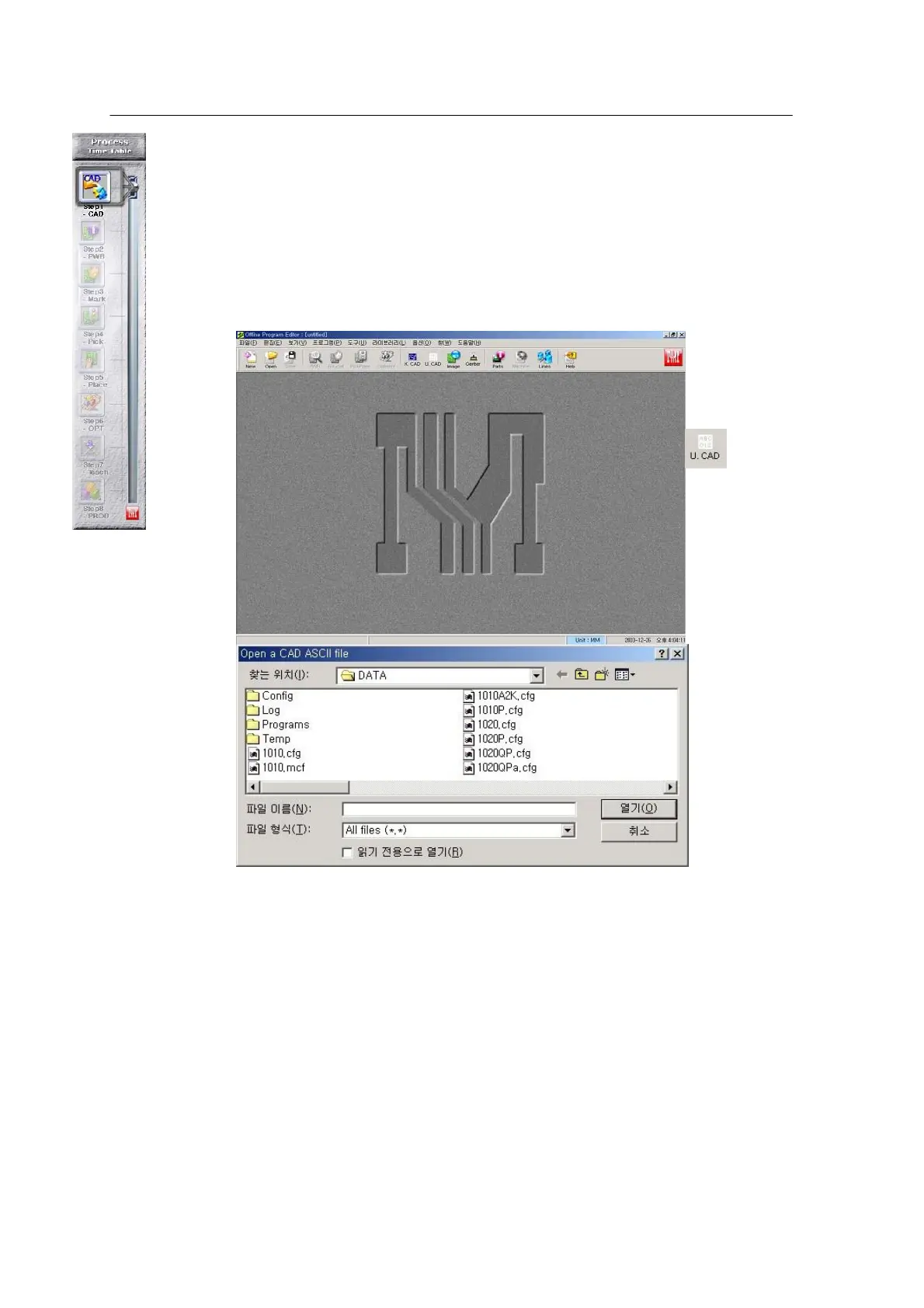
CAD Conversion converts CAD data into a format applicable to the Mirae system.
This program can run only in OfflineEditor.
Run the OfflineEditor provided optionally.
1 가
<Figure 6-
OfflineEditor
execution
window >
Select
Unknown
Cad Conversion
(if CAD format is
unknown) in the main
window.
<Figure 6-2 가 Open a CAD ASCII file >



 To Next Page