6-10 Mx100/200 Series Operation Manual
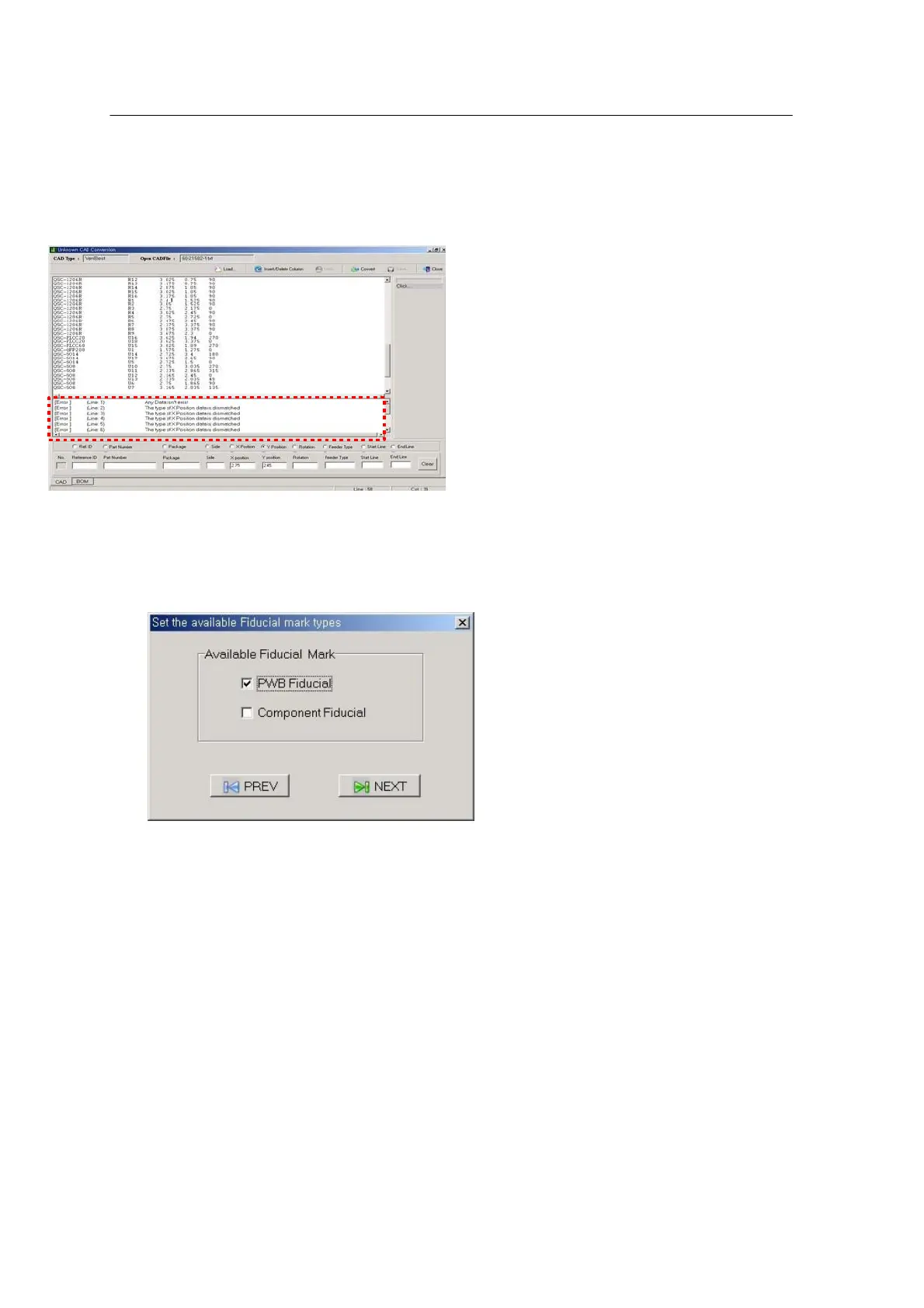
Choose the Convert icon at the top right.
Data check is done for the specified CAD data and error messages are displayed at the bottom, if
any.
Proceed to the next step if the errors are cleared or if there is no error.
<Figure 6-5 가 Setting Fiducial Mark Type >
Set Fiducial Mark Type.
Enter a position for the specified Mark Type in the position setting window and proceed to the next
step.



 To Next Page