6-12 Mx100/200 Series Operation Manual
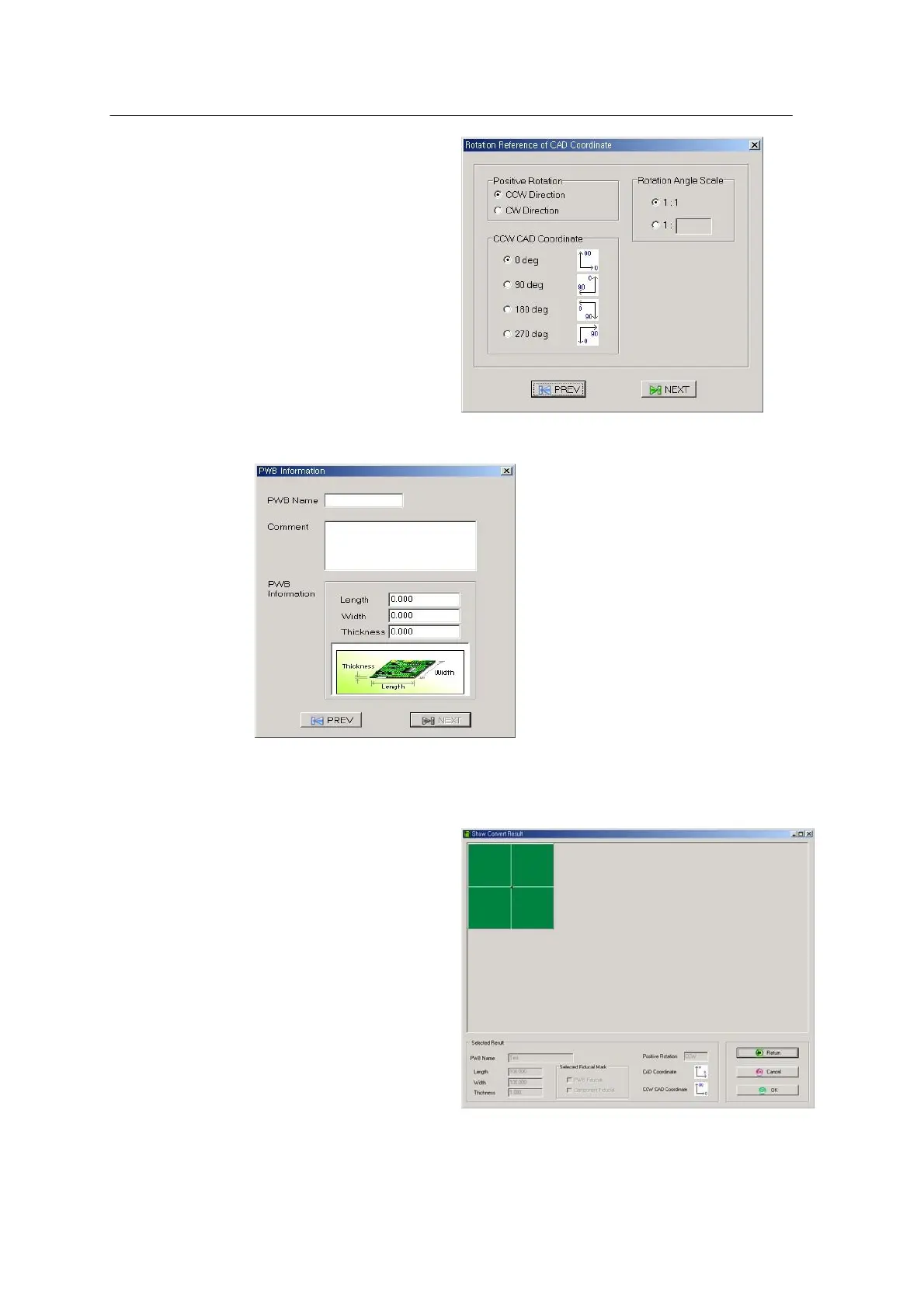
<Figure 6-7 가 Rotation Origin setting >
<Figure 6-8 가 PWB Information setup >
Enter PWB Name and PWB Information and press NEXT.
<Figure 6-9 가 CAD Conversion result window >
Shows the information entered till now. Click OK.



 To Next Page