Chapter 6 Programming 6-13
To save the information, press the Save icon at the top right in the main window.
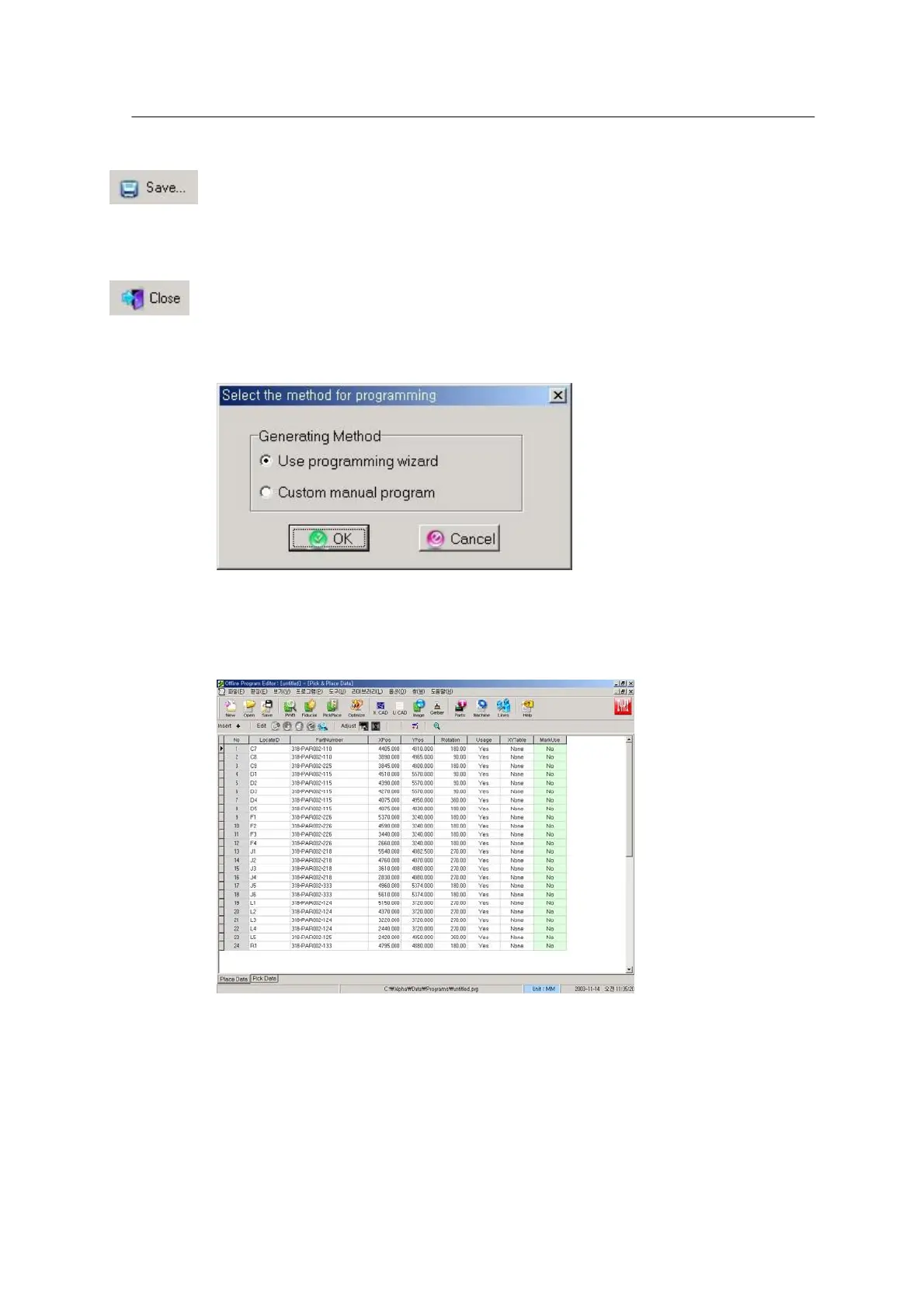
Select the Close icon after saving. A dialog box to select the method for programming appears.
<Figure 6-10 가 Selecting a programming method >
• Job program Wizard: Uses the help wizard.
• Custom: Direct input without help.
<Figure 6-11 가 Conversion result window >
After entering basic parameters, carry out the following for program optimization and production:
1. Check the PWB Origin and Pick & Place data.
2. Line optimization
3. Feeder setting and Intelligent (Pitch setting)



 To Next Page