6-18 Mx100/200 Series Operation Manual
Editing PWB Configuration Information
- Enter PWB information for production.
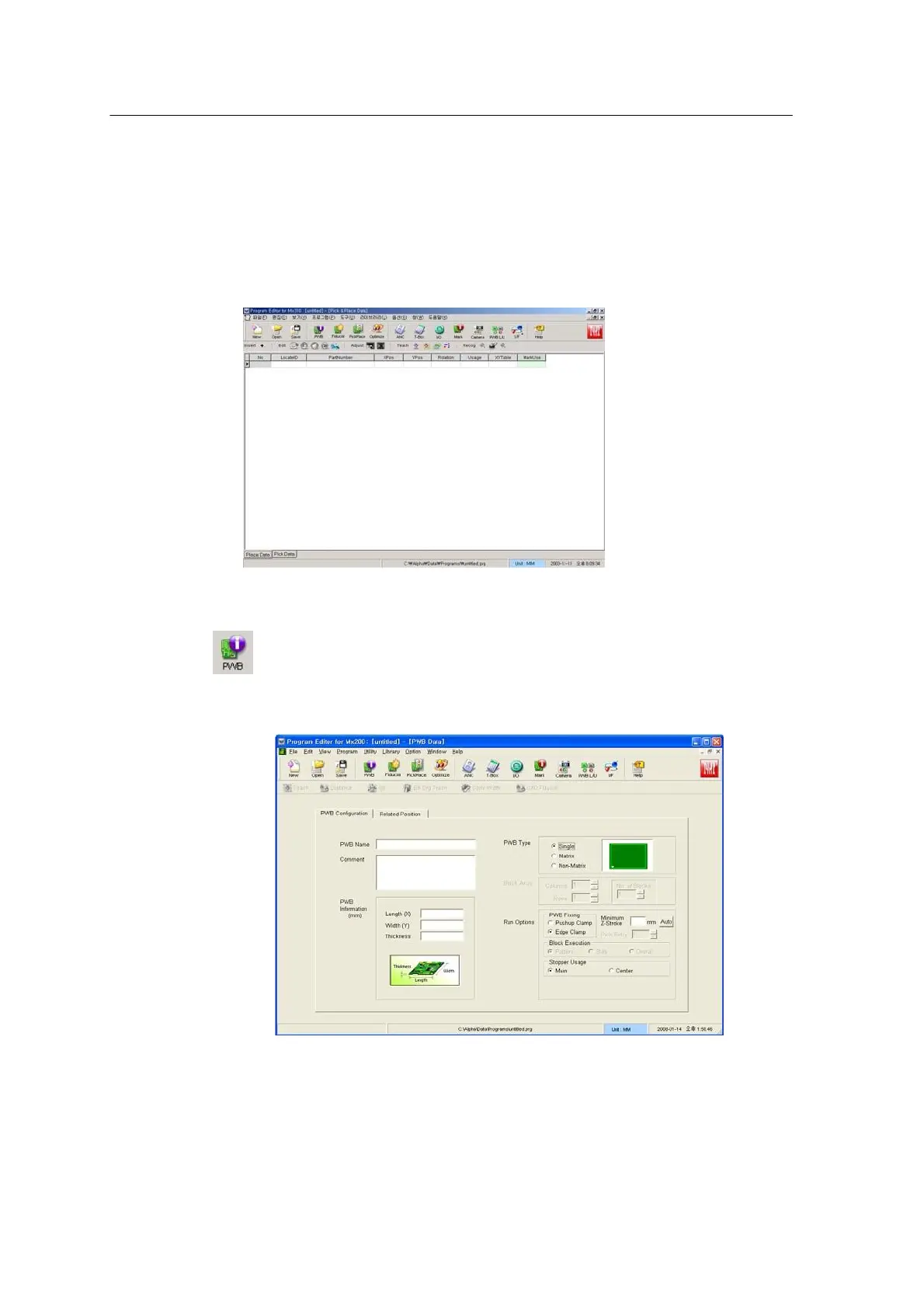
Choose Blank for starting job programming.
<Figure 6-17 가 The window displayed when Blank is selected >
Press the PWB icon.
<Figure 6-18 가 PWB information setup window >
Select the PWB Configuration tab. Enter PWB Name, Length, Width and
Thickness. Up to30 characters are permitted to define a board name.



 To Next Page