6-56 Mx100/200 Series Operation Manual
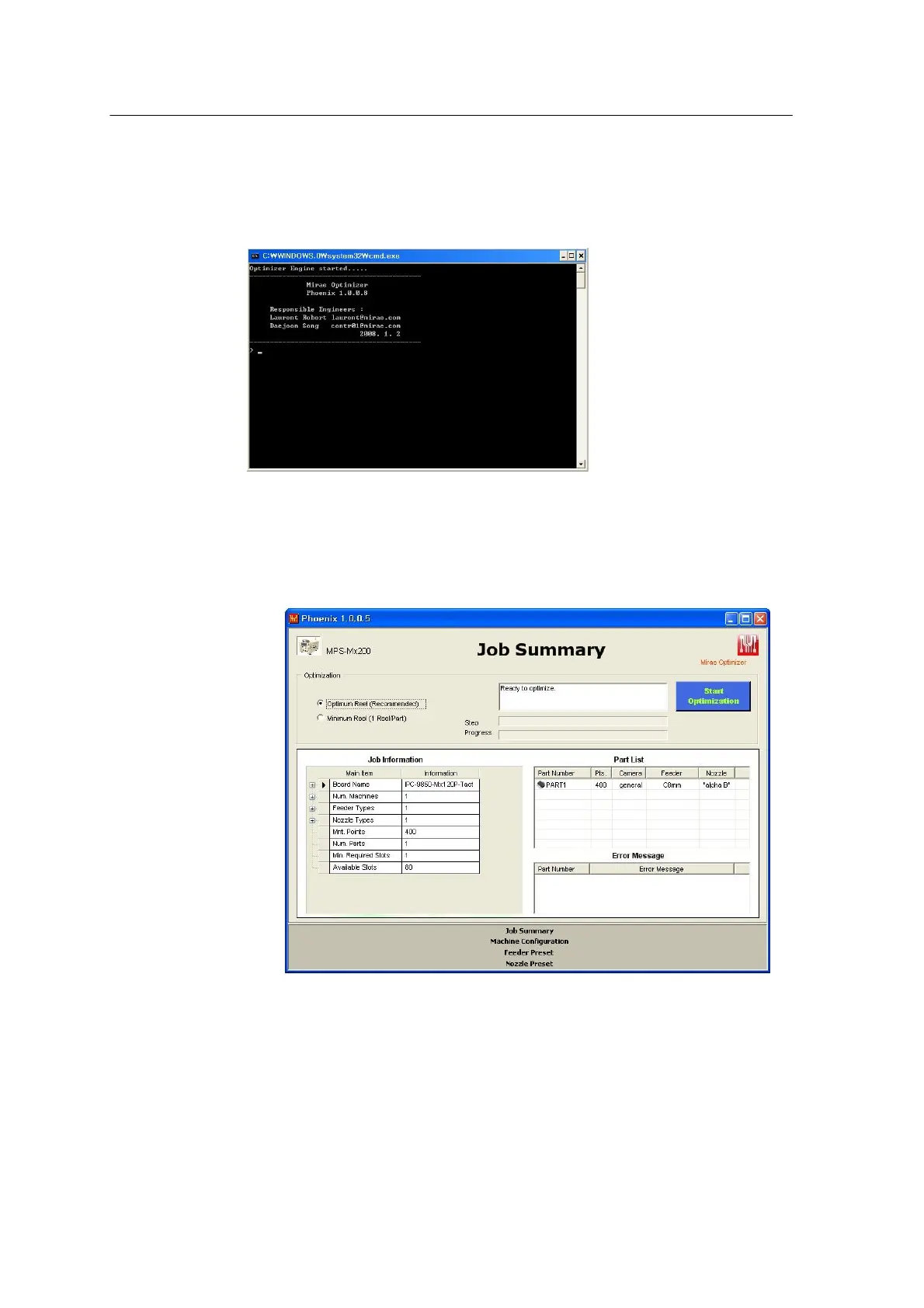
When optimization is executed, the DOS window opens as shown below. This
window is used to check version and delivery date of the Optimizer. It also
displays error message or other important information.
<Figure 6-50 가 DOS window >
- Job Information window
: Summarizes board name, place point, feeder, nozzle type count (Modification is not permitted.).
<Figure 6-51 가 Job summary window >
- Option
• Optimum Reel (Recommended): This option is set to the default setting. Set the number of
feeders according to the place points.
• Minimum reel (1 Reel/Part): Just one feeder is used for each part number regardless of
place points.
(Maximum feeder count per part is adjustable regardless of option. See feeder preset.)



 To Next Page