Chapter 6 Programming 6-57
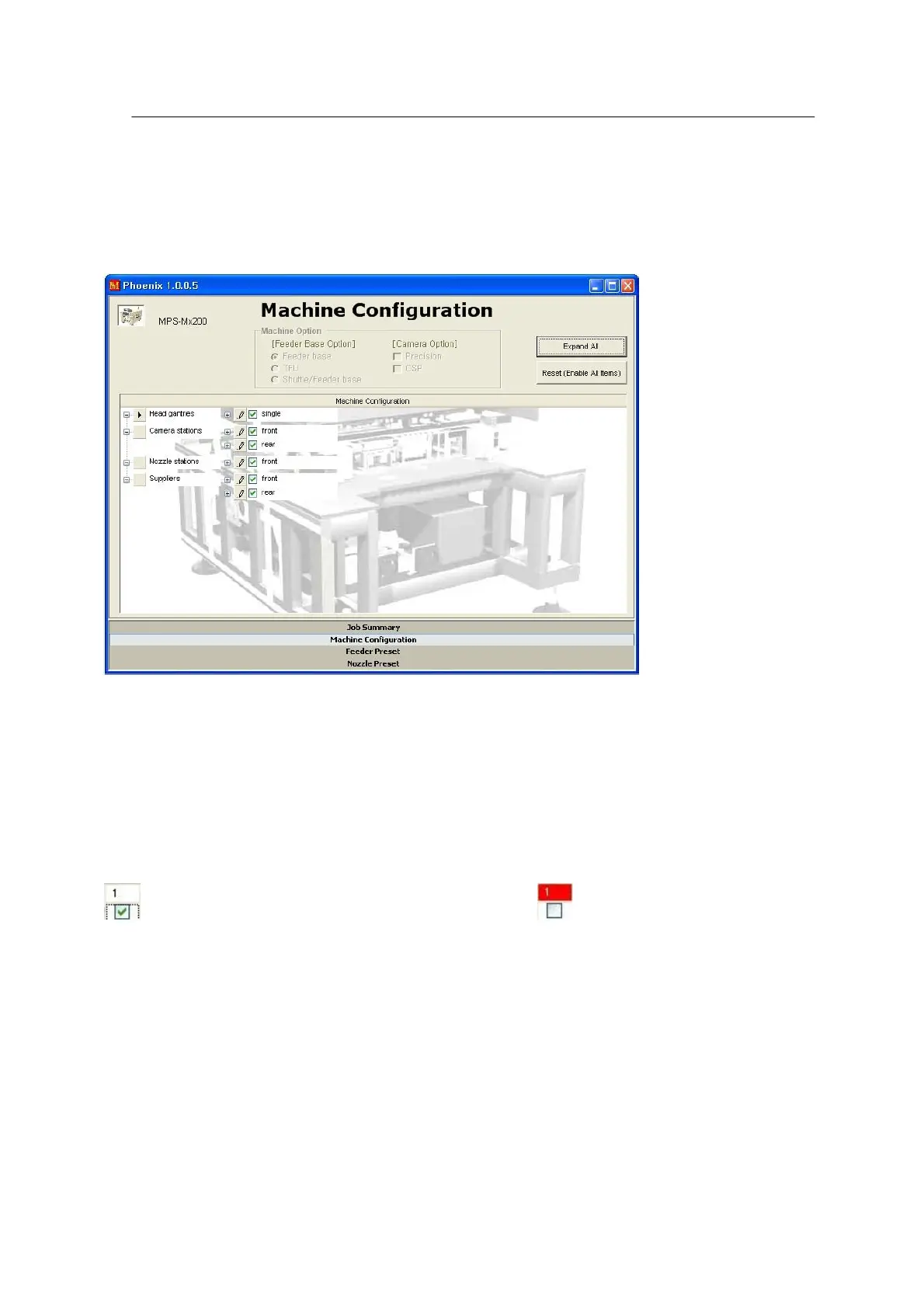
- Machine configuration setup window
Some of machine units such as head, camera, etc. may not be used in the event of failure or for the
sake of convenience.
<Figure 6-52 가 Machine configuration setup window >
The machine units are constructed in a tree. When ‘+’ given in front of each unit is clicked, the
elements of the unit are displayed and use of each element can be set where necessary.
• Use/Not Use:
Uncheck the Check Box for an element not to be used.
(check) means that the element would be used and (uncheck) means that the element
would not be used. The unchecked elements are not applied to optimization.



 To Next Page