6-58 Mx100/200 Series Operation Manual
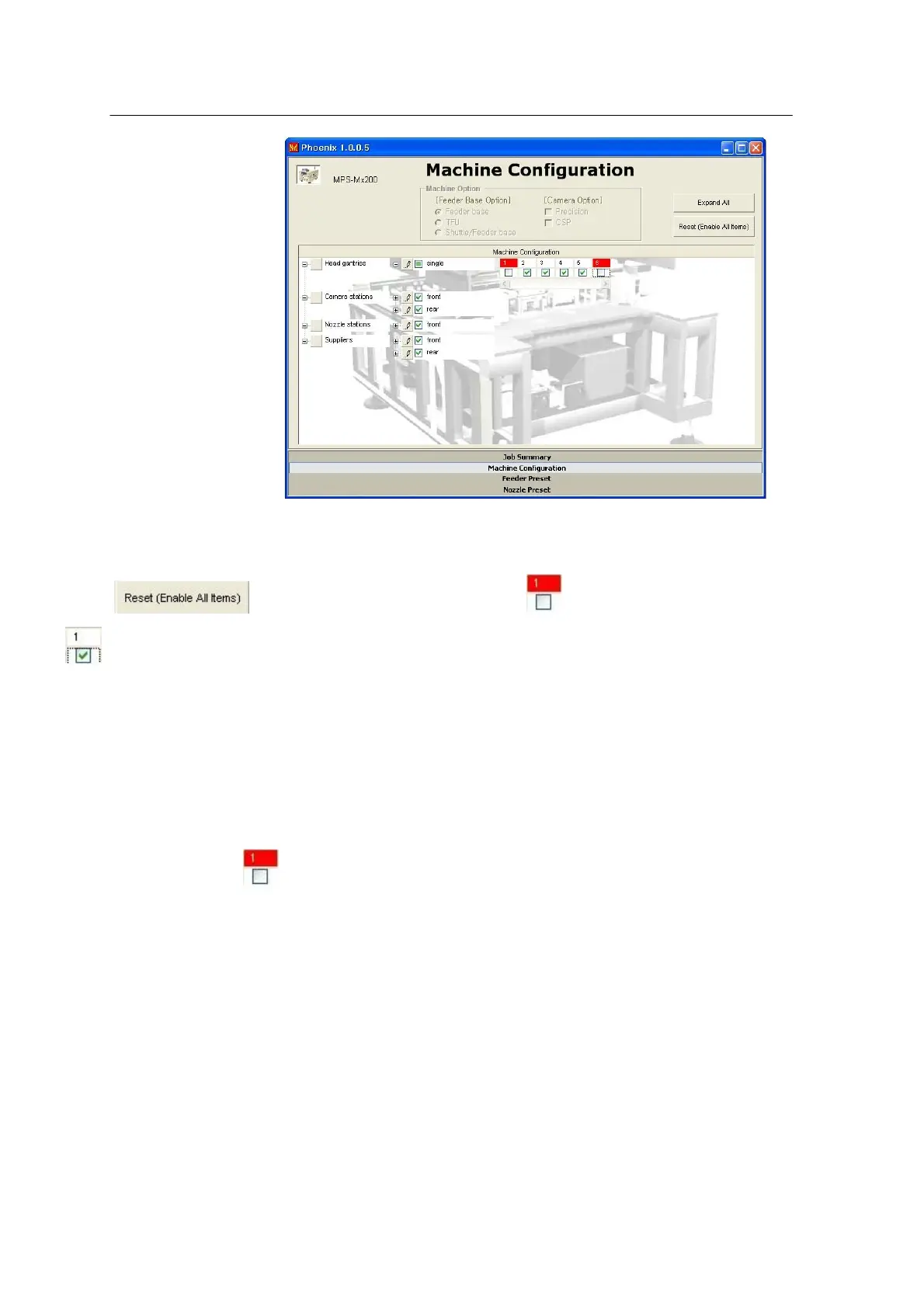
<Figure 6-53 가 Check/uncheck in the Machine Configuration window >
• Reset button:
When button is pressed, all element set to will be reset to
.
(Caution!)
The settings in the Machine Configuration window are stored after exit from the program and are
used as default settings for execution of Optimizer. Where Optimizer is executed with some
elements set to Off, use of head, feeder balancing and nozzle change might be affected, resulting in
fail to give optimum result.
• Check elements set to (not use):
It is not simple to check setting for every element because there are numerous elements defined in
the Machine Configuration window. Incorrect setting should be corrected or reset using the Reset
button.
- Nozzle Preset
Assigns a nozzle to a certain ANC hole defined by user.
(Where user setting is not defined, nozzles are automatically assigned according to the optimum
number of nozzles and positions obtained by the Optimizer.)
• Setting method:
1. Click the mouse on a desired ANC hole. Applicable nozzle types will be displayed.



 To Next Page