Chapter 6 Programming 6-59
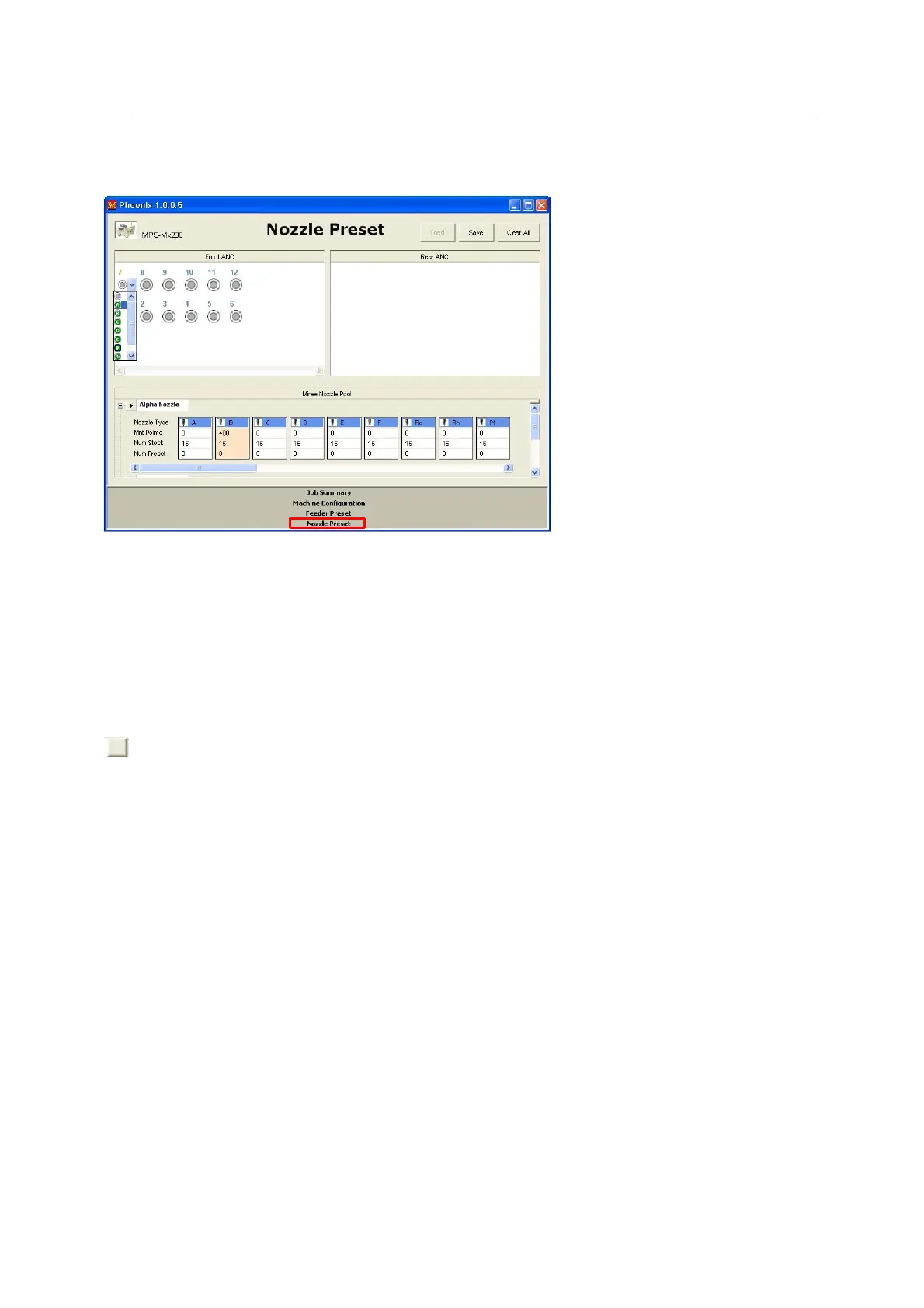
2. Click a desired nozzle type for the given ANC hole.
• Setting a maximum nozzle count:
Number of available nozzles can be set for each type of nozzle.
is enabled when the mouse point is placed on Num Stock of nozzle in the nozzle
information window shown below. Click it and the window to set a maximum nozzle count opens as
shown below.



 To Next Page