6-70 Mx100/200 Series Operation Manual
[Part Inspection]
Check the placement positions entered in DB grid of the Pick Data tab and modify position
by teaching, where necessary.
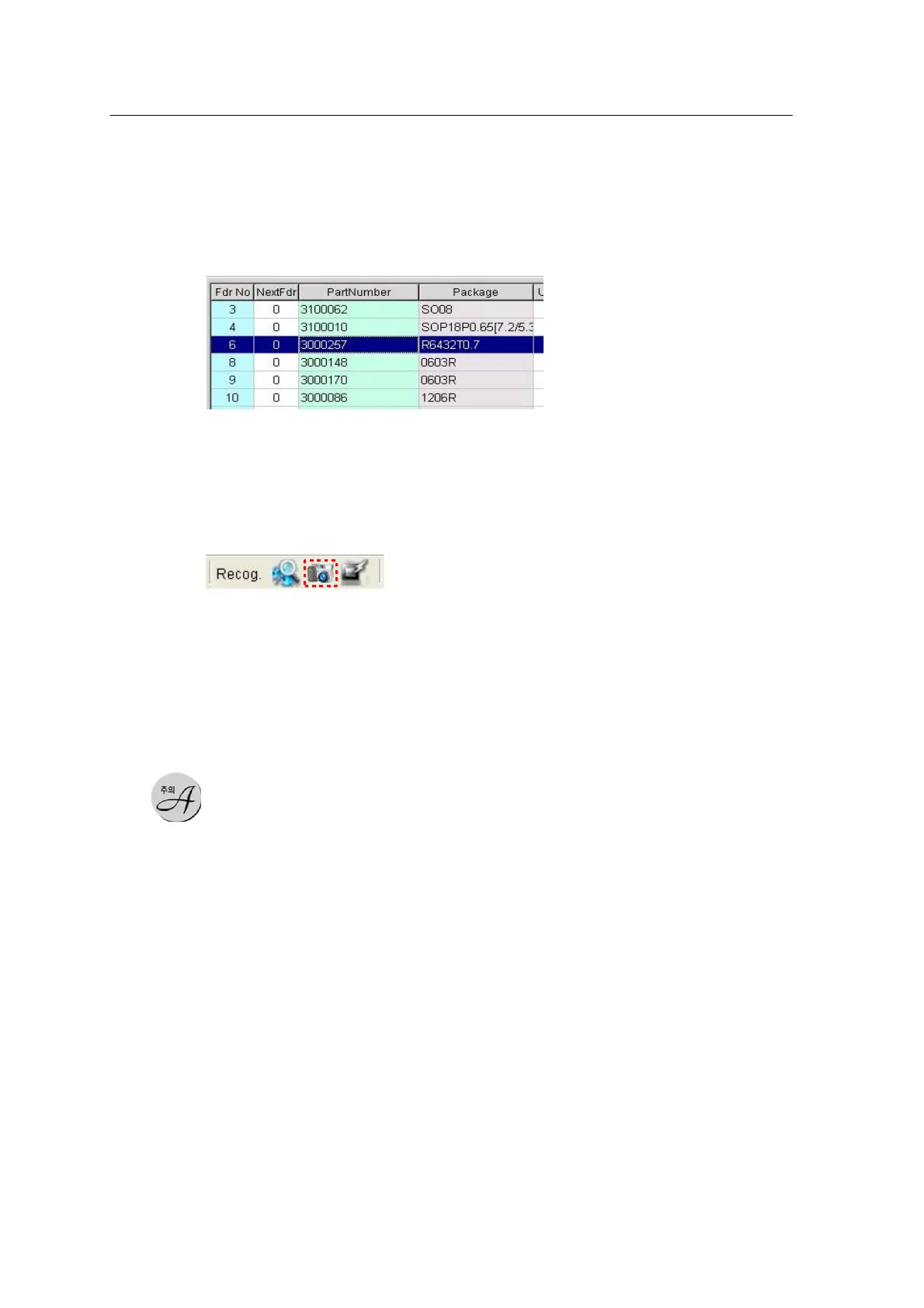
<Figure 6-66 가 Select a feeder for part inspection >
After optimization, a feeder number is assigned to each part. Select a feeder for part
inspection
(The feeder position should be taught in advance.)
Select the Manual Part Inspection icon in the main window.
To select head and
camera, the
concerned head
should be equipped
with a nozzle for
inspection in
advance.



 To Next Page