6-84 Mx100/200 Series Operation Manual
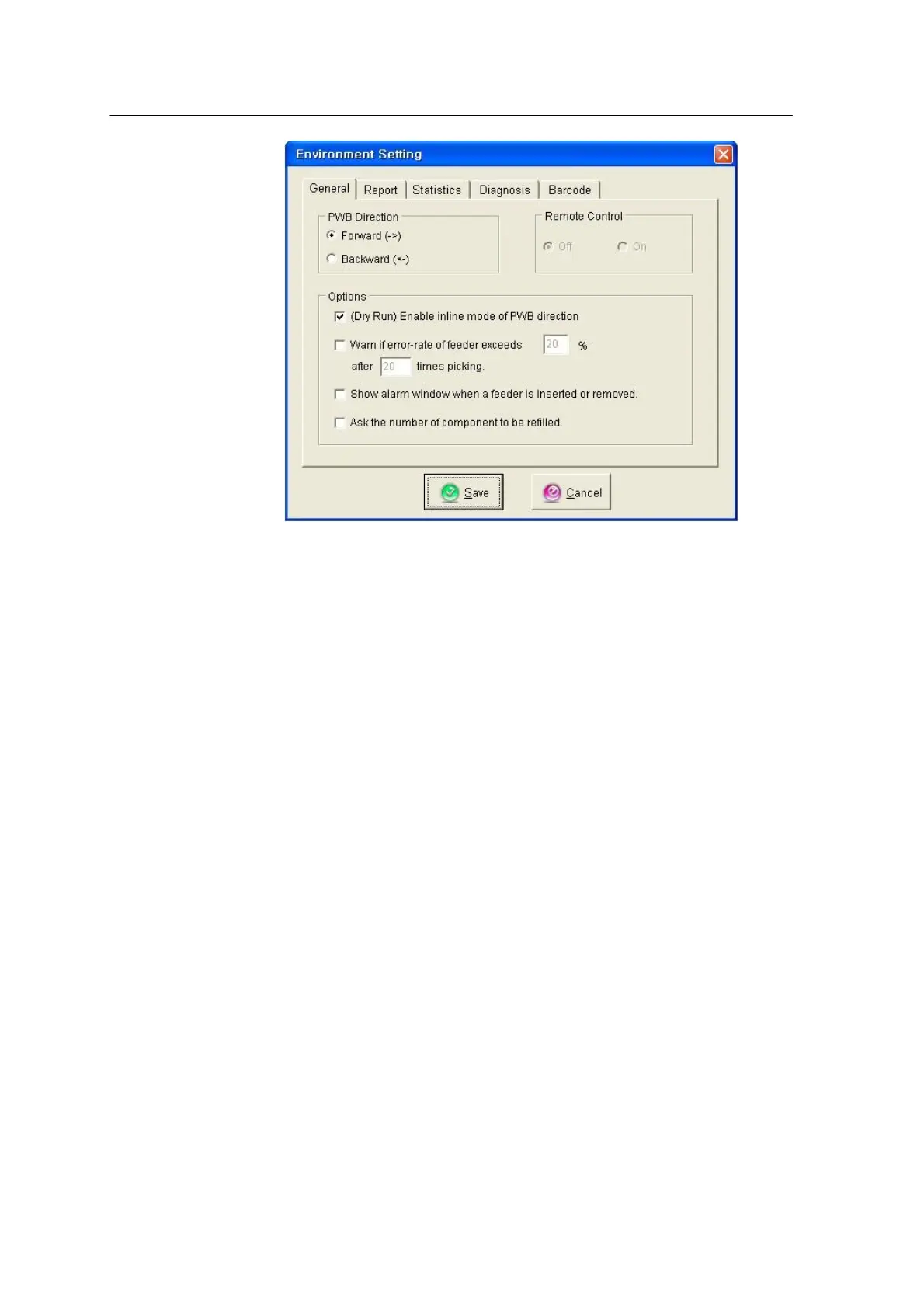
<Figure 6-85 가 Environment setting window >
* General Tab
• PWB direction: Selects a conveyor moving direction.
• Enable Inline of PWB Direction: Adds the Inline mode to Dry run.
• Warn if error-rate: Sets inspection to 20 times in case the pickup error is caused in more than
20% of the parts.
• Feeder Alarm: An alarm message is displayed when the feeder is empty.
* Report Tab
- Defines machine number and operator name.
* Statistic Tab
- Sets deletion of production data prior to 30 days.
* Diagnosis Tab
- If the air filter replacement period is set to 20 days for a machine running 24 hours a
day, the Air Filter Status on the screen will become 0% after 20 days. At this time,
replace the filer and select Air Filter Replacement.
* Barcode Tab



 To Next Page