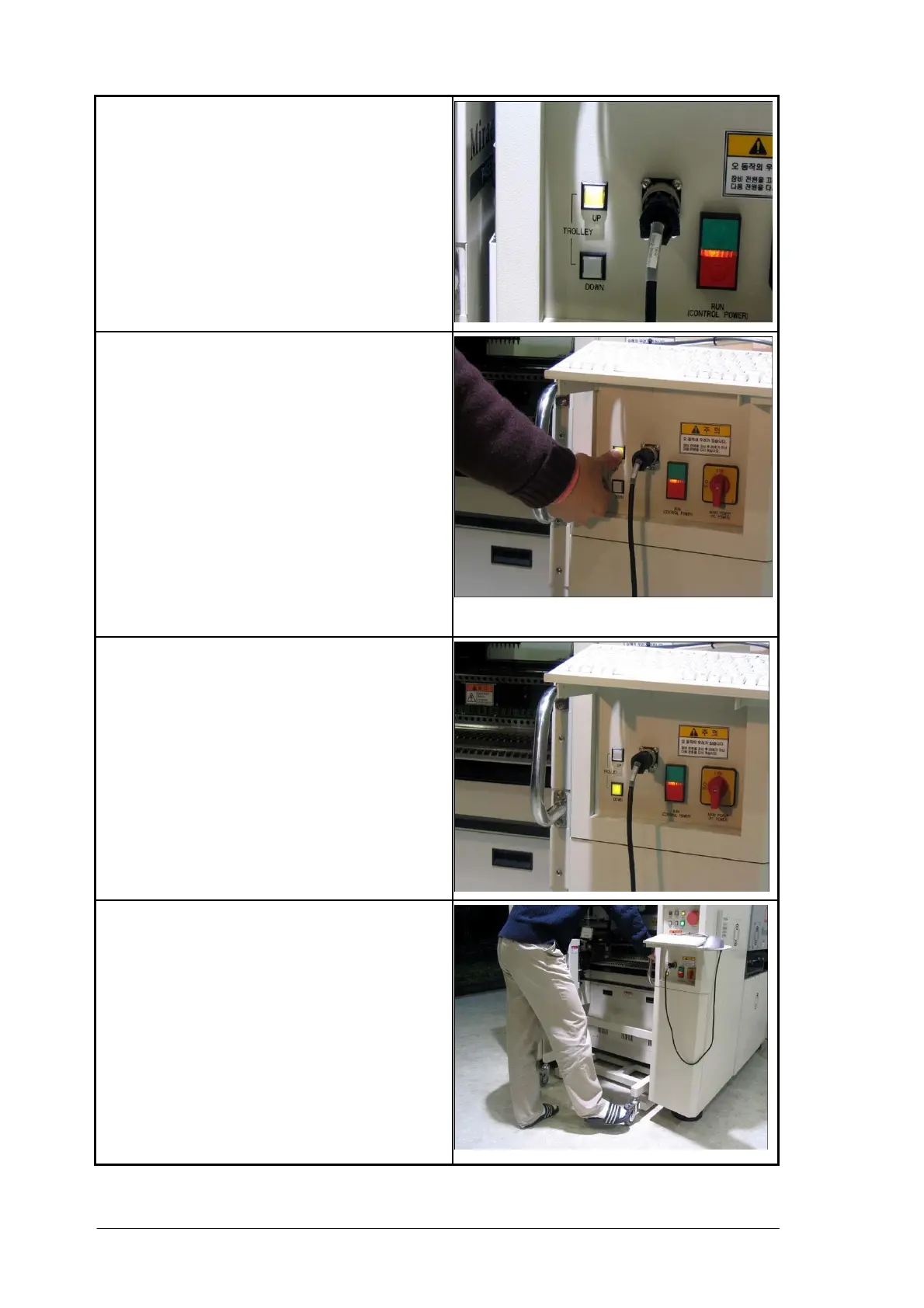
4. At the same time, the trolley lock button LED
on the operating panel becomes on.
5. Press and hold the Trolley Lock button for 0.5
second or longer.
The built-in feeder base up-down cylinder is
activated, and the feeder base goes up until the
set-position sensor becomes on. Then, the
connector up-down cylinder is activated and the
male connector of the trolley meets the female
connector of the equipment, supplying power to
the interface board and making communication
path.
This process is performed automatically.
6. As the trolley is mounted, short buzzer sounds,
and the Trolley Unlock button led on the
operation panel is on.
(Trolley Unlock button LED is off during the
operation.)



 To Next Page