Mitel 5613 DECT Phone User Manual for MiVB
* This feature is system dependent.
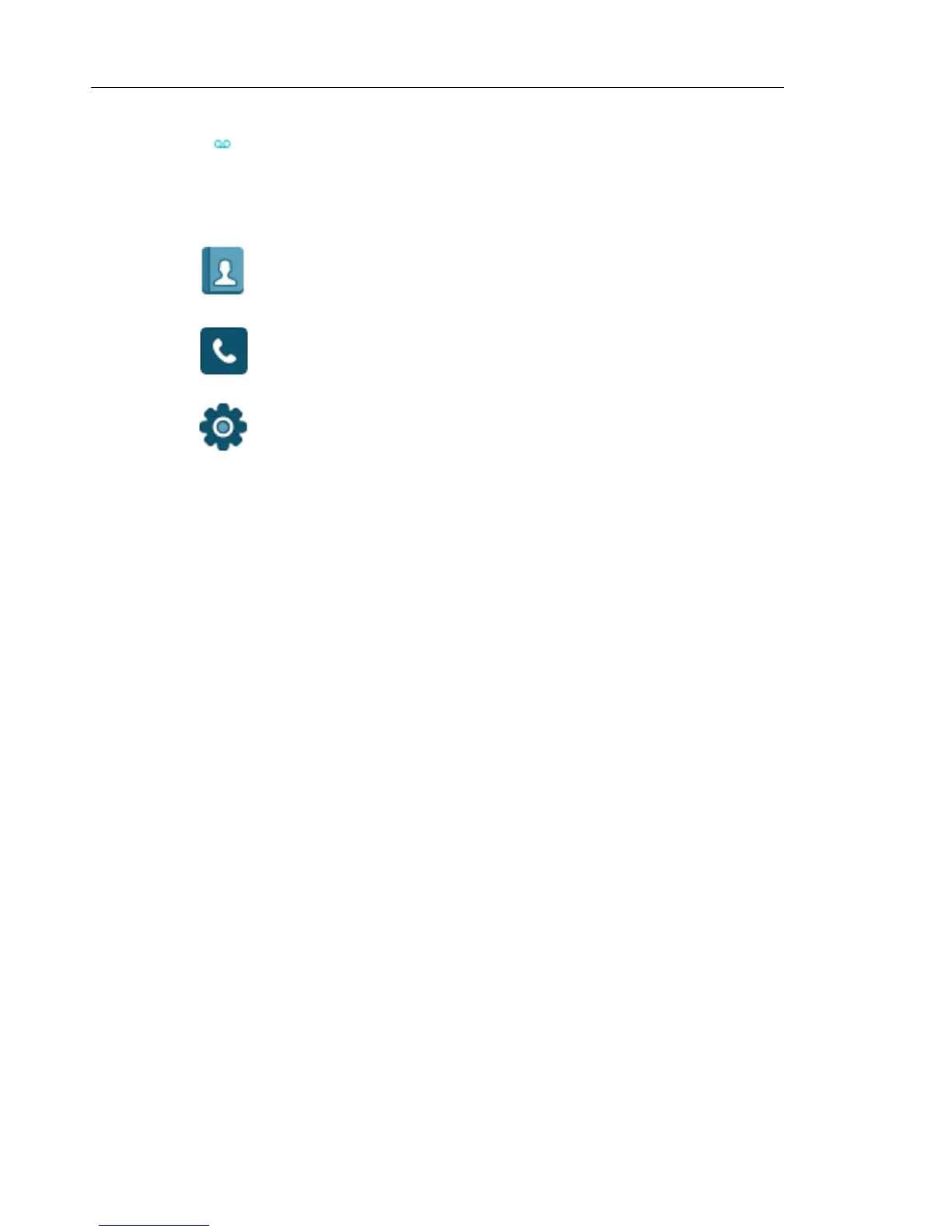
"Voice mail" icon indicates that new voicemail has been received.
MENU ICONS
The ”Contacts” menu contains all names/numbers in Contacts. In addition, a
company phonebook with up to 500 entries can be downloaded to the phone
via the WinPDM. A central phonebook* can also be accessed from the
"Contact" menu.
The "Calls" menu contains call lists, call time, and call services*. Call services
is configured in the WinPDM.
The “Settings” menu contains personal handset settings such as changing the
ringer volume, selecting language, etc.



 To Next Page