KEYS AND BUTTONS
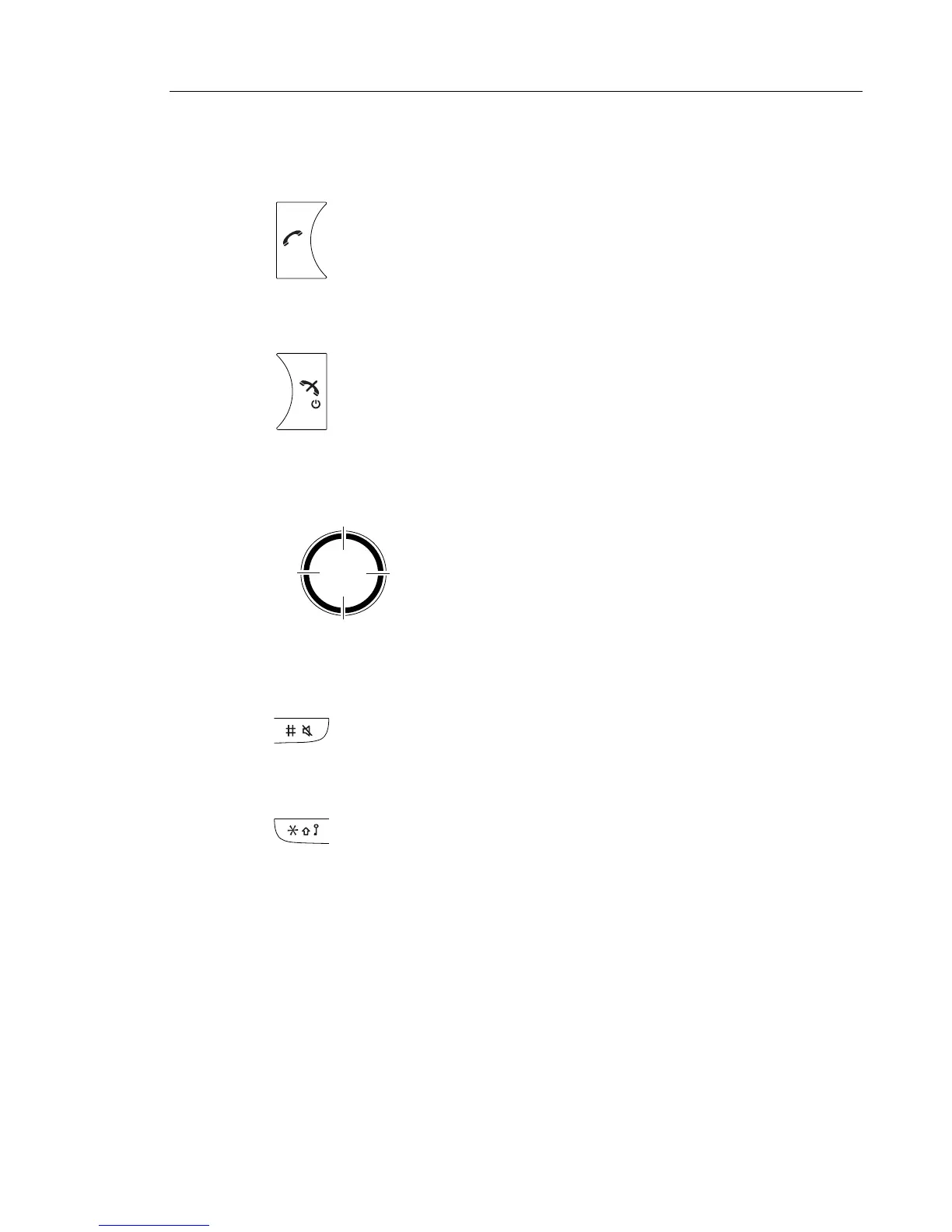
OFF-HOOK KEY
ON-HOOK, AND ON/OFF KEY
NAVIGATION KEY
SOUND OFF KEY
KEY LOCK, AND UPPER/LOWER CASE KEY
This key is used for connecting calls. One short press in standby mode opens
the call list.
This key is used for disconnecting calls and returning to main screen.
A long press in standby mode will switch the handset on/off.
Use this key to step in the menu and when working in text mode.
The picture on the left shows how to press the navigation key to
step left / right and up / down in the menu.
A long press on the key in idle mode changes between ring signal on/off. At
incoming call, a short press on the key silences the ring signal. During a call, a
long press on the key changes between microphone on/off.
This key is to lock the keypad in combination with the Soft key "Lock". It is also
for switching between upper/lower case and digits.
Left
Down
Up
Right



 To Next Page