Mitel 5613 DECT Phone User Guide for MiVB
Save Number
1. Press the "More" soft key.
2. Select "Save number".
Delete Entry from the Call list
1. Press the "More" soft key.
2. Select entry to delete.
3. Select "Delete".
4. Select "Yes" to delete the entry from the list.
Delete all Entries from the Call list
1. Press the "More" soft key.
2. Select "Delete all".
3. Select "Yes" to delete all the entries from the list.
MISSED CALLS
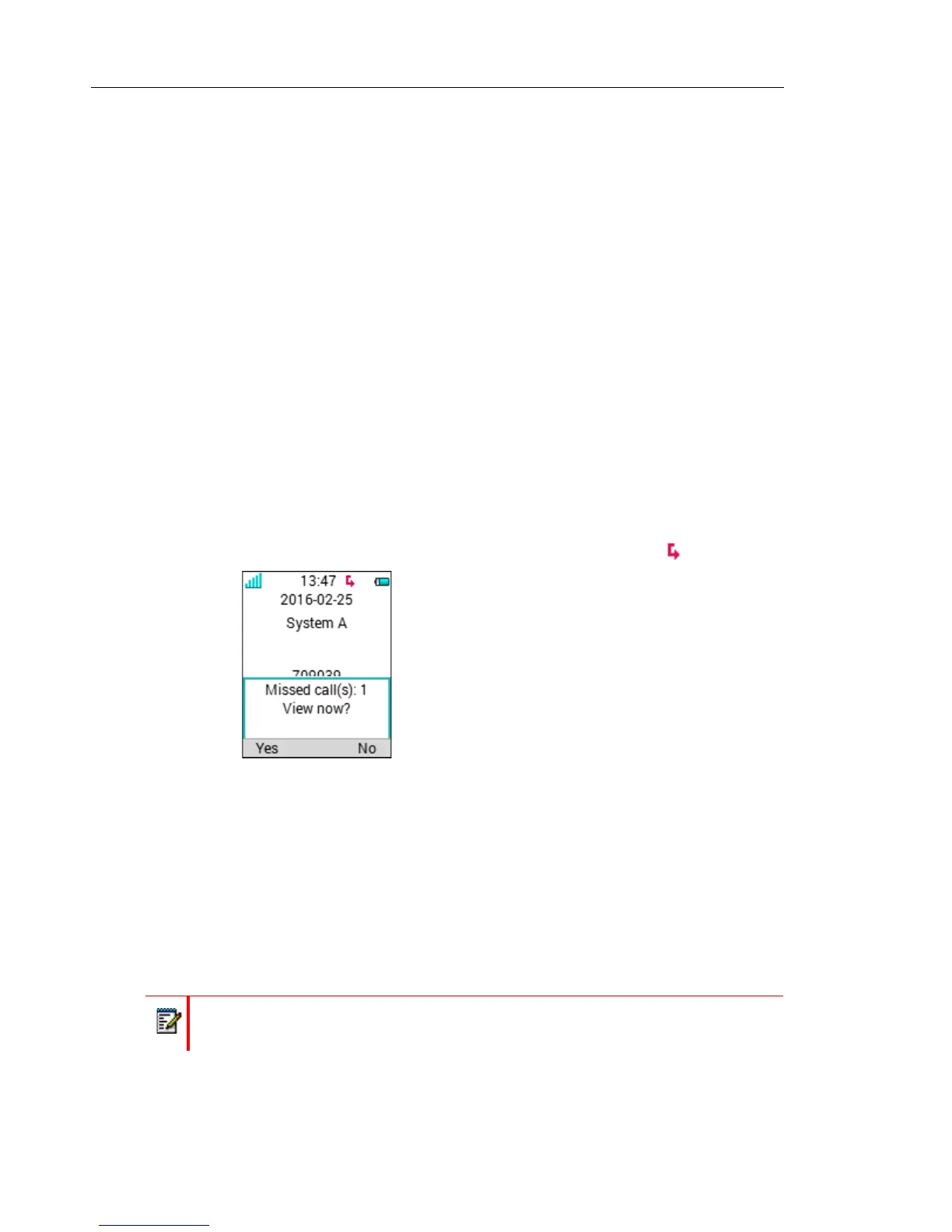
A missed call is by default indicated by a Missed call window
1
and the icon .
The user can view the missed call(s) by pressing "Yes". If the user presses "No", the missed
calls can be viewed as follows:
1. Select "Missed calls".
2. To scroll in the list, press up and down on the navigation key.
3. Press "Call" to call back.
As in "Call list" there is a "More" soft key which can be used to view the time/date of the call,
edit the received number, add to contacts, and delete received numbers. See Call List on page
45 for information about the functionality in the "More" soft key.
1. The Missed call window can be hidden, refer to the Configuration Manual for the handset.
Note: If supported by the system, the number’s contact name can be displayed in the list.



 To Next Page