26/1531-ANF 901 14 Uen S 2019-10-18 24
C
ONFIGURING THE PHONE
switchport mode access
switchport voice vlan 150
authentication host-mode multi-domain
authentication port-control auto
authentication periodic
authentication timer reauthenticate 120
authentication violation protect
dot1x pae authenticator
auto qos voip trust
mls qos trust dscp
spanning-tree portfast
Radius server
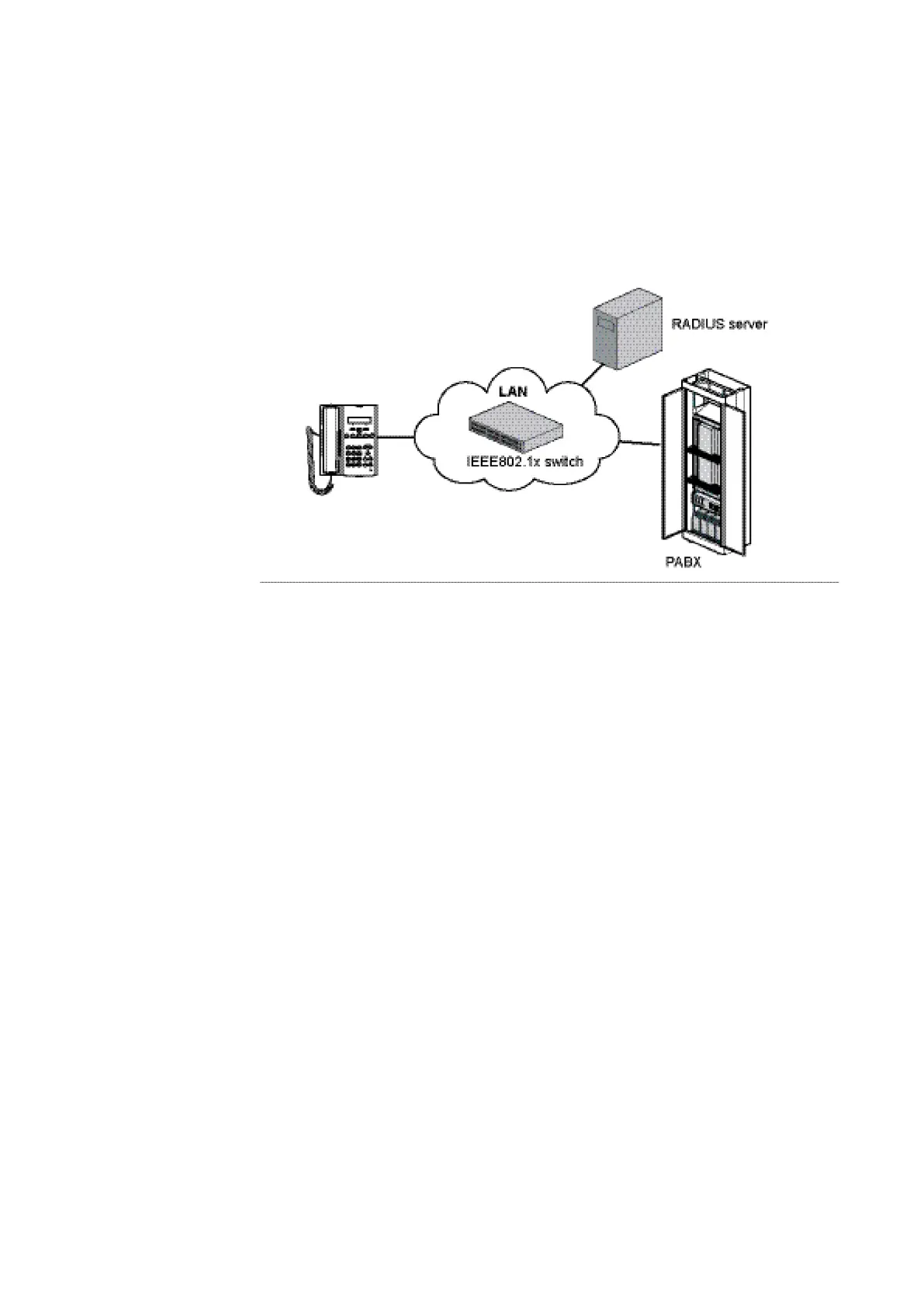
In the Radius server the certif-
icate matching the
one in the
phones must
be available
(when
EAP-TLS is
used). It is also
important to
configure the
port to enable the telephony VLAN otherwise the telephone will try to use the data LAN.
In the example below the settings for enabling of telephony VLAN in the configuration
file for a Radius server from FreeRadius is shown when using a Cisco LAN switch:
Phone_Floor1 Cleartext-Password := "GJM"
cisco-avpair == "device-traffic-class=voice"
In combination with the examples above (parameters marked with red) this will mean
the telephones with the identity Phone_Floor1 will use VLAN 150.
For more information about how to set up IEEE802.1x in the phones, see Administrator
Guides for Mitel Models 6900, 6970, 6800, 6700 and 9000 Series IP SIP Phones.
11.4 LLDP-MED
The telephones have support for Link Layer Discovery Protocol for Media Endpoint
Devices (LLDP-MED), which can for example be used to get the VLAN identity or the
emergency location identification number (ELIN). In this section it is only the VLAN
identity that is described. For information about ELIN, see Administrator Guides for
Mitel Models 6900, 6970, 6700, 6800 and 9000 Series IP SIP Phones.
Note: If LLDP is not used in the network, LLDP can be disabled in the
aastra.cfg/startup.cfg file, which means that the telephone will start much faster.
Previously, Mitel IP Phones had a 5 second timer for listening to LLDP-MED responses
when the phone is booting up. If LLDP-MED responses are received after this initial
listening period, the phone will not get access to the telephony VLAN. If there is an
untagged LAN, the phone will use it and may be hanging in a DHCP negotiation.
Dependant on when the phone was manufactured, this problem can still occur at new
installation. If this problem occurs, the recommendation is to set the timer in the LAN
switch temporarily to 5 seconds, start the phones with an aastra.cfg/startup.cfg file



 To Next Page