MITEL 6900, 6970, 6800, AND 6700 SIP TERMINALS FOR MIVOICE MX-ONE
7 26/1531-ANF 901 14 Uen S 2019-10-18
6 MANAGE THE CONFIGURATION FILES IN
MX-ONE SERVICE NODE MANAGER
MX-ONE Service Node Manager shall be used when creating or changing the
aastra.cfg and the model specific configuration files. The information regarding param-
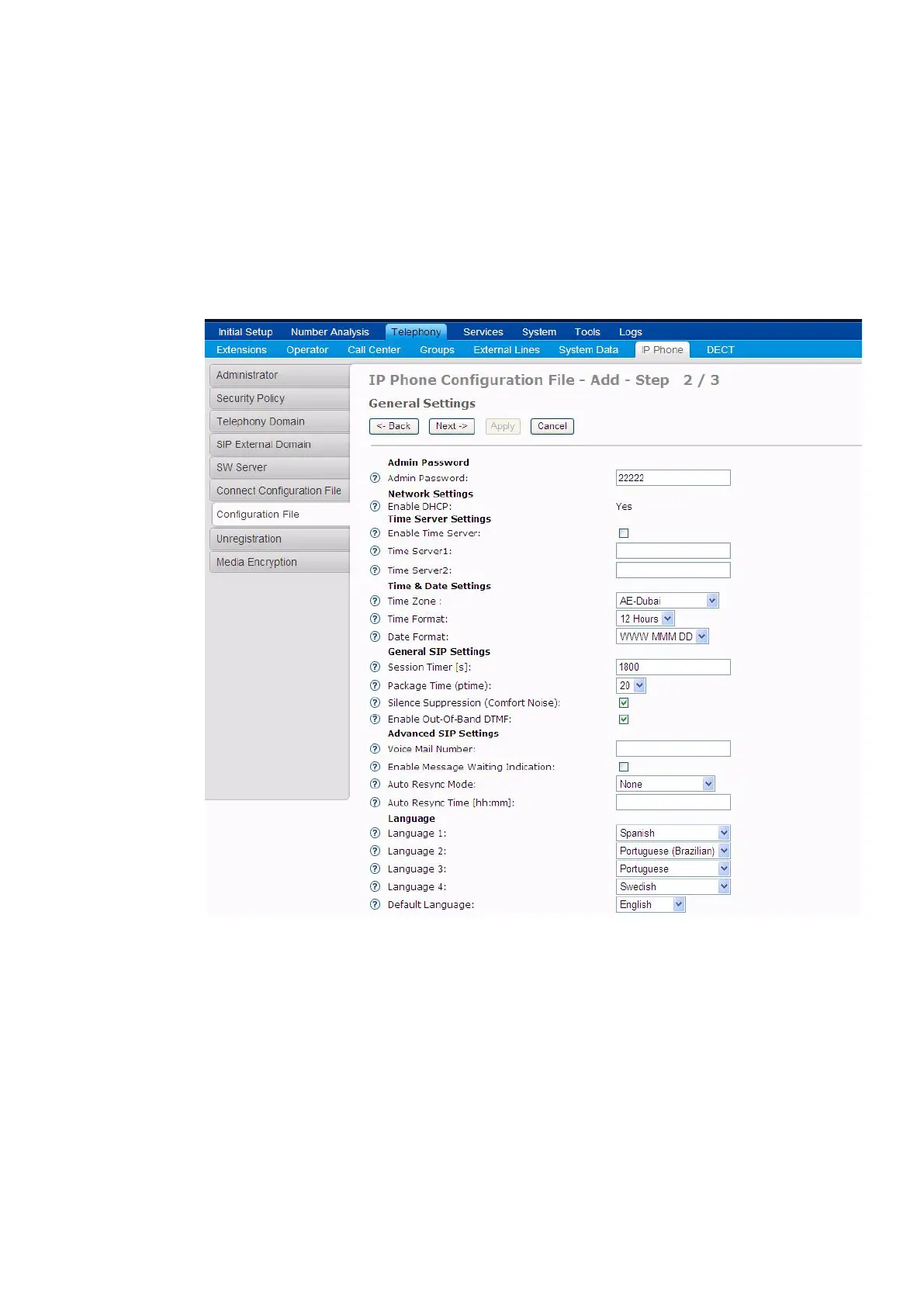
eters is available in the online help for MX-ONE Service Node Manager. The picture
below shows an example of the page in the IP Phone Configuration File task in
MX-ONE Service Node Manager:
Figure 2: IP Phone Configuration File in MX-ONE Service Node Manager
Note: MX-ONE Service Node Manager requires that the IP Phone SW Server Config-
uration Management Application is installed on the IP Phone SW Server, please
see section 5 Setting up the Software Server on page 6
6.1 CREATE A CONFIGURATION FILE
The procedure to create a new configuration file is:
• Log in to MX-ONE Service Node Manager.



 To Next Page