USER MANUAL OPTIMA 7
17 / 78 MRU GmbH, D-74172 Neckarsulm
Keypad
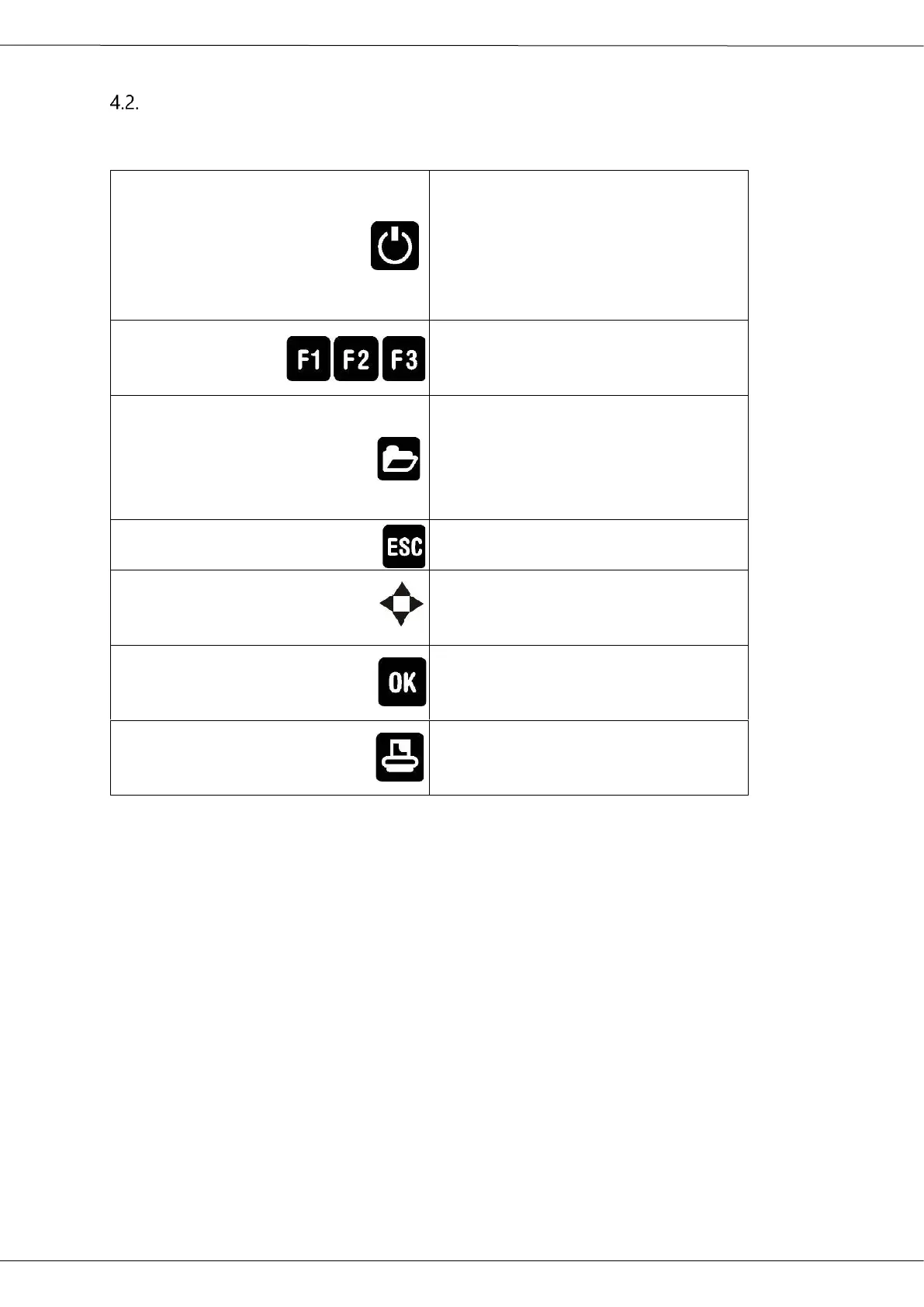
Description and function of the keys:
Press to start the analyzer without
delay. The power off function will be
delayed to protect the sensors. If
there is not enough ambient air the
analyzer will recommend the purg-
ing of the sensors.
Activates the functions seen on the
display (2 function key bar).
Will show all available functions in
the window that is currently in use –
also those which have an individual
key on the key pad like the printer
and the three function keys.
Abort or return to the menu above
Jump in between lines, change
values
Confirmation key, select a marked
menu point
Activates the printer function in the
measurement and service window



 To Next Page