USER MANUAL OPTIMA 7
MRU GmbH, D-74172 Neckarsulm 36 / 78
► Go to the Measurement menu.
► Press OK.
The menu Selection meas. program appears.
► Select the desired measurement program.
► If necessary, change the CO limit.
See also Chapter 5.10 Setting CO limit value, Page 27.
► Change the measuring program name if necessary.
See also Chapter 5.15 Changing measurement program names,
Page 31.
► Press OK.
The menu Fuel type selection appears.
► Select the desired fuel.
► If necessary, add fuels from the fuel type list to the menu Fuel type
selection.
See also Chapter Adding fuels to fuel type selection, Page 27.
► Press OK.
The measurement is started.
You can start a measurement with the
previously set measurement parameters
directly from the Measurement menu.
►Press F1.
The measurement is started.
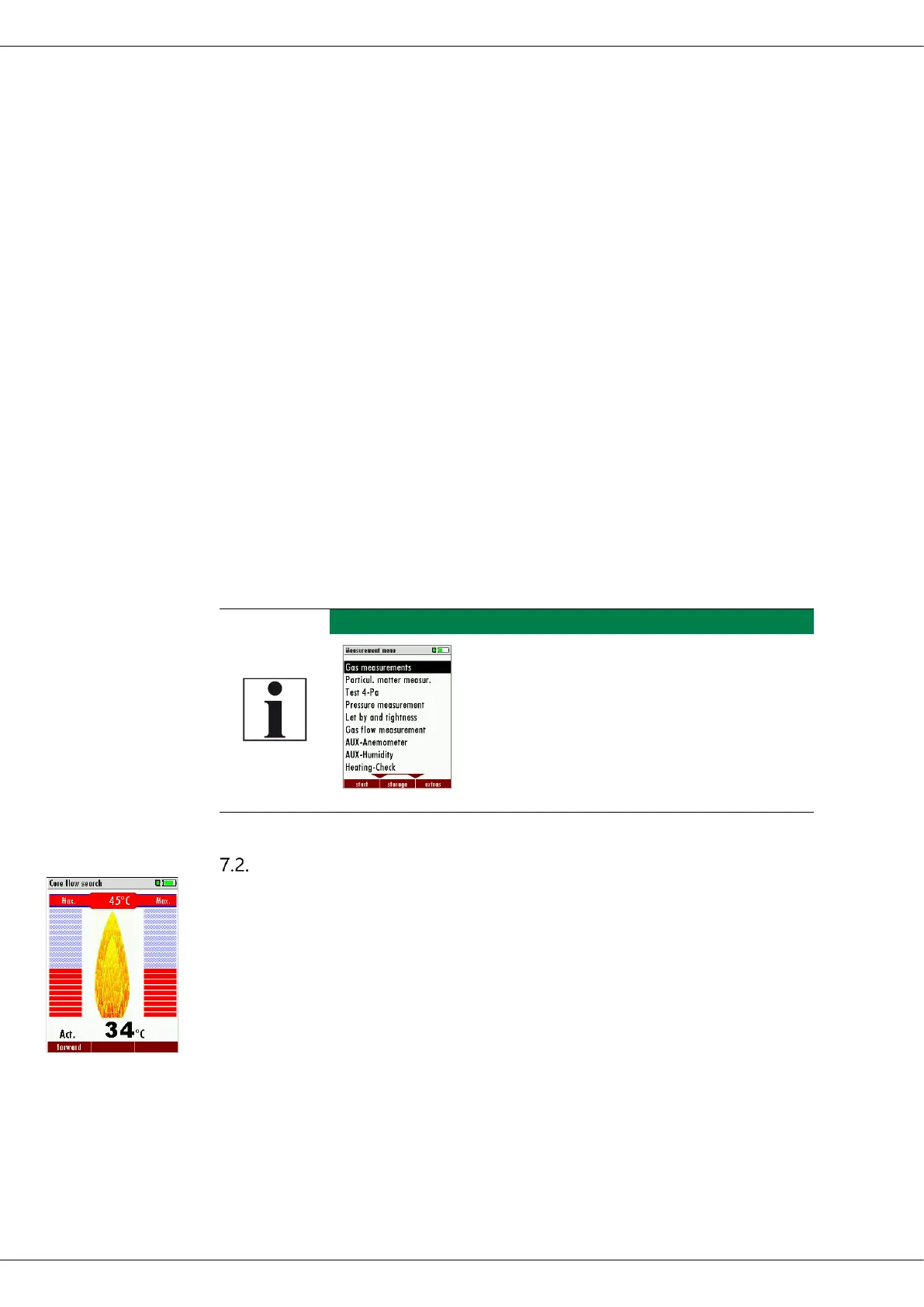
Core flow search
The core flow search will help you to find the optimal measurement
point in the stack. The core flow can be identified by the maximum flue
gas temperature. In high reaction time the analyzer displays the trend of
the flue gas temperature. Insert the probe pipe slowly into the stack and
position your probe tube when you have reached the maximum flue gas
temperature that is displayed



 To Next Page