USER MANUAL OPTIMA 7
MRU GmbH, D-74172 Neckarsulm 72 / 78
Firmware update
Install the new software version in the analyzer
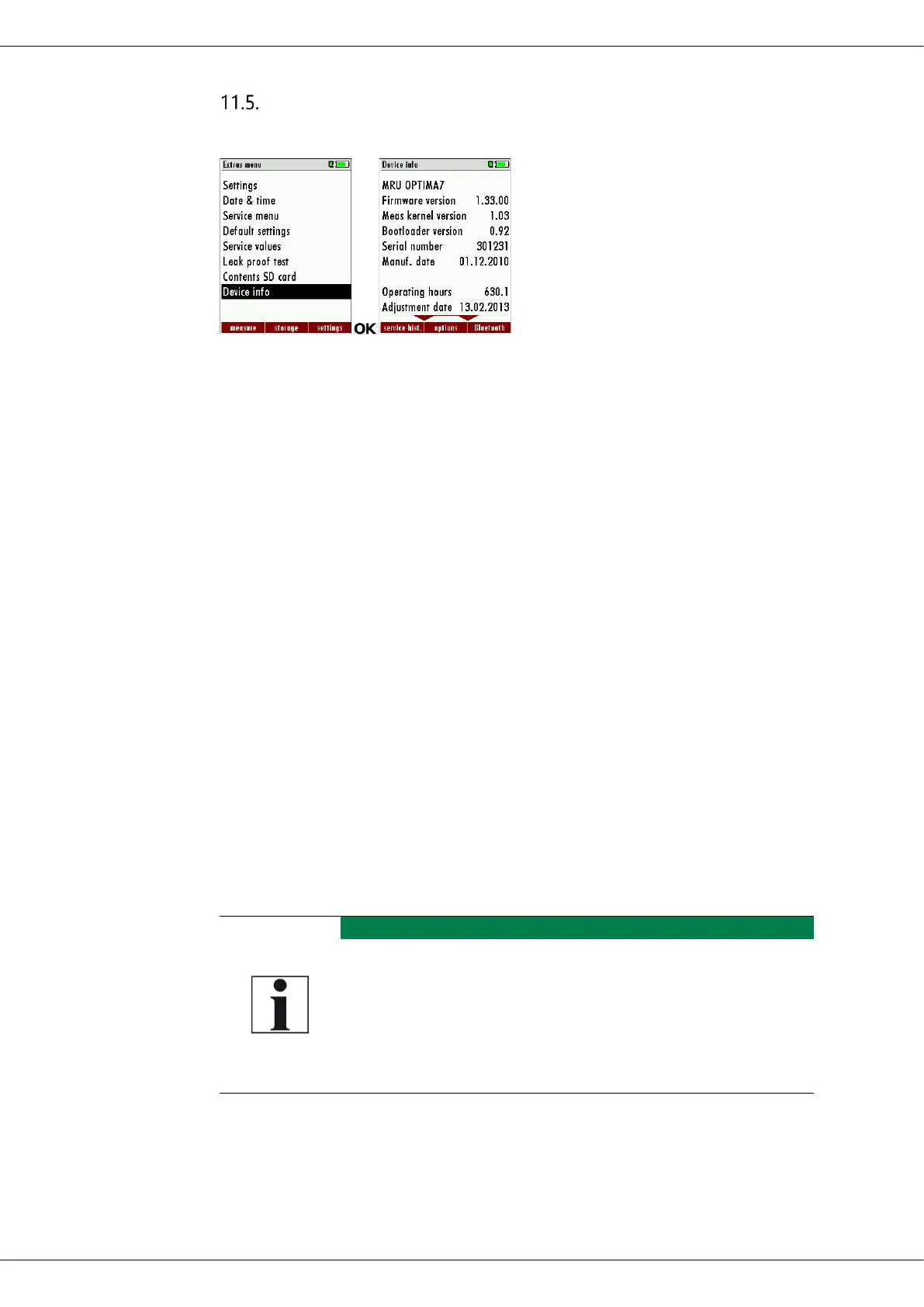
► Go to the Extras menu.
► Select Device info.
The menu Device info appears.
In the first line the Firmware version appears, for example 1.33.00.
For the case that there should be problems by the update we need
some information of you.
Please write down your Firmware-Version ___________________
Please write down your serial number___________________
Performing and checking the update
Prepare SD-Card
You need the latest file 'All_1083.fwb'. In case you get it in a zip archive
you have to extract it before usage. This file contains all firmware types
and the analyser will extract the correct type out of this file automati-
cally.
How do I carry out the update?
The display becomes dark while the update starts.
► Please wait about 25 seconds.
► Do not press any key during this time.
► Leave the SD card in the analyzer.
The SD card may only be removed when the analyzer
starts again
► Copy the file „All_1083.fwb” to a SD card in the root directory (that
means in no directory)
► Switch on the analyzer.
► Insert the SD card into the analyzer.



 To Next Page