USER MANUAL OPTIMA 7
MRU GmbH, D-74172 Neckarsulm 58 / 78
Transferring measurements to SD-Card (Option)
The analyzer offers the possibility to export all stored measurements to
a SD card.
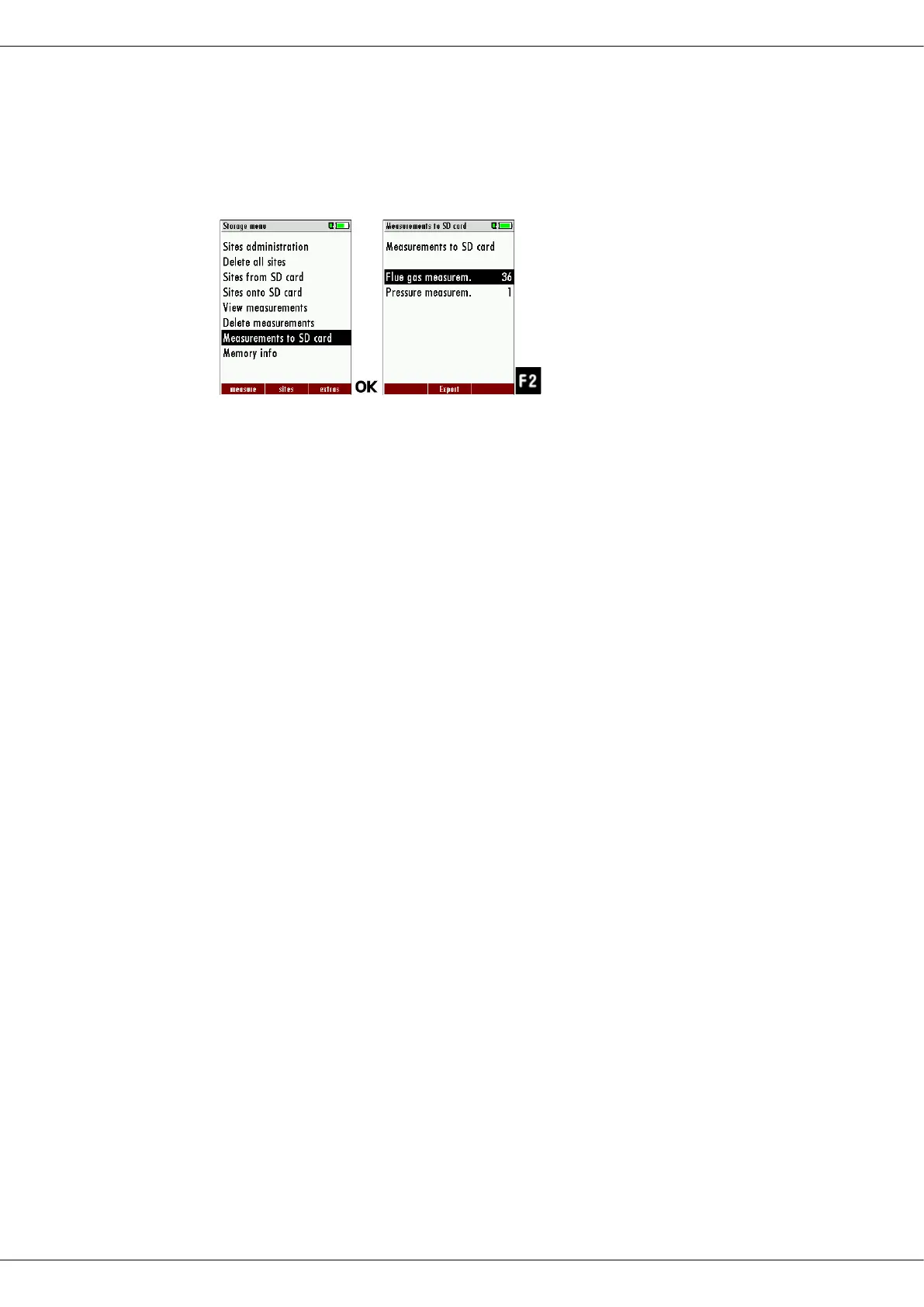
► Go to the Storage menu
► Select Measurements to SD card.
► Press OK.
► Select the desired measurement type.
► Press F2.
The selected measurement type is transferred to the SD card
During the data export the display reads „please wait”. A write error to
SD card is reported by the instrument. Make sure that the SD card is not
write protected.
The data are stored as a csv-file (e.g., EMI01032.csv) on the SD card. The
filename exists of a sequential number which fixes the device.
This file is editable on your Notebook/PC with a program like e.g. Mi-
crosoft® EXCEL or OpenOffice® Calc.
With possible problems with the using of your computer programs
please read your software documentations or ask your software dealer.



 To Next Page