USER MANUAL OPTIMA 7
45 / 78 MRU GmbH, D-74172 Neckarsulm
Terminate measurement
A running measurement can be stopped at any time by pressing the F1
key. The window changes colour and the measured values are frozen.
All measured values available at the time of stopping are available in the
analyzer and can still be displayed. By pressing the ESC key, the analyzer
returns to Measurement menu.
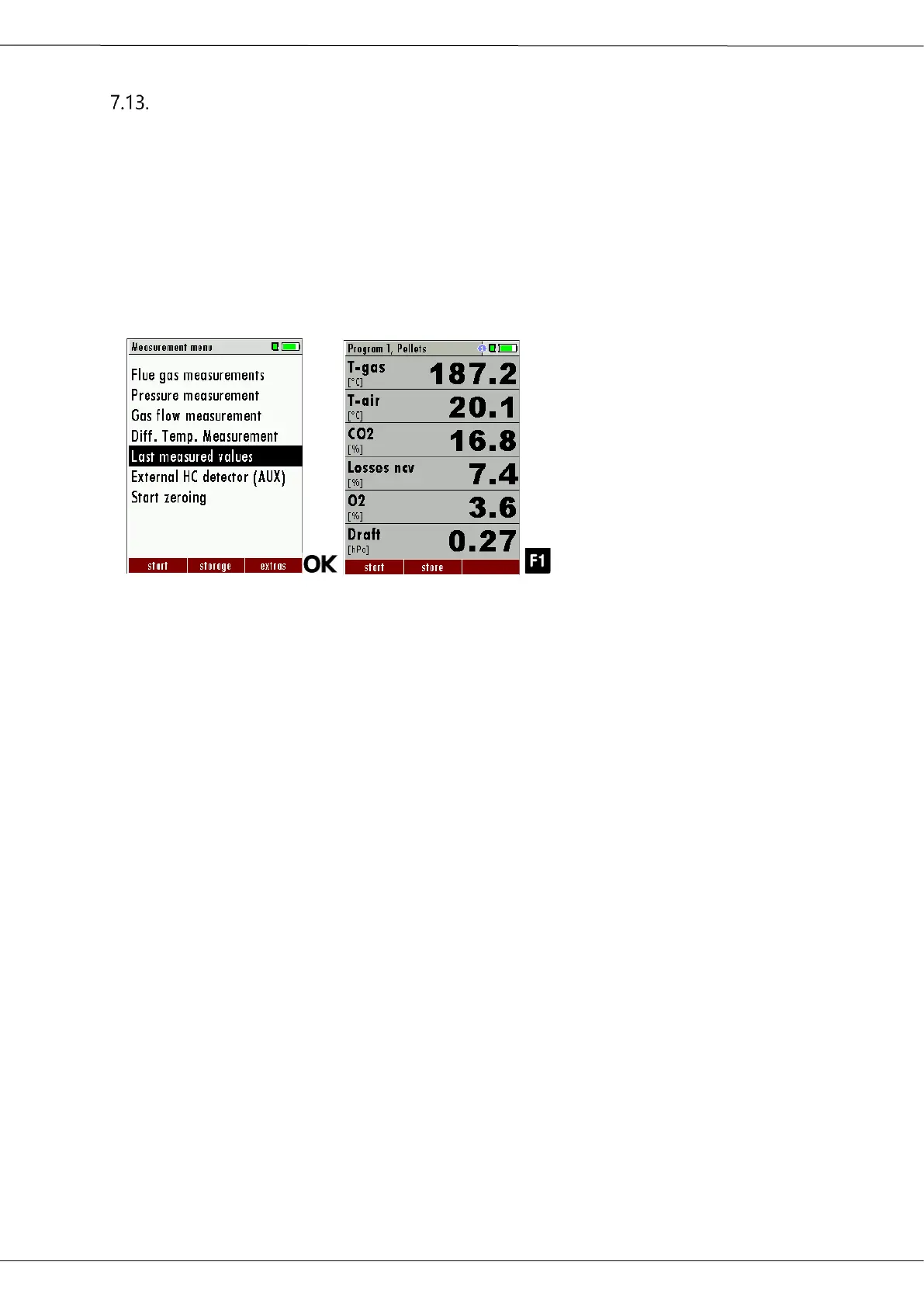
7.14. Last measurement values
The analyzer offers the possibility to continue working with the last
measured values after the end of a measurement.
► Go to the Measurement menu.
► Select Last measured values.
The measured value window with the last measured values ap-
pears.
► Press F1.
The measurement is continued.



 To Next Page