SUPREMATouch
26
Operation of the System
MSA
US
Measuring Information
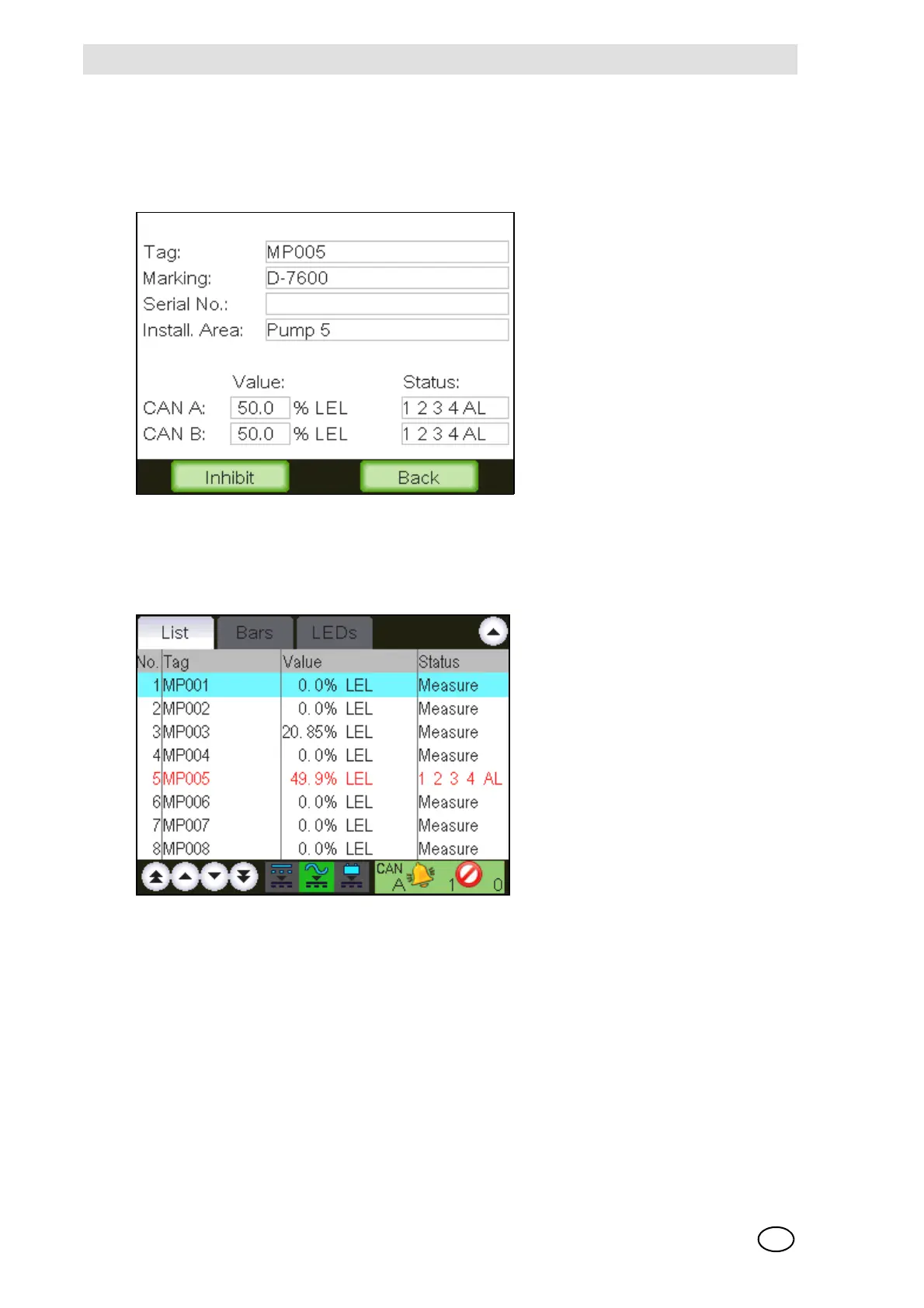
A list item can be selected by tapping it. The selected item has a blue background. By double-
tapping an item, a window pops up that shows additional information about the selected input and
gives the option to inhibit this input.
Fig. 9 Measuring information
List Window
In this window, the current input data is displayed in as a text list.
Fig. 10 List display [with a measuring point in Alarm]



 To Next Page