Operation of the System
SUPREMATouch
43
US
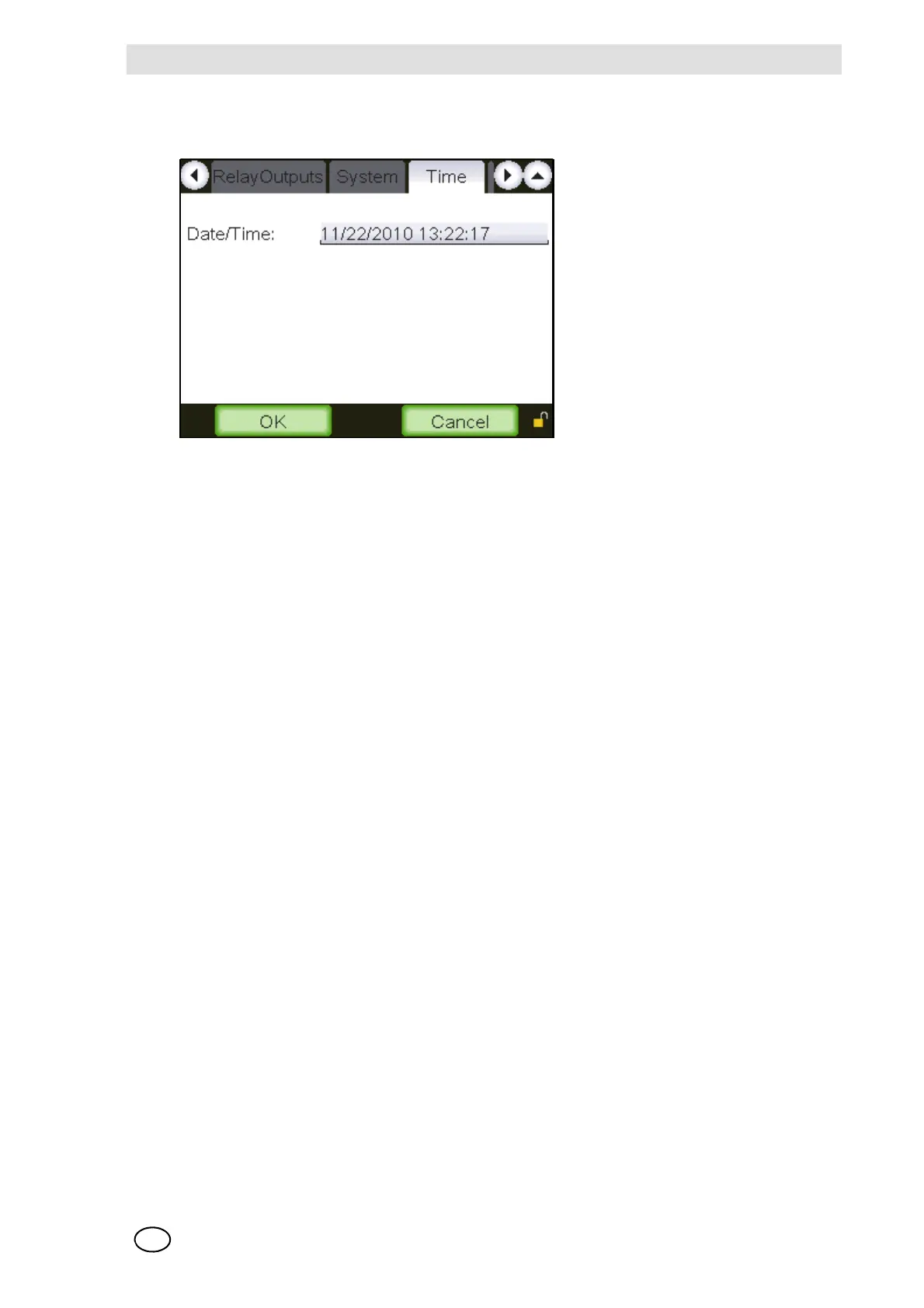
Time Window
This window displays the date and time of the system.
Fig. 19 Date/Time
The functions of the individual window elements are described below:
Date/Time
Field type: Date/Time input
The date and time are set by tapping the input field and entering the new date and time in the date/
time field.
After this window is closed, the new date and time is displayed, but it does not become valid until
the [OK] button is tapped.
Note: the Date and Time do not automatically adjust for daylight saving
OK
Field type: Button
Tap this button to accept the settings entered. After the button is tapped, the parameters are im-
mediately checked to see if they are valid. If the parameters are valid, they become part of the
system’s parameter set. If they are not valid, a warning appears.
Cancel
Field type: Button
Tap this button to discard the settings entered.



 To Next Page