SUPREMATouch
48
Operation of the System
MSA
US
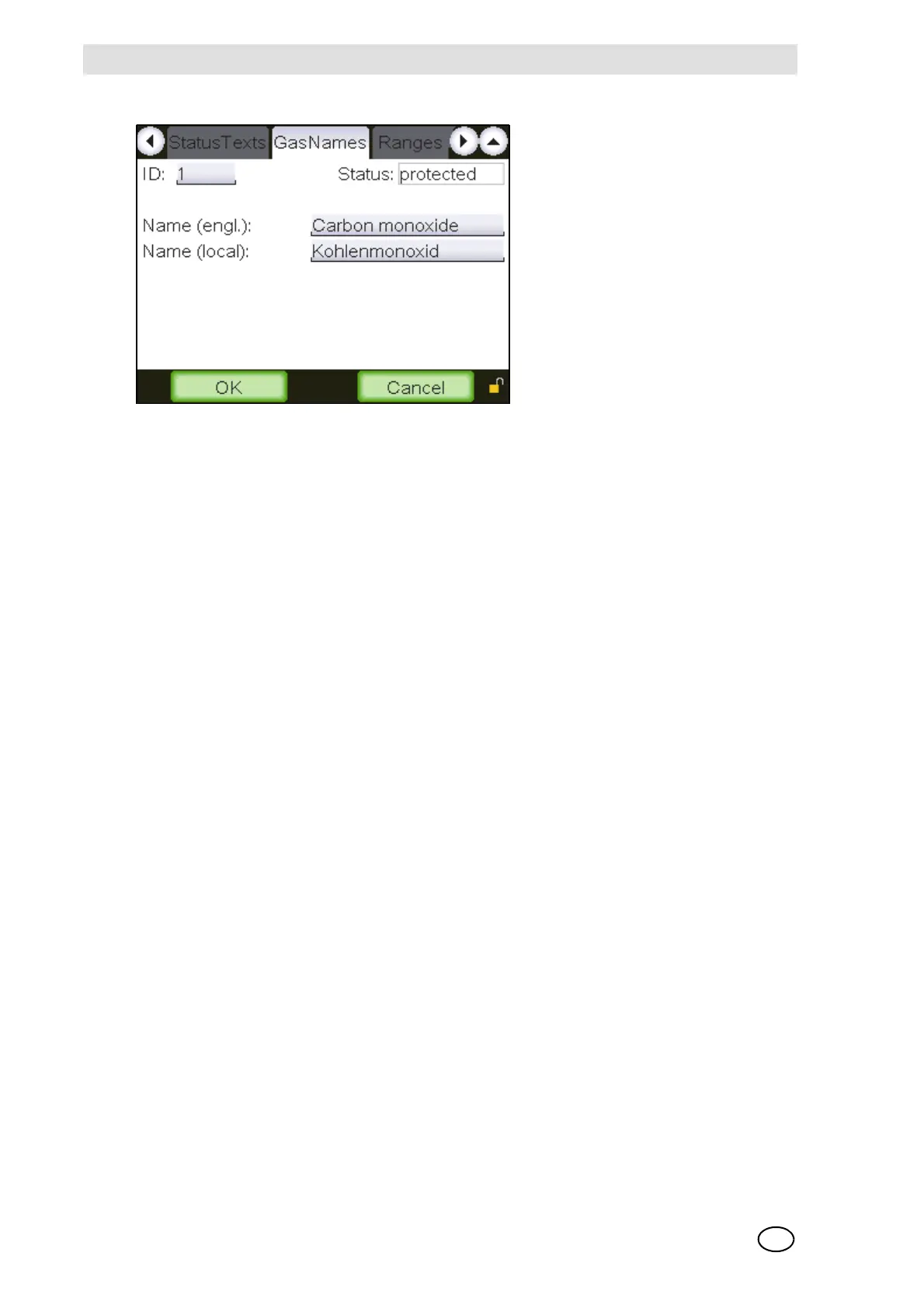
Gas names
Fig. 22 “Gas names”
This window makes it possible to view protected gas names provided and to adjust some prede-
fined changeable gas names.
User defined texts can be entered. Identical names are not allowed and will be rejected with the
message “Error: Name not unique!”.
The functions of the individual window fields are described below:
ID [ID of this gas name]
Field type: Selection
A gas name can be selected by means of its ID.
Status [Status of this cell]
Field type: Display
This field displays the status of the cell used for data saving. If the status is “protected”, then no
data can be changed and the following input fields are simply display fields.
Name [English]
Field type: Text
The English gas name can be entered here.
Name [local]
Field type: Text
The gas name in local language can be entered here.
OK
Field type: Button
By tapping this button, the completed settings for the selected gas name are applied.



 To Next Page