Operation of the System
SUPREMATouch
49
US
Cancel
Field type: Button
By tapping this button, the completed settings for the selected gas name are discarded.
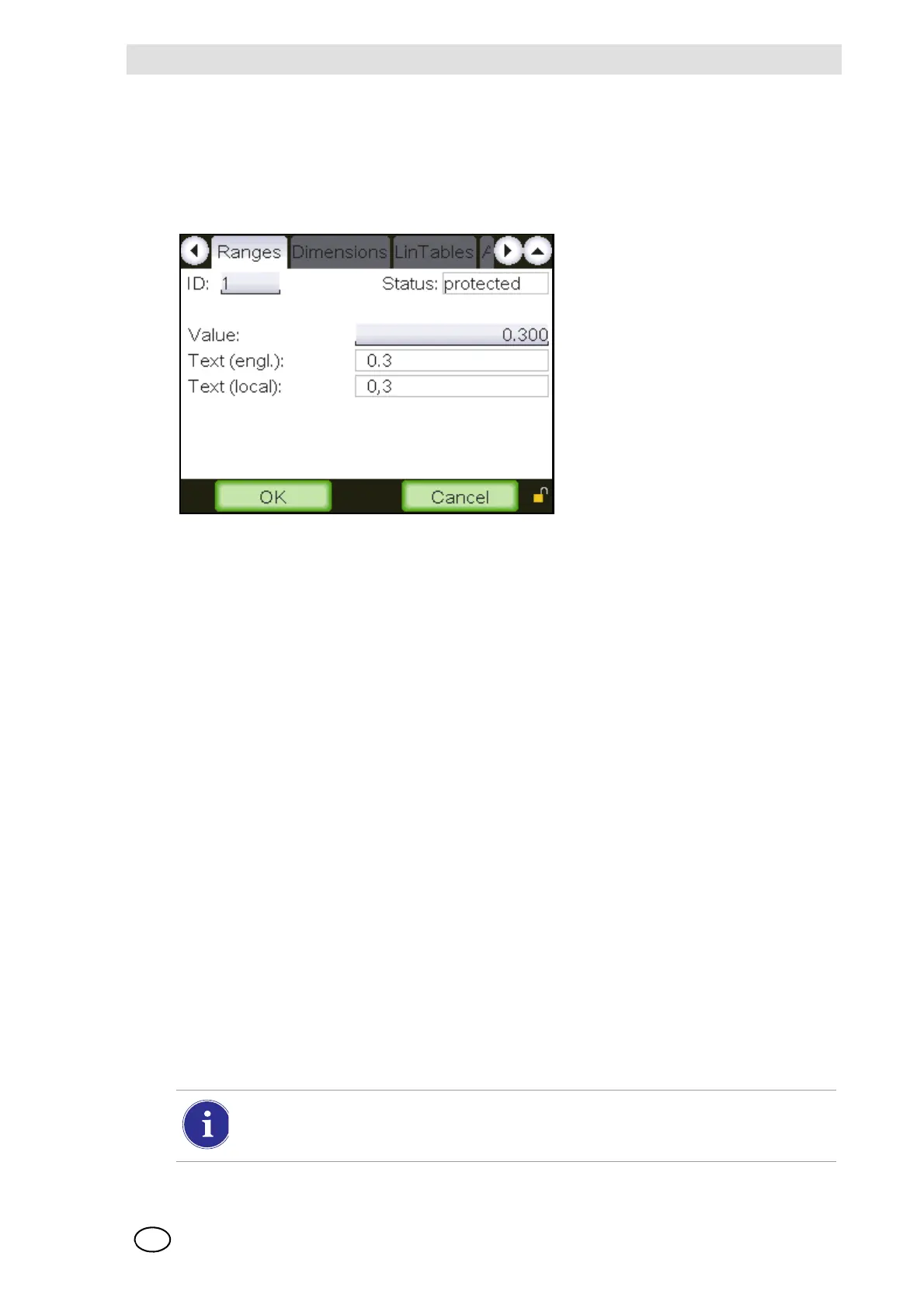
Measuring ranges
Fig. 23 “Measuring ranges”
This menu makes it possible to view the measuring ranges provided and to adjust some change-
able predefined changeable ranges.
User defined ranges can be selected. Identical values are not allowed and will be rejected.
The functions of the individual fields are described below:
ID [ID of this measuring range]
Field type: Selection
A measuring range can be selected by means of its ID.
Status [Status of this cell]
Field type: Display
This field displays the status of the cell used for data saving. If the status is “protected”, then no
data can be changed and the following input fields are simply display fields.
Value
Element type: Text
Adjusting range: 0.100…99999
The value for the measuring range can be set here.
In case of very high 5-digit measuring range the display may show five arrows pointing
upwards/downwards instead of the measured value, if the value can not be displayed
with 5 digits.



 To Next Page